


Best Templates for Modern Web Design Projects - Tested and Reviewed

Why templates make sense for modern projects
The stigma against templates assumes they produce cookie-cutter websites. A decade ago, that was often true. Template options were limited, customization was difficult, and you could spot a template site immediately.
That's no longer the reality. Modern templates from quality sources offer extensive customization, professional design, and starting points that skilled designers can transform into distinctive results. The question isn't whether to use templates—it's knowing when they're appropriate and how to use them well.
Templates make economic sense for projects where custom design costs exceed the budget. A small business paying $2,000 for a website can't absorb 40 hours of custom design work. Starting with a $79 template and spending 10 hours on customization produces a professional result at a sustainable price point.
Templates also make sense when speed matters more than uniqueness. A landing page for a product launch doesn't need months of custom design. A portfolio site for a freelancer benefits more from shipping quickly than from pixel-perfect originality.
The honest assessment: templates work well for marketing sites, portfolios, small business sites, and landing pages. They work poorly for complex applications, sites requiring unique information architecture, and brands where differentiation justifies custom investment.
Webflow Template Marketplace
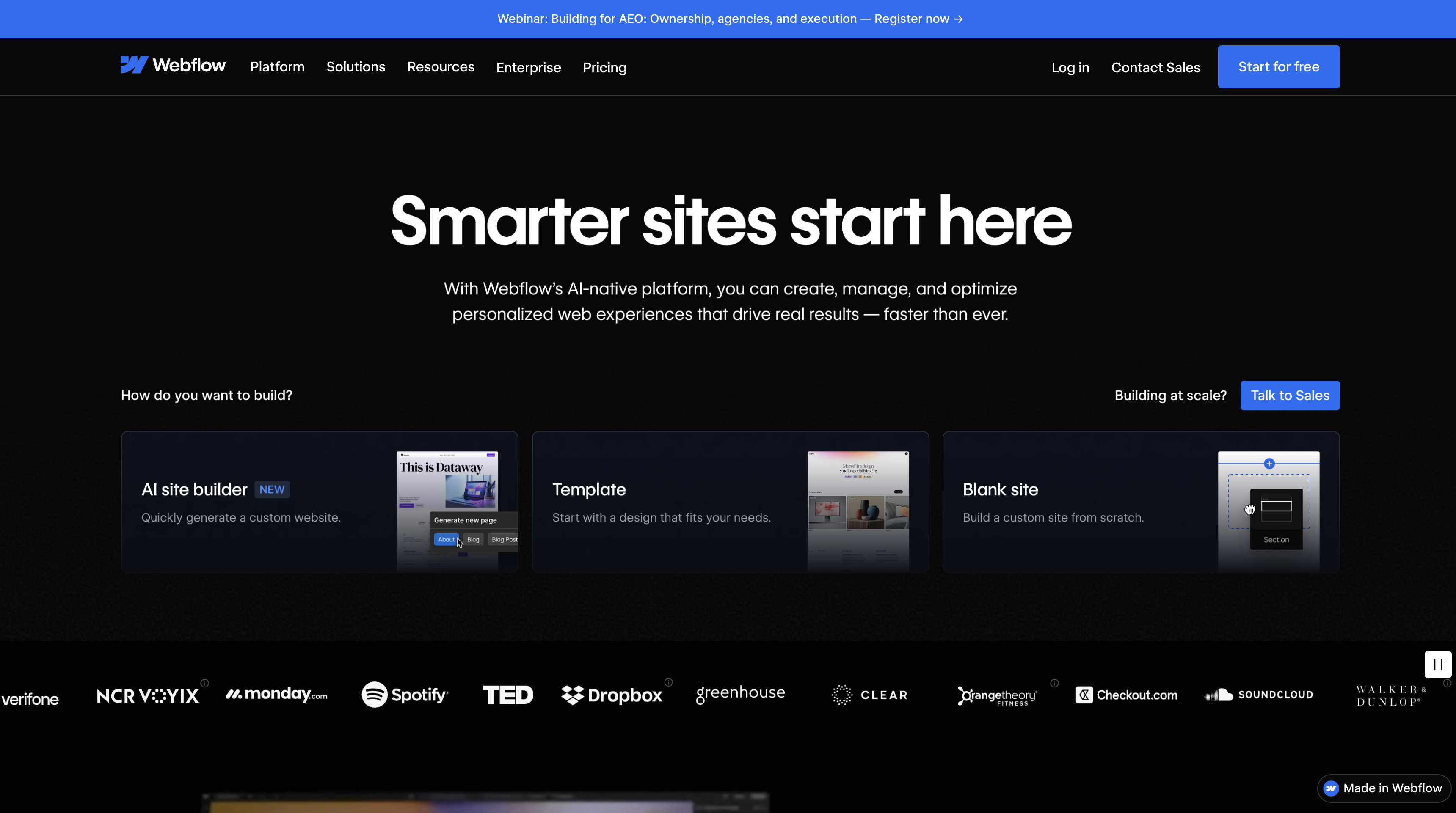
Webflow's marketplace has grown into one of the most impressive template collections available, with over 7,000 templates created by both Webflow and third-party designers.
What you get
Webflow templates are fully functional websites ready to customize within Webflow's visual editor. Unlike static HTML templates, you inherit Webflow's CMS capabilities, interactions, and responsive design controls. The template becomes your starting point for a complete Webflow project.
The marketplace includes 93 free templates—enough to start a real project without spending anything. These free options cover portfolios, agencies, blogs, and basic business sites. They're genuinely usable, not stripped-down demos designed to upsell you.
Premium templates range from $49 for standard designs to $149-200 for specialized industry templates with advanced functionality. Most quality templates fall in the $79-99 range. You pay once and own the template—no recurring fees beyond your Webflow hosting subscription.
Quality and variety
Webflow attracts serious designers, and it shows in template quality. Many templates rival custom agency work in terms of design sophistication, animation quality, and attention to detail. The platform's capabilities—interactions, CMS, responsive controls—mean templates can include functionality that static HTML templates can't match.
Categories span portfolios, agencies, SaaS, e-commerce, restaurants, real estate, and dozens of other niches. Portfolio templates alone number in the hundreds, with styles ranging from minimal to experimental.
The trade-offs
Webflow templates lock you into the Webflow platform. If you later decide to move to WordPress or a custom build, you're starting over. The templates are Webflow projects, not exportable code you can use anywhere.
Webflow itself has a learning curve. If you're not already comfortable with the platform, you'll spend time learning the editor before you can effectively customize templates. The templates assume Webflow competency.
Pricing extends beyond the template purchase. Webflow hosting starts at $14/month for basic sites and $29/month for CMS functionality. A $79 template actually costs $79 plus $168-348/year in hosting. Factor this into project budgets.
When to choose Webflow templates
Choose Webflow templates when you want design control, are already invested in the Webflow ecosystem, need CMS functionality, or want the best ratio of template quality to customization flexibility. Webflow templates make sense for agencies building multiple client sites on the platform, where template costs amortize across projects.
Framer Template Marketplace
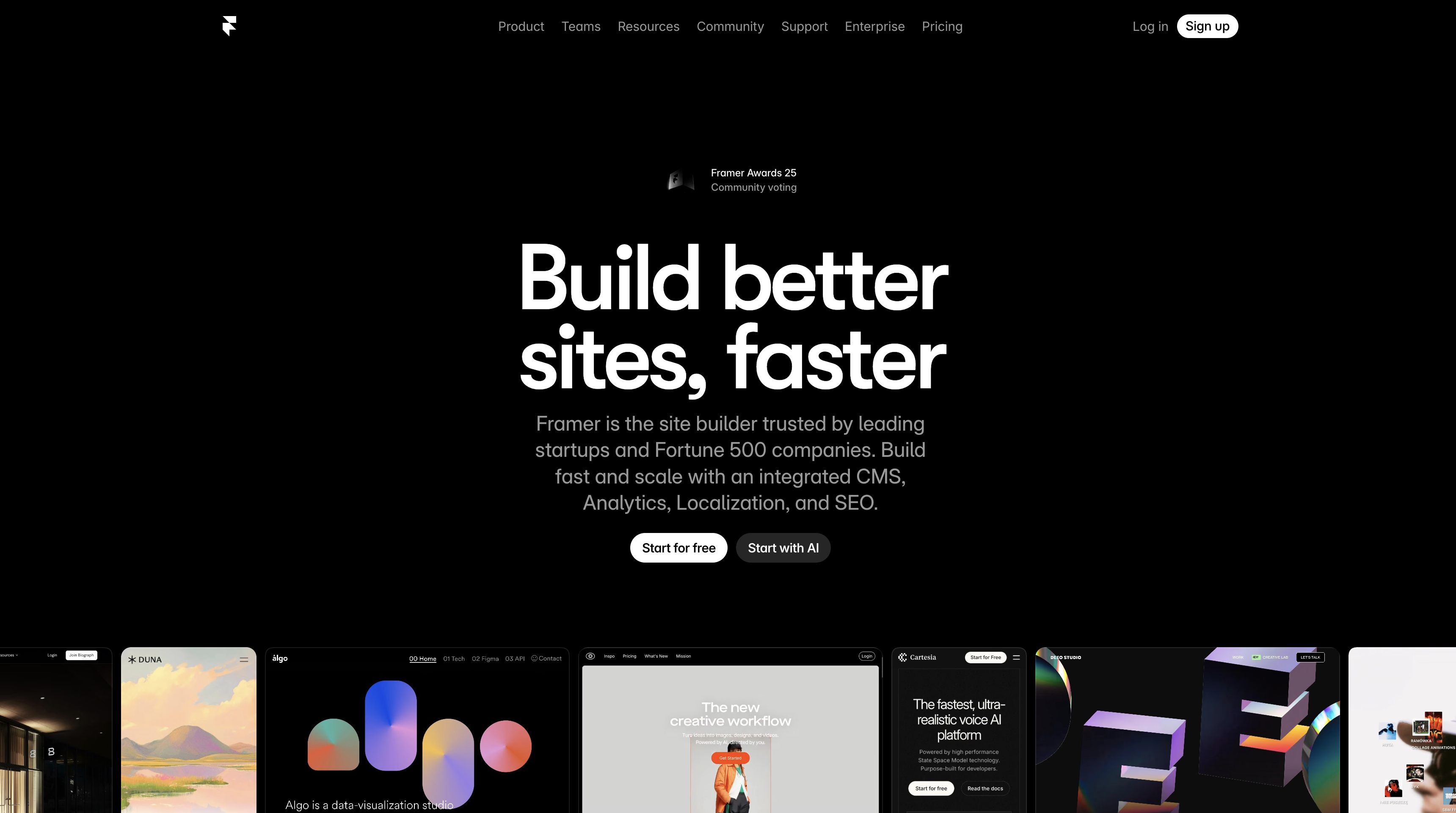
Framer has emerged as the designer's favorite for fast, visually striking websites. The template marketplace reflects this positioning—fewer templates than Webflow, but exceptional design quality and the most generous free tier in the industry.
What you get
Framer templates are complete websites built in Framer's visual editor. Like Webflow, you customize within the platform rather than editing code. Framer's strength is motion and interaction—templates often include sophisticated animations that would require significant development effort to build from scratch.
The free template selection is remarkable. Over 1,100 free templates put Webflow's 93 free options to shame. You can build a legitimate professional website without spending anything on templates. The free options aren't afterthoughts—many are genuinely impressive designs.
Premium templates typically run $29-79, with most quality options around $49. Pricing is generally lower than Webflow equivalents, reflecting Framer's positioning as the more accessible option.
Quality and variety
Framer attracts designers who care intensely about visual polish. Templates tend toward the visually striking—bold typography, sophisticated animations, and contemporary design sensibilities. If you want a website that looks like it was designed this year, Framer templates deliver.
Portfolio templates particularly shine. Nearly half of Framer's template library suits portfolio use cases, with styles ranging from minimal to experimental. SaaS landing pages, agency sites, and creative studios are also well-represented.
The platform includes templates specifically designed for quick deployment. ThinkBot and similar one-page templates let you launch a functional site in hours rather than days.
The trade-offs
Framer doesn't handle complexity as well as Webflow. For simple marketing sites and landing pages, it excels. For larger sites with extensive CMS needs or complex information architecture, Webflow offers more capability.
E-commerce on Framer requires third-party integration. The platform doesn't include native checkout—you'll connect to Shopify via tools like Frameship or Framer Commerce. This adds complexity compared to platforms with built-in e-commerce.
Like Webflow, Framer templates lock you into the platform. Moving away means rebuilding.
When to choose Framer templates
Choose Framer when you prioritize design quality and motion, need to ship quickly, want the most free options available, or are building single-page sites and landing pages. Framer templates work exceptionally well for SaaS landing pages, creative portfolios, and agency sites where visual impact matters more than feature depth.
ThemeForest and Envato Market
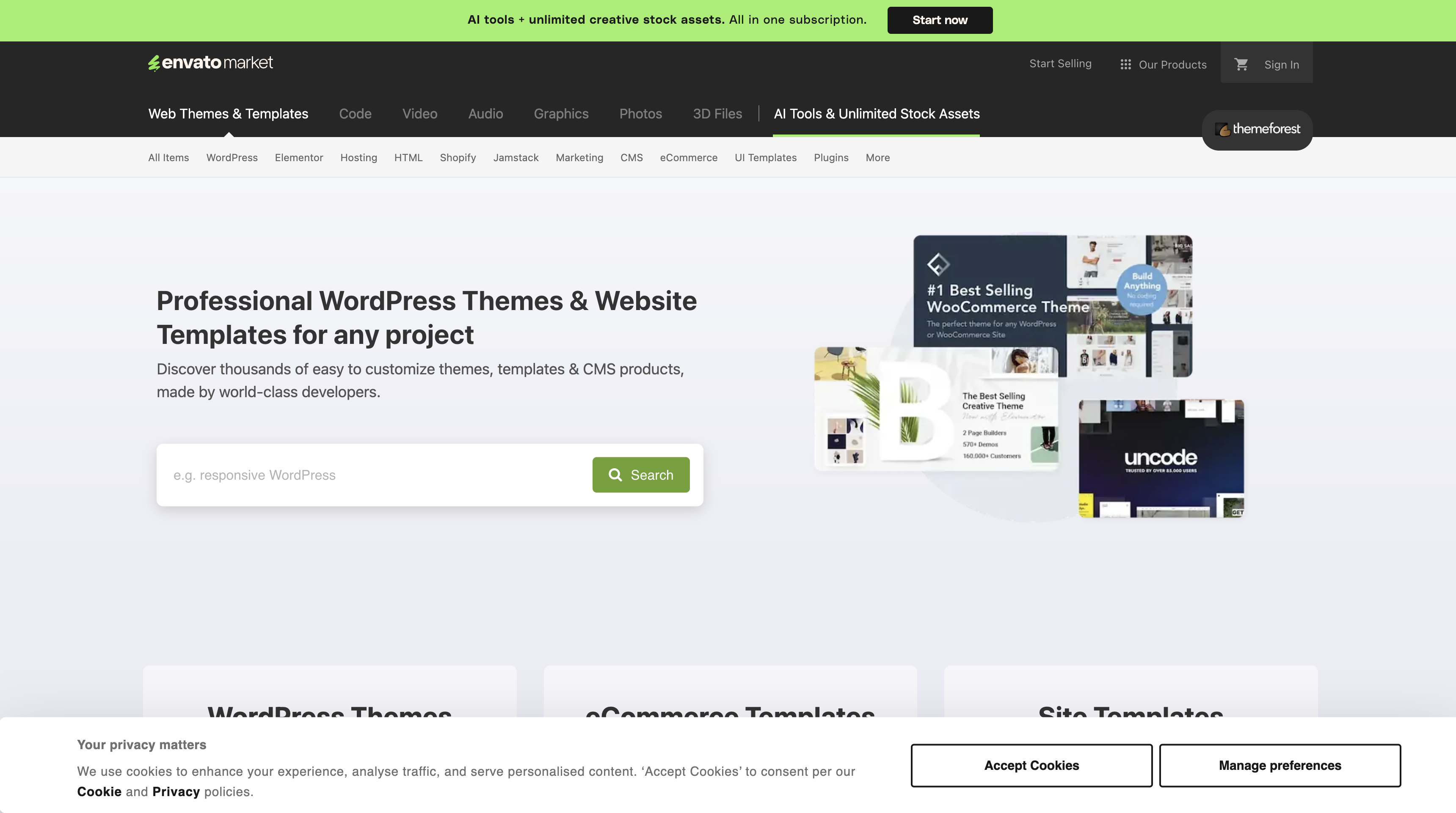
ThemeForest has been the largest template marketplace since 2008. With over 50,000 themes spanning WordPress, HTML, Shopify, and other platforms, it offers unmatched selection—but quality varies more than curated marketplaces.
What you get
ThemeForest sells themes for specific platforms rather than proprietary website builders. WordPress themes dominate, but you'll find options for Joomla, Shopify, HTML/CSS, and other platforms.
Themes average around $60, with simpler options starting at $30-40 and complex multipurpose themes reaching $79. Each purchase includes six months of developer support. Extending support for another year costs 62.5% of the theme price—a $59 theme costs $37 for 12 more months of support.
The license model matters: each purchase covers one website. Building three client sites with the same theme requires three separate licenses.
Quality and variety
ThemeForest's review process ensures minimum quality standards, but the marketplace model means huge variation between items. Some themes are exceptional—well-coded, thoughtfully designed, regularly updated. Others are bloated, poorly supported, and dated.
Due diligence is essential. Check the seller's rating and history. Read reviews, particularly recent ones. Look at the demo carefully. Check the last update date—themes not updated in over a year may have compatibility issues or security vulnerabilities.
WordPress themes on ThemeForest often include premium plugins (Elementor Pro, Slider Revolution) that would cost extra if purchased separately. This bundled value can be significant—$100+ in plugins included with a $59 theme.
The trade-offs
Performance is ThemeForest's biggest weakness. Many themes prioritize feature checklists over speed, resulting in 3-6 second load times compared to 0.8-1.5 seconds for well-optimized themes. Multipurpose themes with dozens of demo options tend toward the bloated end.
Many themes depend heavily on proprietary page builders. This makes switching themes difficult later—you're not just changing design but migrating content from one page builder to another.
Support quality varies by developer. Response times average 2-5 business days, but some developers respond in hours while others take weeks. You're dealing with individual developers or small teams, not a consistent support organization.
When to choose ThemeForest
Choose ThemeForest when you need WordPress or platform-specific themes, want extensive feature sets, need included premium plugins, or have budget constraints that rule out custom development. ThemeForest makes sense for WordPress projects where you want more options than the official theme directory provides.
Figma Community
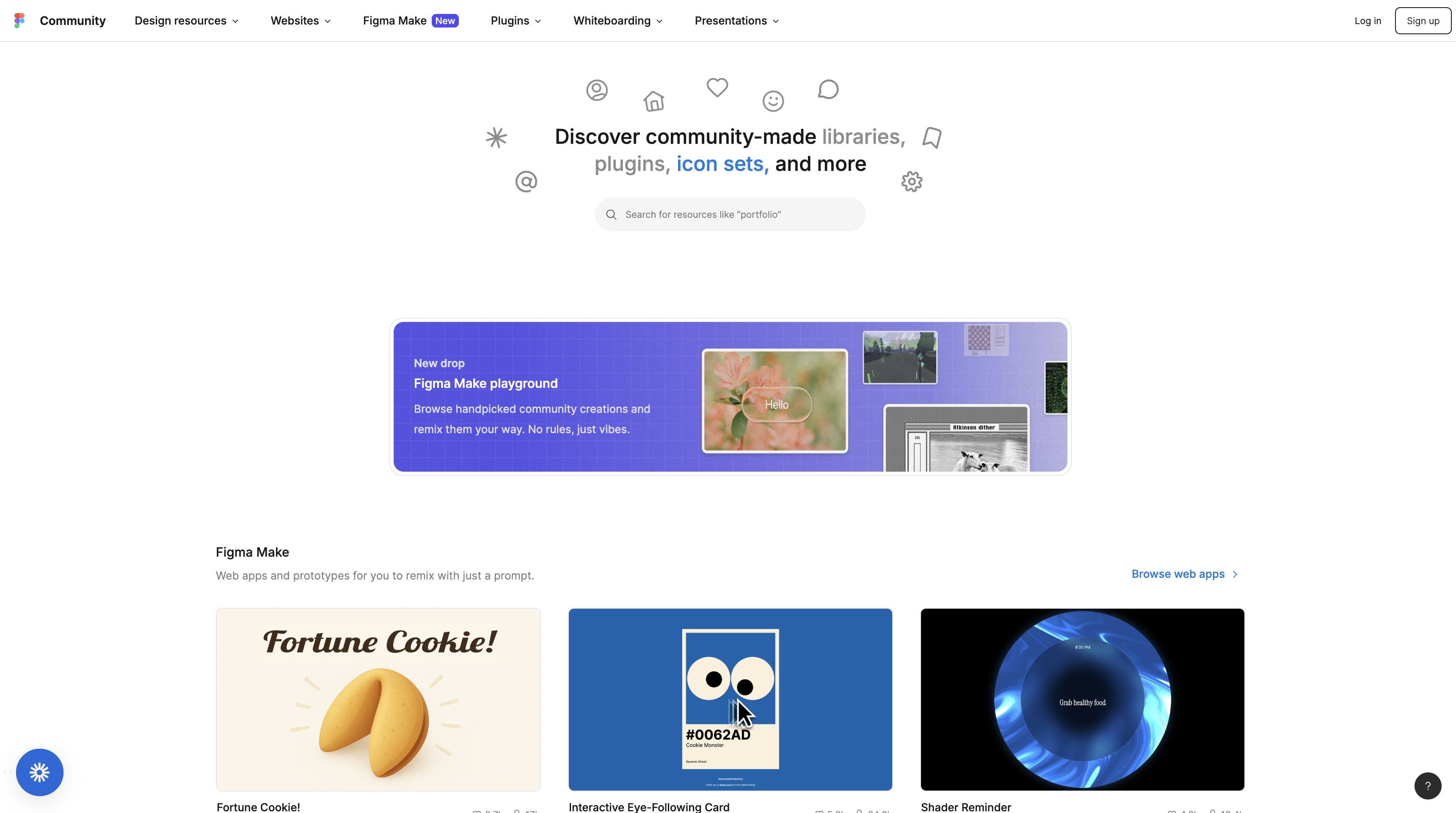
Figma Community isn't a template marketplace in the traditional sense—it's a resource library where designers share files, plugins, and components. For design-only templates (without implementation), it's the largest free resource available.
What you get
Figma Community includes over 10,000 website templates, UI kits, and design systems—all free. These are Figma files you duplicate and customize, not functional websites. You get the design; implementation is your responsibility.
The range is enormous. Complete website designs. Mobile app UI kits. Design systems with hundreds of components. Icon libraries. Illustration packs. Wireframe kits. If you need design assets for any screen-based project, Figma Community probably has relevant free resources.
Quality varies from amateur experiments to polished professional work. Many established designers and design tool companies publish free resources as marketing—these professional contributions raise the overall quality significantly.
Quality and variety
Because anyone can publish to Figma Community, curation happens through popularity and community engagement rather than editorial review. Sort by likes and duplications to surface quality resources. Check the publisher's profile to assess credibility.
Design systems from companies like Uber, Atlassian, and Salesforce are available free. These production-quality resources represent millions of dollars in design investment, shared openly. For learning modern design practices, these resources are invaluable.
Website templates tend toward design-focused rather than implementation-ready. You'll find beautiful designs that would require significant development effort to build. That's the nature of design-only resources—you're getting the visual foundation, not a shortcut to a working website.
The trade-offs
Figma Community provides designs, not implementations. A beautiful Figma template is a starting point for custom development, not a working website you can deploy. Factor in development time when comparing against functional templates from Webflow or Framer.
Licensing requires attention. Most Figma Community resources are free for commercial use, but verify licensing for specific files. Some resources include restrictions.
When to choose Figma Community
Choose Figma Community when you have development resources and want design inspiration or foundations, when learning from professional design systems, when building custom projects where implementation flexibility matters more than template convenience, or when budget allows nothing for design resources.
UI8 and Premium Design Marketplaces
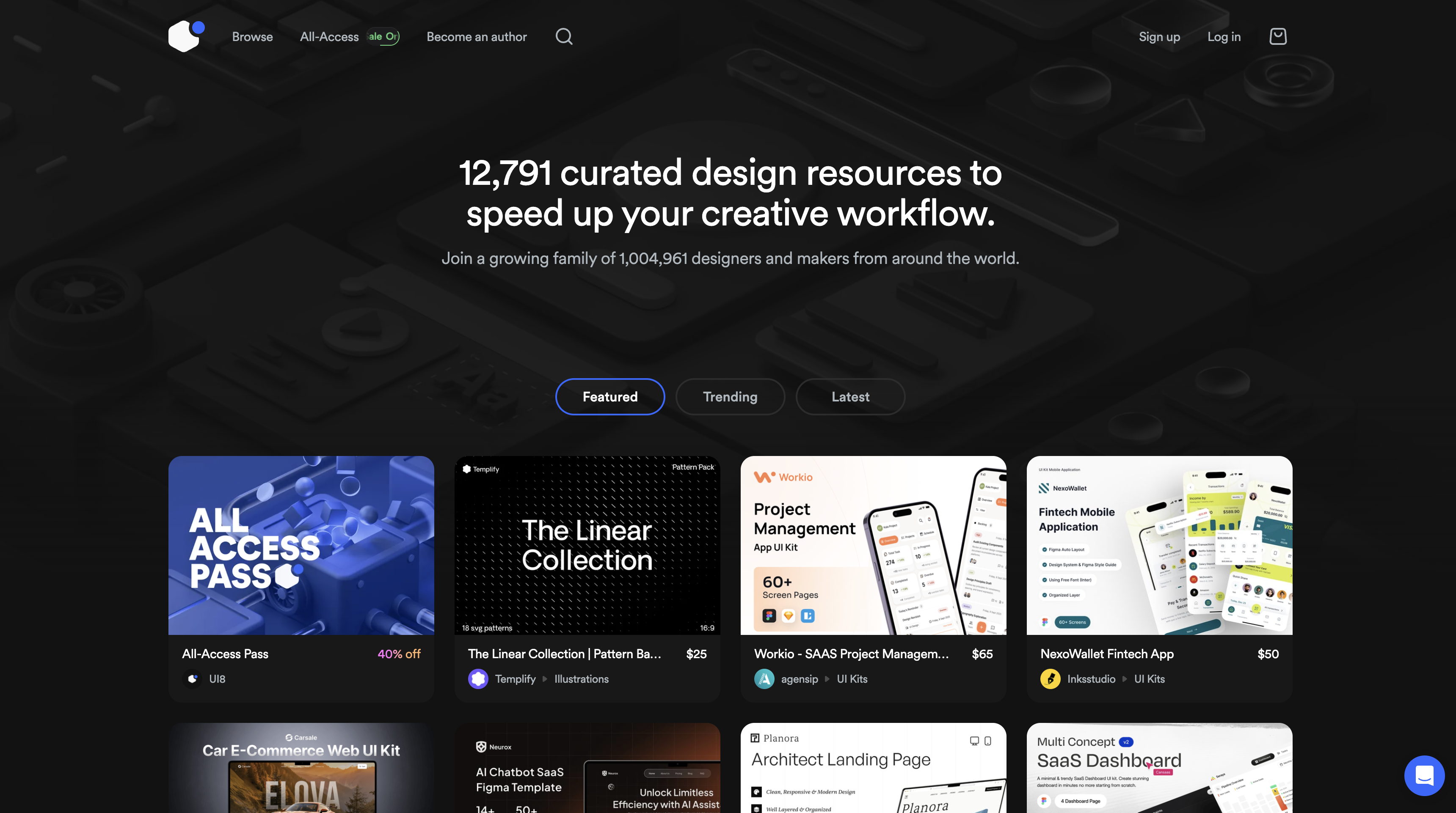
UI8 represents the premium tier of design resources. Unlike Figma Community's free-for-all approach, UI8 curates professional design assets with a focus on quality over quantity.
What you get
UI8 offers UI kits, design systems, templates, and resources across Figma, Sketch, and Adobe XD. Products range from $19 for smaller assets to $99 for comprehensive design systems. A subscription option provides access to the full library.
Quality is consistently high. UI8's curation process filters out amateur work. You're paying for polish—professionally designed assets that require minimal adjustment before use. Documentation tends to be thorough. Files are well-organized.
Categories include dashboards, mobile apps, landing pages, e-commerce, and presentation templates. The focus leans toward app and product design rather than marketing websites, though website templates exist.
Quality and variety
UI8's strength is professional finish. Assets look ready for client presentations. Design systems include the hidden work—proper spacing scales, consistent iconography, documented component variants—that distinguishes professional resources from amateur ones.
The marketplace model means you're often buying from established designers or design agencies using UI8 as a revenue channel. Quality control through curation produces more consistent results than open marketplaces.
The trade-offs
Cost is higher than free alternatives. A comprehensive UI kit at $79 may save time compared to building from scratch, but only if you actually need its components. Buying resources you don't fully use is expensive.
Like Figma Community, UI8 provides design assets rather than functional templates. You need implementation capability to turn a UI8 purchase into a working website.
When to choose UI8
Choose UI8 when you need polished, professional design assets quickly, when client-ready quality matters, when working with Figma or Sketch and want well-organized files, or when building apps or dashboards where UI8's selection strength lies.
Creative Market
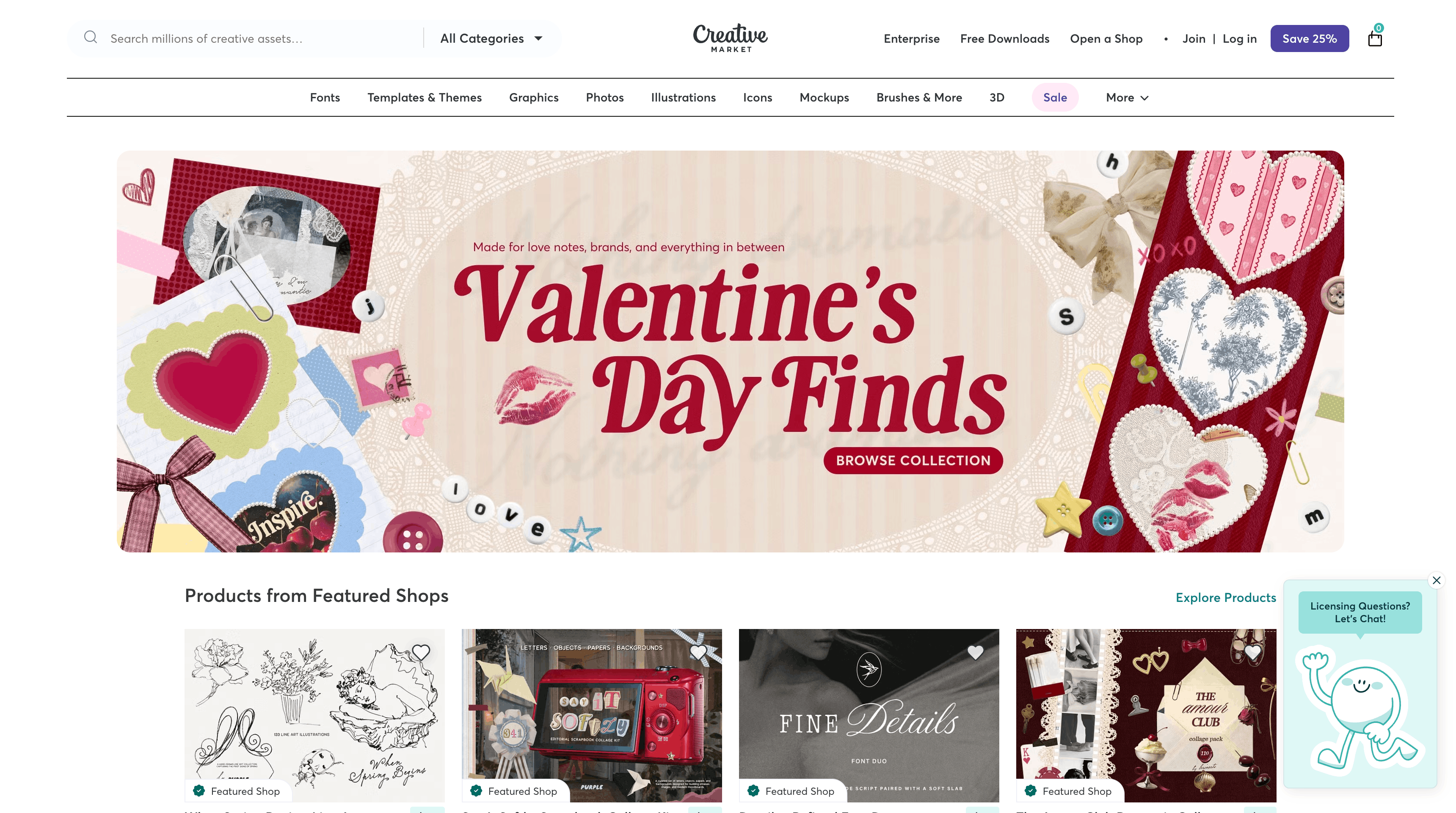
Creative Market positions itself as the broader creative marketplace—not just website templates but fonts, graphics, photos, and design resources across categories. For web design specifically, it overlaps with other options while offering unique variety.
What you get
Creative Market's template selection spans platforms and formats. WordPress themes, HTML templates, Figma files, Sketch resources—the variety exceeds specialized marketplaces. Over 4 million assets from 190+ countries create enormous selection.
Pricing varies widely. Simple templates start around $10. Premium WordPress themes run $50-80. Design systems reach $100+. The marketplace model creates price competition.
Quality varies with individual sellers. Creative Market doesn't curate as strictly as UI8, but seller ratings and sales figures help identify quality options.
Quality and variety
Creative Market's strength is variety across creative needs. Beyond templates, you'll find fonts, icons, photos, textures, and graphics useful for web projects. One marketplace for multiple resource types simplifies purchasing.
The seller model produces niche options you won't find on curated marketplaces. Unusual industries, specific aesthetic styles, and specialized use cases are more likely to have coverage.
The trade-offs
Quality inconsistency means more research before purchasing. Not every listing meets professional standards. Reviews, sales figures, and seller history matter for evaluating options.
Support comes from individual sellers with varying responsiveness. Unlike platform-provided templates, you're dependent on the original creator for updates and assistance.
When to choose Creative Market
Choose Creative Market when you need variety across creative asset types, want to support independent designers directly, need niche or unusual template styles, or prefer marketplace competition's pricing benefits.
Squarespace Templates
Squarespace templates differ from other options—they're included with the platform rather than purchased separately. The templates-included model changes the economics.
What you get
Squarespace includes all templates with any subscription ($16-52/month depending on plan). No per-template purchases. You can switch templates without additional cost. Over 150 professionally designed templates cover common website categories.
Templates are consistently polished. Squarespace designs them in-house to showcase platform capabilities. Quality is reliable—you won't find amateur options or compatibility issues.
Setup is genuinely easy. Squarespace optimizes for non-technical users. Template customization uses a straightforward interface rather than visual coding tools. Less flexibility, but also less learning curve.
Quality and variety
Squarespace templates look professional immediately. The platform's signature aesthetic—clean, modern, well-photographed—carries through the template library. For users who want a good-looking site without design decisions, Squarespace delivers.
Variety is intentionally limited. Rather than thousands of options, Squarespace offers curated templates covering common use cases well. Portfolios, restaurants, small businesses, and personal sites have excellent options. Unusual niches may find coverage thin.
The trade-offs
Customization limits become apparent quickly. Squarespace templates offer color, font, and content changes but resist structural modifications. You can't rebuild the layout substantially—the template structure is fixed.
Platform lock-in is total. Squarespace templates work only on Squarespace. Moving away means rebuilding on a different platform. Unlike purchasing a ThemeForest theme that works on standard WordPress, Squarespace templates have no existence outside the platform.
For web professionals, Squarespace's simplicity becomes a limitation. The platform intentionally restricts options to maintain usability. If you want full control, Squarespace isn't designed for you.
When to choose Squarespace templates
Choose Squarespace when the client wants minimal maintenance responsibility, when the all-in-one platform model appeals, when design decisions should be limited to prevent scope creep, or when templates-included pricing beats purchasing templates separately for Webflow or Framer projects.
HTML5 UP and Free HTML Templates
For developers comfortable with code, free HTML template sources offer zero-cost starting points with maximum implementation flexibility.
What you get
HTML5 UP offers free responsive HTML5/CSS3 templates under Creative Commons licensing. The templates are genuinely free for commercial use with attribution. Quality is surprisingly high for free resources—clean code, modern design, responsive layouts.
Similar free HTML template sources include Templated, HTML5 Blank, and various GitHub repositories. The free template ecosystem is substantial if you know where to look.
Quality and variety
Free HTML templates tend toward simpler designs than premium options. You'll find portfolios, landing pages, and basic business sites—not complex e-commerce or application interfaces.
Code quality varies. HTML5 UP maintains good standards. Random templates from GitHub searches may be poorly organized or outdated. Evaluate code quality before committing to a template.
The trade-offs
Free HTML templates require development skills. You're getting markup and styles, not a CMS or visual editor. Building a functional site means integrating with whatever backend you choose.
Support doesn't exist for free resources. You're on your own for implementation, customization, and problem-solving.
Updates depend on maintainer motivation. Free projects may go years without updates. Check last commit dates on GitHub repositories.
When to choose free HTML templates
Choose free HTML templates when you have development skills, need maximum flexibility, have zero budget for templates, or want simple starting points for custom builds.
Platform-Specific Template Sources
Beyond general marketplaces, platform-specific sources often provide better options for their ecosystems.
WordPress Theme Developers
Independent WordPress theme developers often produce better themes than marketplace compilations. Developers like Theme Jeky, Themes Kingdom, and theme shops like Elegant Themes create focused libraries with consistent quality and reliable updates.
Theme shops typically offer subscription access to entire libraries rather than per-theme purchases. Elegant Themes charges $89/year for access to Divi and all themes—potentially more cost-effective than buying individual ThemeForest themes.
Shopify Theme Store
For Shopify projects, the official Shopify Theme Store provides curated options specifically designed for the platform. Free themes from Shopify (like Dawn) are production-quality and regularly updated. Premium themes ($150-350) include advanced functionality and professional support.
Third-party Shopify themes exist on ThemeForest and elsewhere, but compatibility and support vary. The official store's curation reduces risk.
Platform Documentation Templates
Webflow, Framer, and Squarespace all publish their own templates alongside marketplace submissions. Platform-published templates guarantee compatibility and often showcase new platform features. They're worth checking before exploring third-party options.
Evaluating Template Quality
Not all templates deserve consideration. Quality indicators help filter options quickly.
Design assessment
Professional templates demonstrate design competency immediately. Typography choices should be intentional. Spacing should feel consistent. Color usage should be purposeful rather than arbitrary. If a template looks amateur at first glance, it won't improve with customization.
Check responsiveness across breakpoints. Open the demo on your phone. Resize your browser. Poorly responsive templates create problems that outlast any time saved.
Code and performance
For templates including code, quality matters for maintenance and performance. Clean, well-organized code enables customization. Bloated code with excessive dependencies creates ongoing problems.
Check load times on template demos. Tools like Google PageSpeed Insights reveal performance issues. Themes loading in 4+ seconds will frustrate visitors and hurt search rankings.
Support and documentation
Templates with active support and documentation are easier to implement. Check support response times in reviews. Look for documentation quality. Templates from developers who respond to questions save troubleshooting time.
Update history indicates ongoing maintenance. Templates not updated in 12+ months may have security vulnerabilities or compatibility issues with current platform versions.
Customization flexibility
Test whether templates accommodate changes. Try changing colors in the demo if available. Look for documentation on customization. Templates that break when you adjust fundamentals aren't worth the trouble.
Customizing Templates Effectively
Effective customization transforms generic templates into distinctive results. The goal is making your version feel custom while preserving the efficiency that templates provide.
Immediate differentiation
Color and typography changes immediately distinguish your version from other users of the same template. Replace default colors with your brand palette. Swap default fonts for typography matching your personality. These changes alone significantly reduce the templated feeling.
Most templates use placeholder imagery that screams "template" more than any other element. Replace every placeholder with actual photography or graphics appropriate to your content. This single change has more impact than most other customizations combined.
Content-led adaptation
Adapt the template to your content rather than forcing content into template structure. Add sections you need. Remove sections you don't. Adjust layouts to serve your content rather than accepting whatever the template provides.
The best template customizations feel like the template was designed for the specific content. Achieving this requires treating the template as a starting point to modify rather than a structure to fill.
Selective simplification
Many templates include more elements than any single project needs. Removing unnecessary complexity often improves results. A simpler, cleaner version of a template can outperform the original's busy default.
Don't feel obligated to use every template feature. Template designers include options for broad appeal. Your specific project benefits from focus.
When Templates Aren't Appropriate
Templates solve many problems but not all problems. Recognizing when custom work is necessary prevents disappointing results.
Complex applications with unique workflows can't use templates meaningfully. Templates provide UI patterns, not application architecture. Building a custom SaaS product requires custom development regardless of template starting points.
Large sites requiring custom information architecture outgrow templates quickly. If your site structure doesn't match template assumptions, you'll fight the template throughout the project.
Brands where differentiation justifies investment shouldn't compromise on templates. A Fortune 500 company's website represents the brand to millions of visitors. Template-based approaches don't match that responsibility.
The honest assessment: evaluate whether your project's needs align with what templates provide. Many projects are well-served; others genuinely require custom work.
Common Mistakes
Choosing templates based on features rather than fit produces poor results. A template with 50 features you won't use is worse than a simpler template matching your actual needs.
Insufficient customization leaves templates looking like templates. Changing only text while keeping default colors, fonts, and imagery produces obviously templated results. Invest in customization or accept templated outcomes.
Ignoring platform lock-in creates future problems. Choosing a Webflow template means committing to Webflow. Choosing a Squarespace template means committing to Squarespace. Make platform decisions consciously rather than accidentally through template choice.
Skipping quality evaluation wastes money and time. Not every template on any marketplace meets professional standards. Research before purchasing.
Frequently Asked Questions
Which template marketplace has the most free options?
Framer offers over 1,100 free templates—more than any competitor. Figma Community provides 10,000+ free design resources, though these are design files rather than functional templates. Webflow has 93 free templates. ThemeForest has minimal free options.
Are template-based sites worse for SEO?
Template-based sites aren't inherently worse for SEO. What matters is page speed, mobile responsiveness, and content quality. Well-optimized templates perform fine. Bloated templates with slow load times hurt rankings regardless of being templates.
Can clients tell when a site uses a template?
Poorly customized templates are recognizable. Well-customized templates are not. The difference is investment in customization—changing colors, typography, imagery, and structure enough that the template origin isn't apparent.
How do I choose between Webflow and Framer templates?
Choose Webflow for larger sites, CMS-heavy projects, and maximum customization flexibility. Choose Framer for visual impact, faster deployment, and single-page sites. Framer is easier to learn; Webflow offers more capability. Both produce professional results.

Blog: Tips & Insights
Tips, strategies, and updates on client management, web development, and product news from the Commentblocks team.



Frequently Asked Questions
.svg)

Ready to collect feedback the right way?

