


Best Website Feedback Tools 2026: Full Comparison Tested and Reviewed

Finding the Right Feedback Tool for Your Workflow
Every web agency has a story about the project that should have taken two weeks but dragged on for three months. The website was finished. The code worked. The design matched the mockups. But collecting client feedback--the supposedly simple part--became an endless cycle of vague emails, scattered Slack messages, and phone calls where someone said "the thing at the top feels off" without any context that might help you understand what they meant. I have watched $5,000 projects lose money because the feedback phase alone consumed more billable hours than the actual development.
The solution seems obvious: use a website feedback tool that lets clients point at what they mean instead of describing it. But the market has exploded with options, and choosing the wrong tool means paying for software your clients refuse to use. Most comparison articles are written by the tools themselves, naturally biased toward their own product. This guide is different--I have tested all twelve of these tools on real client projects, and I will tell you honestly which ones work, which ones collect dust, and which ones fit specific use cases better than others.
Before diving in, understand that "website feedback tool" actually describes two distinct categories. Client feedback tools help you collect review input from project stakeholders during development--visual comments pinned to staging sites, task tracking, approval workflows. Visitor feedback tools collect opinions from anonymous users on live websites--surveys, widgets, NPS ratings. Most agencies need the first category, but many accidentally buy the second and wonder why it does not solve their problem. This comparison covers both, clearly labeled, so you can find the right tool for your actual needs.
Quick Comparison: All 12 Tools at a Glance
| Tool | Best For | Price | Install Method | Client Account Required | Mobile Support |
|---|---|---|---|---|---|
| Commentblocks | Agencies & Freelancers | $14.99/mo | URL-based | No | Yes |
| BugHerd | QA & Bug Tracking | $39/mo | Extension/Script | No (but extension) | Limited |
| Marker.io | Jira Power Users | $59/mo | Extension | Yes (guest portal) | No |
| Ruttl | Live Editing | $10/mo per user | URL-based | No | Yes |
| Pastel | Marketing Copy | $29/mo | URL-based | Yes | Limited |
| MarkUp.io | Multi-Asset Review | $79/mo | URL-based | Yes | Limited |
| Feedbucket | PM Integration | $39/mo | Script-based | No | Yes |
| Superflow | Real-Time Collab | $34/mo | Script-based | Yes | Limited |
| Hotjar | Visitor Surveys | $99/mo | Script-based | N/A (visitors) | Yes |
| Userback | SaaS Products | $79/mo | Script-based | N/A (visitors) | Yes |
| Usersnap | Enterprise QA | $99/mo | Script-based | N/A (visitors) | Yes |
| Qualaroo | Micro-Surveys | $19.99/mo | Script-based | N/A (visitors) | Yes |
Part 1: Client Feedback Tools
These eight tools are designed for collecting structured feedback from known stakeholders--clients, team members, and project collaborators--during website development and review phases.
1. Commentblocks -- Best for Client Adoption
Pricing: Freelancer $14.99/mo | Agency $39.99/mo (unlimited projects)
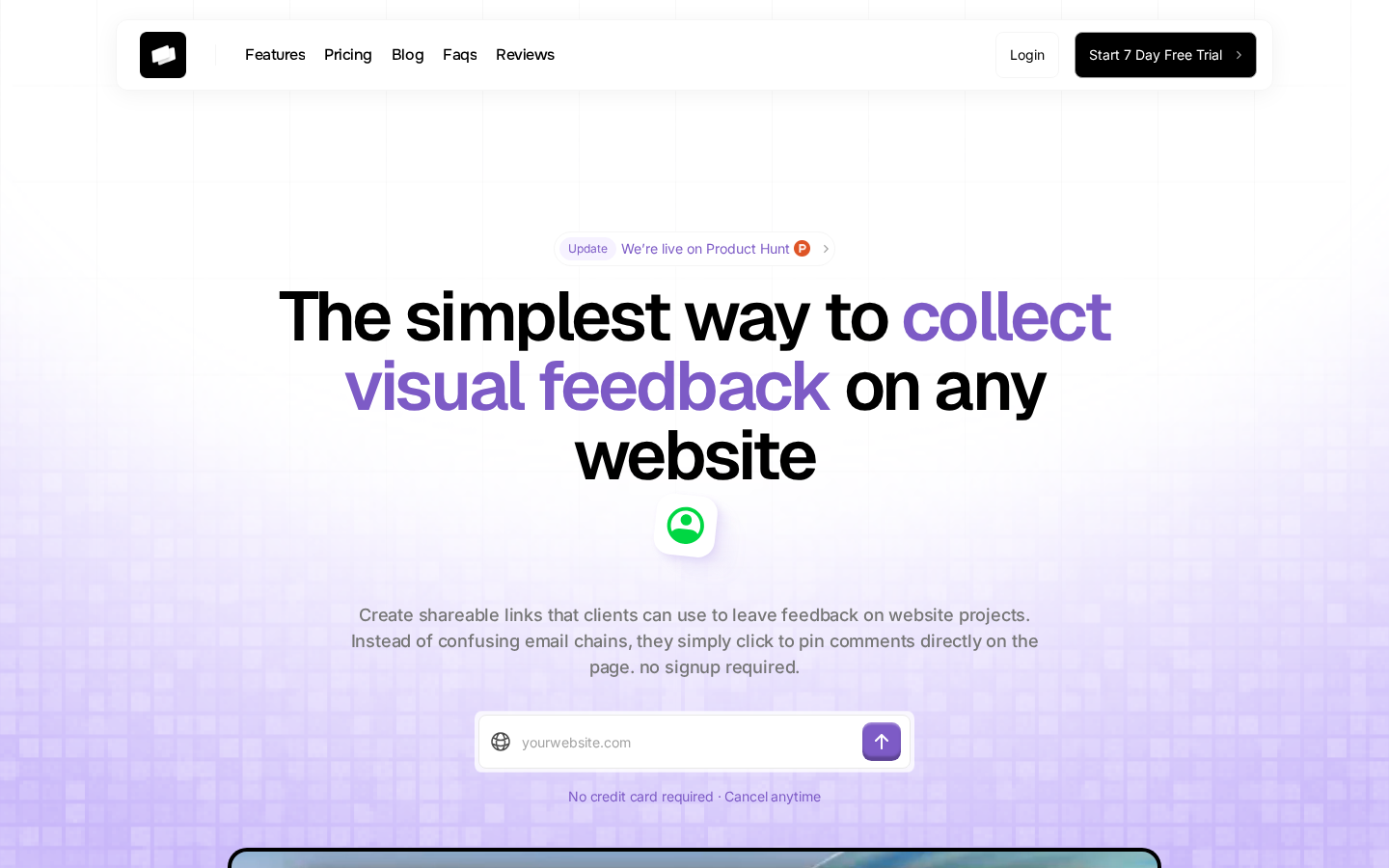
The fundamental problem with most feedback tools is not their features--it is that clients do not use them. I have watched agencies invest in powerful platforms only to receive the same email a week later: "I tried to use the thing but could not figure it out, so I am just emailing you my feedback." The tool sits unused, the subscription continues, and nothing has improved. Commentblocks exists specifically to solve this adoption problem, prioritizing zero-friction client experience over feature density.
The setup takes about thirty seconds and requires nothing from your client. You paste any URL--staging site, localhost through a tunnel, password-protected preview, production page--and Commentblocks generates a shareable feedback link. You send that link to your client. They click it, see the website with a simple commenting overlay, click anywhere to leave a comment, and you receive organized feedback with full context. No account creation, no browser extension to install, no learning curve to overcome. I have sent feedback links to clients who commented within ten minutes of receiving them, which would have been impossible with tools that require onboarding.
The technical implementation captures everything you need to reproduce issues without asking follow-up questions. Every comment includes the browser, operating system, viewport dimensions, exact URL, and the specific DOM element the client clicked. When someone says "this looks broken on mobile," you can immediately see they are using Safari on an iPhone 14 with a 390x844 viewport, and you can reproduce the exact conditions without three rounds of clarifying emails. The mobile experience works natively--clients can review and comment on responsive designs from their actual phones, which is how most non-technical stakeholders browse websites in the first place.
Commentblocks is honest about its limitations. If you need deep two-way integrations with Jira or complex project management features, other tools do that better. If you want video recording or live huddles, you will need to look elsewhere. But for the core use case--getting clients to actually provide clear, contextual feedback instead of defaulting to vague emails--I have not found anything that works as consistently. The pricing stays flat regardless of how many clients use it, which matters for agencies managing multiple concurrent projects with different stakeholders.
Verdict: Best for agencies and freelancers who have tried other tools and watched clients refuse to use them. If adoption is your primary concern, start here.
Try Commentblocks free for 7 days →
2. BugHerd -- Best for Internal QA Teams
Pricing: Standard $39/mo | Studio $69/mo | Premium $129/mo | Deluxe $229/mo
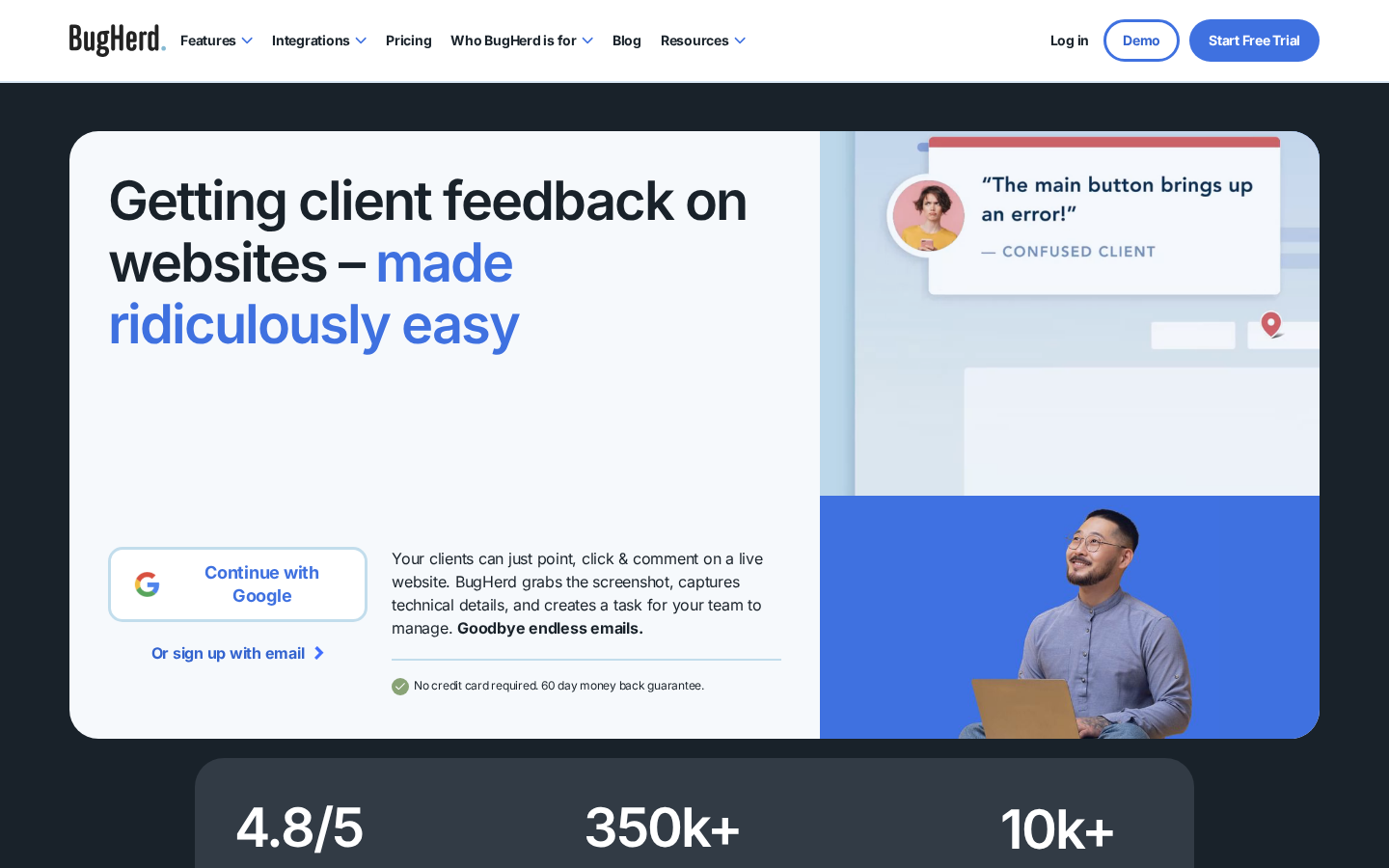
BugHerd positions itself as "sticky notes for your website," and that description captures both its strengths and its target audience. This is a visual bug tracking tool designed primarily for QA workflows where internal team members identify and document issues during testing phases. It excels at that specific use case, but the same features that make it powerful for developers can create friction when you are trying to get feedback from non-technical clients.
The technical capabilities are genuinely impressive. BugHerd captures detailed metadata automatically--browser version, operating system, screen resolution, and the specific element being reported. The Kanban-style task board lets teams organize feedback into customizable columns, assign issues to specific developers, and track resolution status without leaving the platform. Video recording and screenshot annotation provide rich context for complex bugs that are difficult to explain in text. For internal QA processes where your team already understands the tool, these features create a structured workflow that is hard to beat.
The friction appears when you try to use BugHerd with external clients. The full feature set requires either a browser extension or JavaScript installation on your site, and both approaches create barriers. Extensions require clients to install software they may not understand or trust, which causes many to revert to email. JavaScript installation requires the Premium plan at $129/month and adds third-party code to your staging environment that you will need to remember to remove before launch. The per-user pricing model also becomes expensive quickly if multiple team members need access--a five-person agency on the Premium plan is paying over $600/month.
Integrations connect BugHerd with Asana, Jira, Trello, and GitHub, though the connections are one-way rather than bidirectional sync. Changes made in your project management tool do not automatically reflect back in BugHerd, which can create duplicate work if you are maintaining status in multiple systems. Zapier extends the integration options but adds another subscription and configuration layer.
Verdict: Best for development teams running structured internal QA processes. Less ideal for agency-client feedback workflows where adoption friction matters. If your entire team can be trained on the tool and clients are not the primary reviewers, BugHerd bug tracking capabilities are worth the investment.
Read: BugHerd Alternative for Agencies →
3. Marker.io -- Best for Jira-Centric Teams
Pricing: Starter $59/mo | Team $149/mo | Company $399/mo
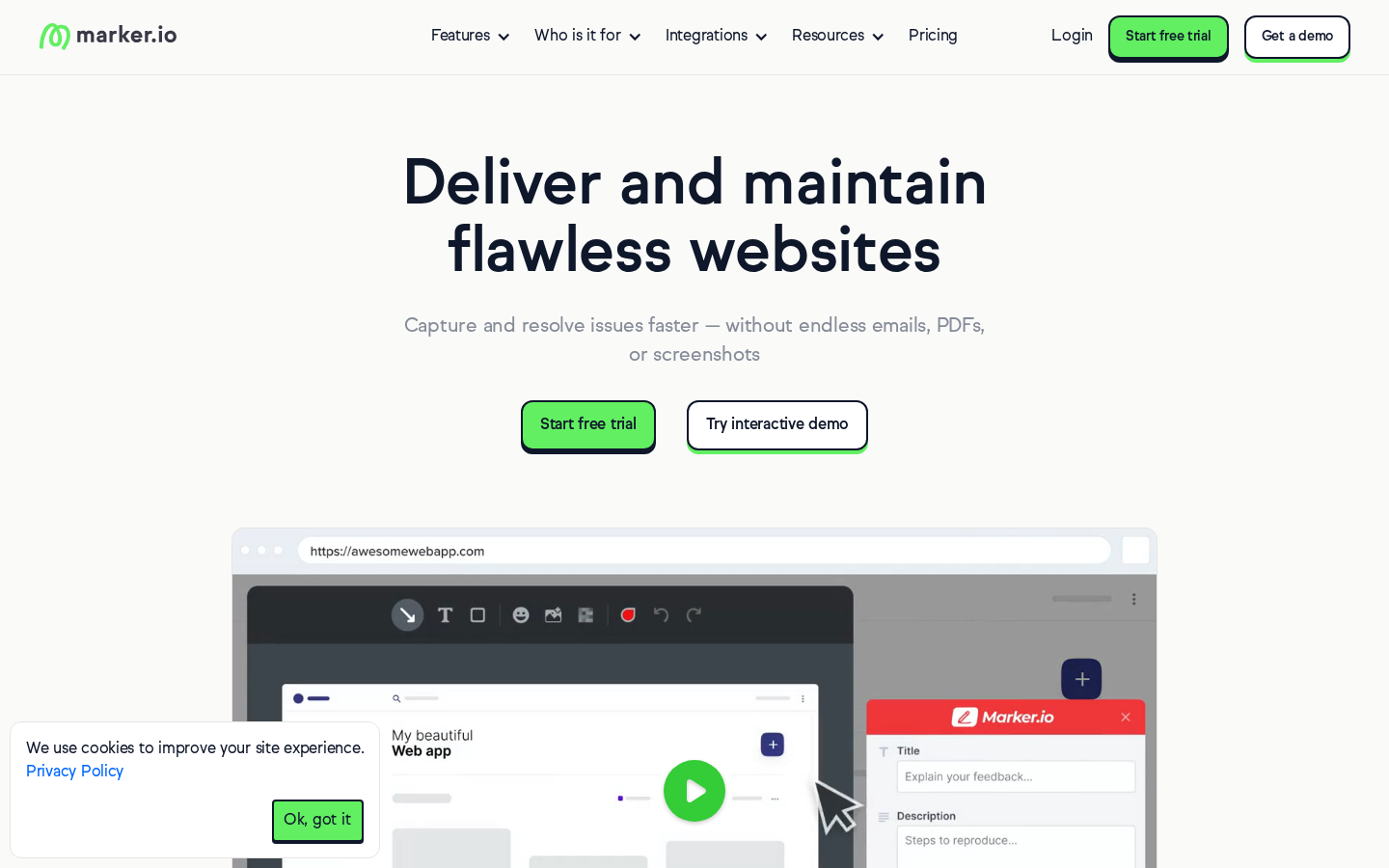
If your development workflow revolves around Jira and you need website annotations to create Jira tickets directly, Marker.io is purpose-built for that integration. The two-way sync is genuinely best-in-class--issues created through Marker.io appear in Jira with full context, and status changes in Jira reflect back in Marker.io automatically. For teams where developers live in Jira and refuse to check another platform, this tight integration eliminates the friction of manually copying feedback between systems.
The technical features lean heavily toward developer needs. Marker.io captures console logs and network requests alongside visual feedback, providing debugging context that other tools ignore. Session replay lets you watch exactly what the reporter was doing before they submitted feedback, which helps reproduce complex interaction bugs. Custom feedback forms allow different configurations for internal team members versus external clients, with developers getting technical fields while clients see simplified options. The overall experience is polished and clearly designed by people who understand developer workflows.
The limitations become apparent in client-facing scenarios. To collaborate through Marker.io guest portal, clients must create an account--an additional step that loses a percentage of potential feedback before anyone submits their first comment. The tool does not support video feedback, which matters when you need to demonstrate animation issues or interactive behaviors that screenshots cannot capture. Per-user pricing means every team member needs their own seat, which scales expensively for larger teams. And the browser extension requirement eliminates mobile feedback entirely, which is problematic given how many responsive issues only surface on actual devices.
Marker.io works exceptionally well for a specific scenario: development teams who primarily use Jira, where most feedback comes from internal QA rather than external clients, and where console-level debugging context matters more than adoption simplicity. If that describes your workflow, the investment makes sense. If you are primarily collecting feedback from non-technical clients who will not create accounts or install extensions, the tool strengths become irrelevant because those clients will simply email you instead.
Verdict: Best for development teams deeply integrated with Jira who need technical debugging context. Not recommended for agency-client feedback where adoption friction matters.
Read: Marker.io Alternative for Client Feedback →
4. Ruttl -- Best for Live Editing Needs
Pricing: Free (limited) | Starter $10/mo per user | Pro $15/mo per user | Business $75/mo per user
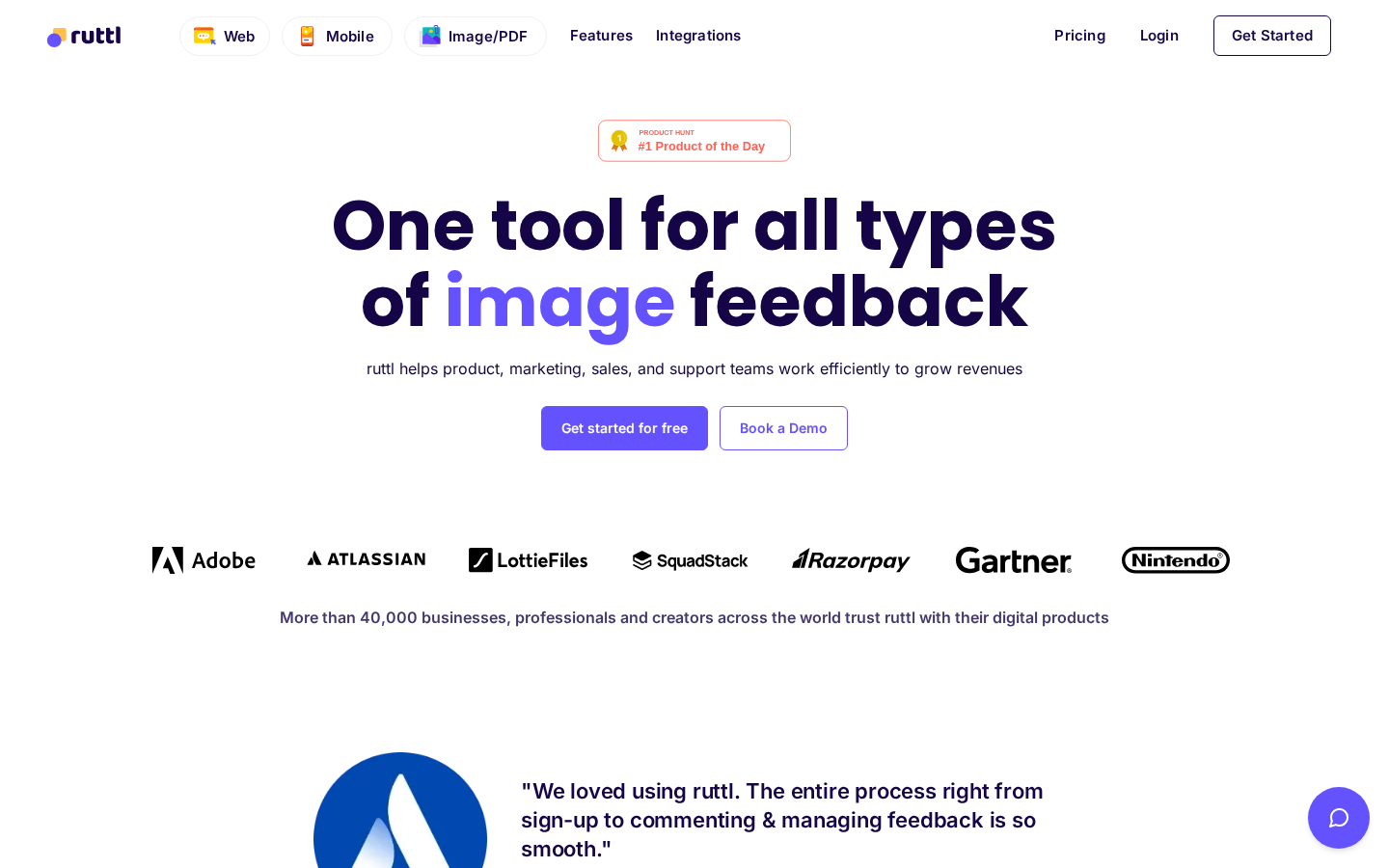
Ruttl takes a notably different approach from pure feedback tools by combining visual commenting with live editing capabilities. You can not only leave comments on a website but also edit content directly--changing text, adjusting CSS properties, swapping images--and see those changes reflected in real time. For teams who spend significant time iterating on content and styling during the review phase, this combination can consolidate what would otherwise require separate feedback and prototyping tools.
The live editing features are genuinely useful for specific workflows. The CSS inspector shows exact values for typography, spacing, and colors, which helps developers implement changes precisely without guessing. Content editing lets clients rewrite headlines and body copy directly on the page, seeing exactly how their words will look in context. Image replacement allows quick experimentation with different visuals across the design. Version tracking records every iteration so you can revisit previous states if the client changes their mind. This all happens through a URL-based proxy that requires no installation on your website.
The complexity that enables these features also creates learning curve friction. Non-technical clients sometimes accidentally make CSS changes when they intended to leave simple comments, creating confusion about whether their input represents feedback or actual requested modifications. The interface packs many capabilities into a dense toolbar that takes time to understand. Per-user pricing adds up quickly for teams with multiple members, and the Business tier at $75 per user per month becomes expensive for agencies with larger staff. The tool also supports mobile apps, images, and PDFs, which expands capability but further increases the interface complexity for users who just need basic website feedback.
Guest access exists--clients can comment via shareable link without logging in--but the feature-rich environment can overwhelm reviewers who just want to point at something and say "change this." I have seen clients retreat to email not because they could not figure out commenting, but because the editing features made them unsure whether they were doing something wrong. For teams who actively need live editing alongside feedback, Ruttl consolidates workflows effectively. For teams who just need clear, simple feedback collection, the extra capabilities become clutter rather than value.
Verdict: Best for teams who need live content and CSS editing combined with feedback collection. If you only need feedback without editing, simpler tools create less client confusion.
5. Pastel -- Best for Marketing Copy Reviews
Pricing: Solo $29/mo | Studio $99/mo | Enterprise $350/mo
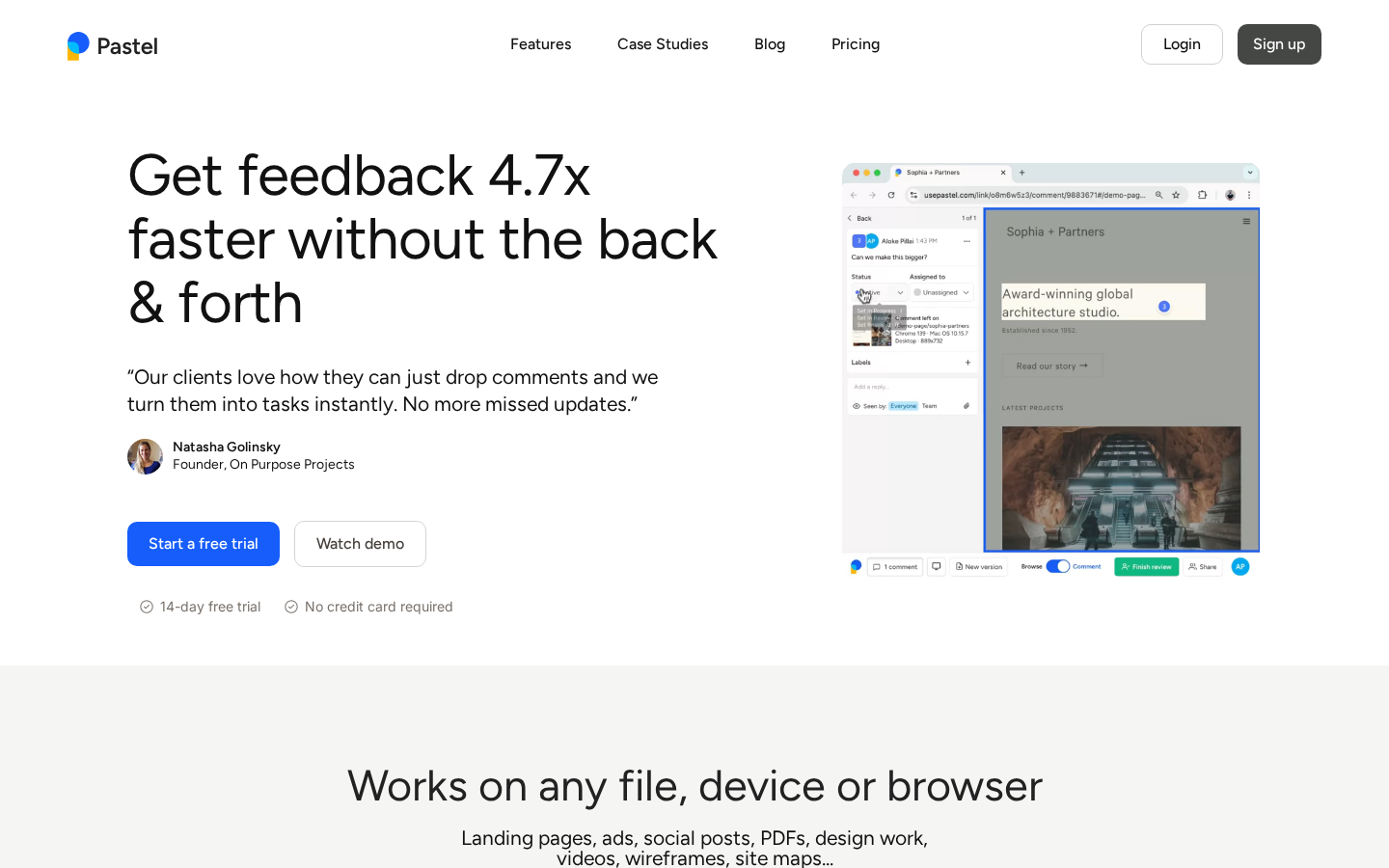
Pastel focuses specifically on copy review workflows, making it popular with marketing teams who need to iterate on landing page text, ad copy, and content. The standout feature is text editing mode, which lets reviewers suggest specific copy changes directly on the page rather than describing what they want in separate comments. For teams where feedback is primarily about words rather than design or functionality, this workflow specialization creates genuine efficiency.
The proxy-based approach requires no installation on your website, which simplifies setup. You can paste any URL and generate a review link within seconds, and the tool works on sites you do not own--useful for competitive analysis or reviewing live pages without backend access. Pastel also supports image and PDF feedback, extending beyond pure website review into the broader marketing asset workflow. The interface is clean and focused, without the feature overload that makes some competitors intimidating for non-technical reviewers.
The limitations narrow Pastel ideal audience significantly. On lower-tier plans, you can only comment on canvases for 72 hours--a restriction that creates urgency but becomes frustrating for agencies with client schedules that do not conform to tight windows. Integration options are limited compared to competitors, with no two-way sync to project management tools, which means manually transferring feedback elsewhere if your team does not live in Pastel. The proxy technology struggles with Basic Auth protection, which many agencies use for staging environments, and mobile review support is limited. Clients need to create accounts to participate, adding the friction that causes adoption failures with other tools.
Pastel occupies a specific niche well: marketing-focused teams reviewing copy on landing pages where text editing suggestions provide genuine value, on projects with review timelines that fit within the commenting windows, for organizations that do not need deep PM integrations. Outside that niche, the combination of account requirements, time restrictions, and limited integrations makes other tools more practical for general agency use.
Verdict: Best for marketing teams focused primarily on copy review with short feedback cycles. Less suitable for general web development feedback where technical context and flexible timelines matter.
6. MarkUp.io -- Best for Multi-Asset Reviews
Pricing: Pro $79/mo (increased from $29)
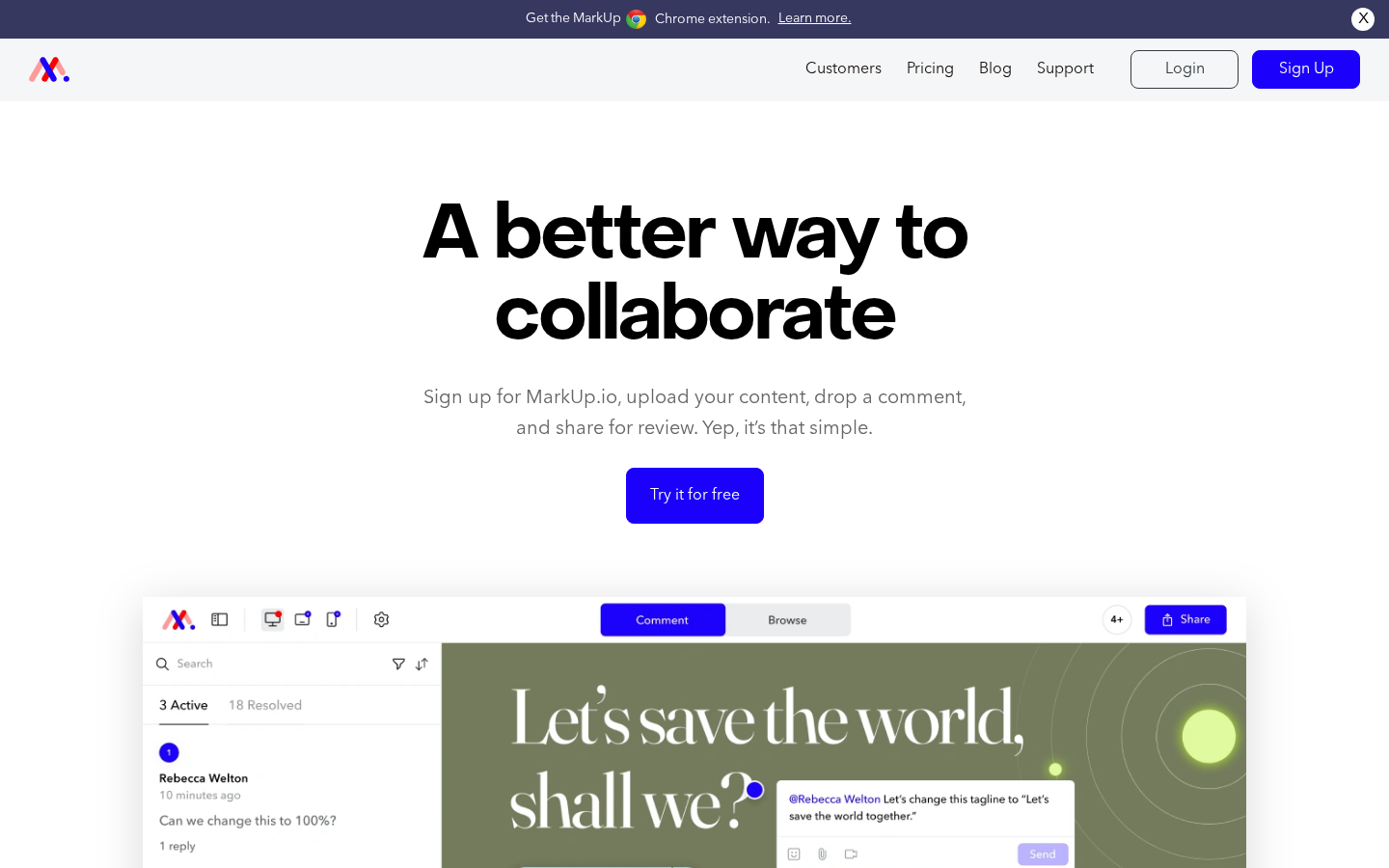
MarkUp.io differentiates through breadth of asset support, allowing feedback on websites, videos, PDFs, and images within a single platform. For teams who review diverse media types throughout their workflow--website designs alongside video content and print materials--this consolidation eliminates the need for multiple specialized tools. The interface is polished and corporate-friendly, which explains its popularity with larger organizations and enterprise marketing departments.
The proxy-based website review works without any code installation, similar to Pastel and others. Video integration through Loom embeds adds rich context that screenshot-based tools cannot match. The centralized dashboard provides visibility across all asset types, which helps managers track review status for complex projects involving multiple media formats. Slack and Zapier integrations extend workflow automation, though direct connections to project management tools remain limited.
The significant news for 2026 is pricing. MarkUp.io increased their base price from $29/month to $79/month, which has driven many agencies to seek alternatives. At nearly three times the previous cost, the value proposition shifts considerably--what was once affordable for small teams becomes a substantial monthly investment. The tool also struggles with heavy websites, loading slowly on complex pages with significant JavaScript or large image assets. Basic Auth protection creates issues similar to Pastel proxy limitations. Mobile review capabilities exist but feel limited compared to truly mobile-native experiences.
The acquisition by Ceros suggests MarkUp.io is positioning toward enterprise customers who bundle it with other Ceros products. Independent agencies considering the tool should evaluate whether the multi-asset capability genuinely adds value for their workflow, or whether they are paying for video and PDF features while primarily needing website feedback. At $79/month, single-purpose alternatives often provide better value for teams whose work stays mostly in the web development lane.
Verdict: Best for teams who genuinely need unified feedback across websites, videos, and PDFs. At the new pricing, harder to justify for teams who primarily do web development with occasional other assets.
7. Feedbucket -- Best for PM Tool Integration
Pricing: Pro $39/mo | Business $89/mo | Enterprise $259/mo
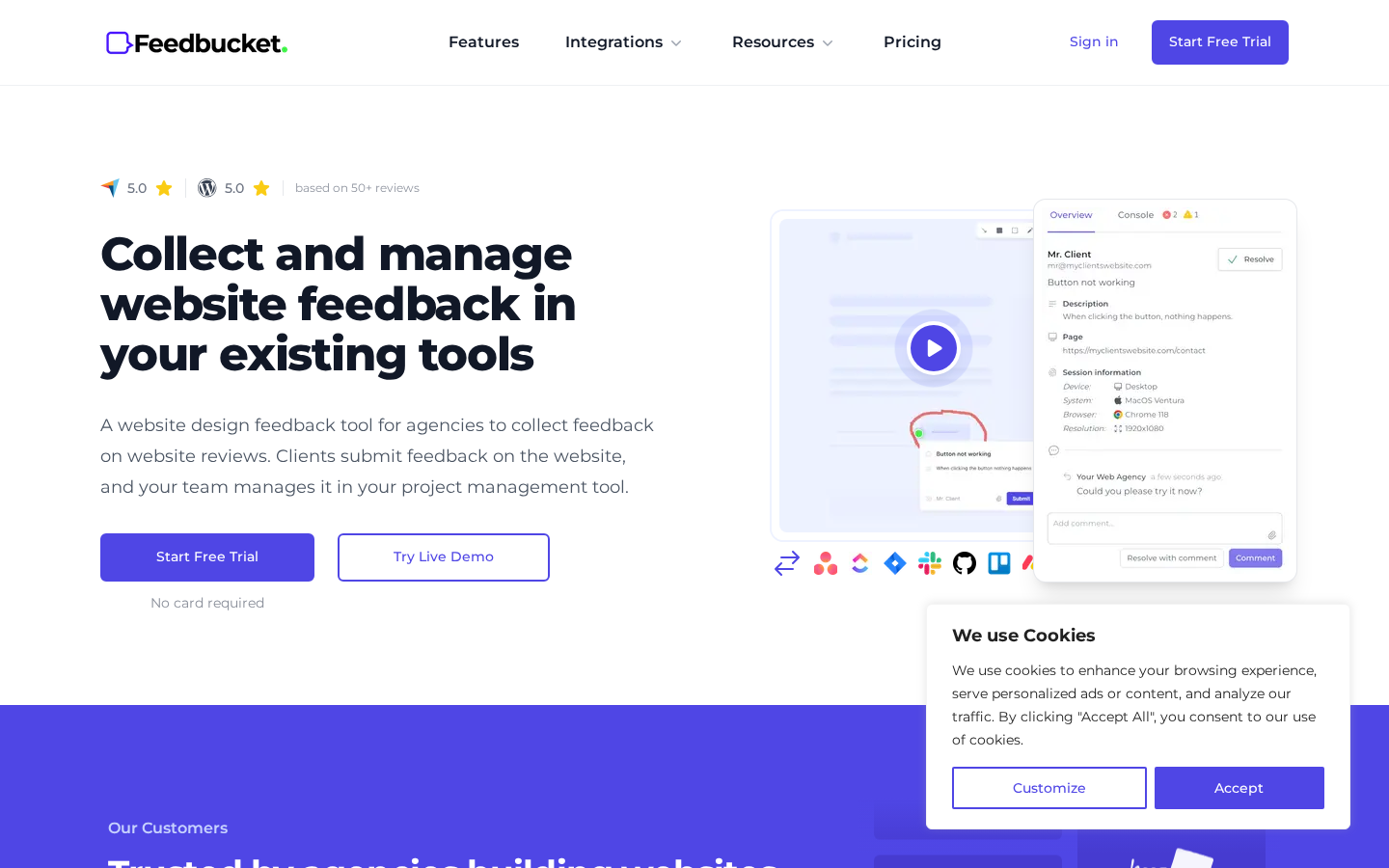
Feedbucket targets agencies who want feedback to flow directly into existing project management tools rather than creating another platform to check. The two-way integrations with major PM tools are genuinely deep--feedback captured on websites syncs to Jira, Asana, ClickUp, and others as actionable tasks, with status changes reflecting bidirectionally. For teams who refuse to add another tool to their workflow and insist on managing everything within their current PM system, Feedbucket makes that possible.
The technical implementation captures solid metadata, including browser, operating system, screen resolution, and JavaScript console errors. Video recording works without requiring browser extensions, which removes friction compared to extension-based competitors. The guest portal embeds directly on your website for straightforward client collaboration with comments and file attachments. White-label options let you customize branding, which matters for agencies presenting a polished client experience.
The primary limitation is installation method. Feedbucket requires JavaScript installation on your website, which means adding their script to your staging environment and remembering to remove it before production launch. Some agencies dislike adding third-party scripts to client sites, even temporarily, due to performance concerns or client policies. The script-based approach also creates friction for quick reviews--you cannot just paste any URL and generate a feedback link; you need to configure the installation first. Once set up for a project, the workflow is smooth, but the setup creates more friction than URL-based alternatives.
Verdict: Best for agencies who want feedback integrated directly into existing PM tools and are comfortable with script installation. Less convenient for ad-hoc reviews of sites without prior setup.
8. Superflow -- Best for Real-Time Collaboration
Pricing: Starting at $34/mo
Superflow positions itself as an all-in-one collaboration platform that goes far beyond simple feedback collection. Audio and video huddles let teams conduct live design reviews directly on the page, without switching to separate video calling tools. Voice recordings, screen recordings, and video annotations add rich context that text comments cannot capture. Private comments separate internal team discussions from client-facing feedback. The feature set is comprehensive enough to replace multiple tools for teams who want everything in one place.
The installation uses a no-code process, adding a review mode to websites through URL parameters rather than embedding scripts. Integrations connect with Slack, ClickUp, Asana, Webflow, and even ChatGPT for AI-assisted responses. Task management is built in, so you can track feedback resolution without external tools. Deep linking creates shareable URLs to specific comments, which helps reference particular issues in email or chat discussions.
The comprehensiveness that makes Superflow powerful also creates challenges for simpler use cases. If you just need clients to point at things and leave comments, the extensive feature set becomes clutter that can overwhelm non-technical reviewers. The huddle features assume teams want to conduct synchronous reviews, which does not match every workflow. Clients typically need accounts to participate fully, adding the adoption friction that causes failures with similar tools. Learning the platform takes time, and training clients on features they will not use creates unnecessary overhead.
Verdict: Best for teams who want to consolidate feedback, video calls, and task management into one platform and are willing to invest in onboarding. Overkill for agencies who just need simple client feedback collection.
Part 2: Visitor Feedback Tools
These four tools serve a fundamentally different purpose: collecting feedback from anonymous visitors on live websites. If you are building products or running marketing sites and want to understand user behavior, these are the right category. If you are an agency collecting client feedback during development, scroll back up.
9. Hotjar -- Industry Standard for Visitor Insights
Pricing: Starting at $99/mo for Business plans
Hotjar combines feedback collection with behavioral analytics, offering surveys, feedback widgets, session recordings, and heatmaps in one platform. The combination is powerful--you can see where users click through heatmaps, watch recordings of their sessions to understand behavior, and collect direct feedback through surveys to learn why they did what they did. For product teams trying to improve live websites, this qualitative data fills gaps that pure analytics tools miss.
The feedback collection options include surveys triggered by specific behaviors, always-on feedback widgets that let visitors rate experiences, and targeted polls that appear at strategic moments. Survey logic allows branching based on responses, and sentiment analysis helps categorize large volumes of feedback. Integration with Google Analytics, Mixpanel, and other analytics platforms connects feedback to quantitative data.
At $99/month for business features, Hotjar represents a significant investment, and the value depends on how actively your team uses behavioral analytics alongside feedback collection. If you are only interested in surveys without heatmaps or recordings, cheaper alternatives exist. The script adds some page load overhead, which may matter for performance-sensitive sites. And fundamentally, Hotjar solves a different problem than client feedback tools--if you are trying to get project stakeholders to approve staging sites, this is not the tool you need.
10. Userback -- Best for SaaS Product Feedback
Pricing: Startup $79/mo | Company $159/mo | Premium $289/mo
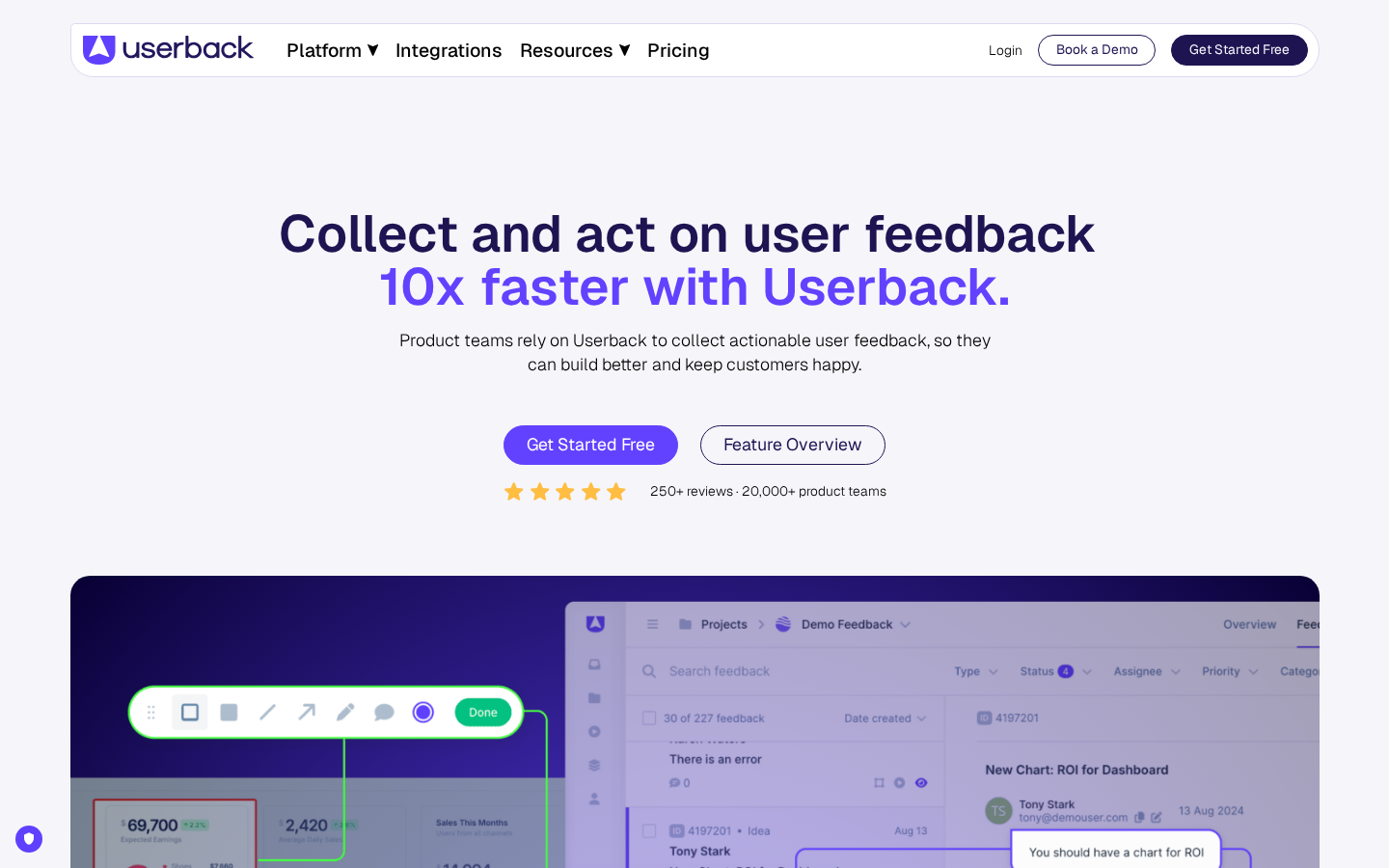
Userback is designed for software companies who want ongoing feedback from users of their product, not for project-based client feedback. The feedback widget lives permanently on your site or app, inviting users to report bugs, suggest features, or share opinions at any time. Video recording and screen capture are built in, providing rich context for bug reports. The platform is a comprehensive feedback system that goes well beyond simple annotation.
The feature density makes Userback expensive and complex for agencies who just need client feedback. Pricing starts at $79/month and quickly scales to $289/month for premium features. Lower-tier plans limit the number of projects you can create, which restricts agencies managing many concurrent clients. The per-user pricing model adds cost for each team member who needs access. And the entire product philosophy assumes ongoing user feedback collection rather than discrete project review cycles.
Verdict: Best for SaaS companies collecting continuous user feedback on live products. Not designed for agency project workflows.
See: Userback vs Commentblocks →
11. Usersnap -- Best for Enterprise Bug Reporting
Pricing: Startup $99/mo | Company $189/mo | Premium $329/mo
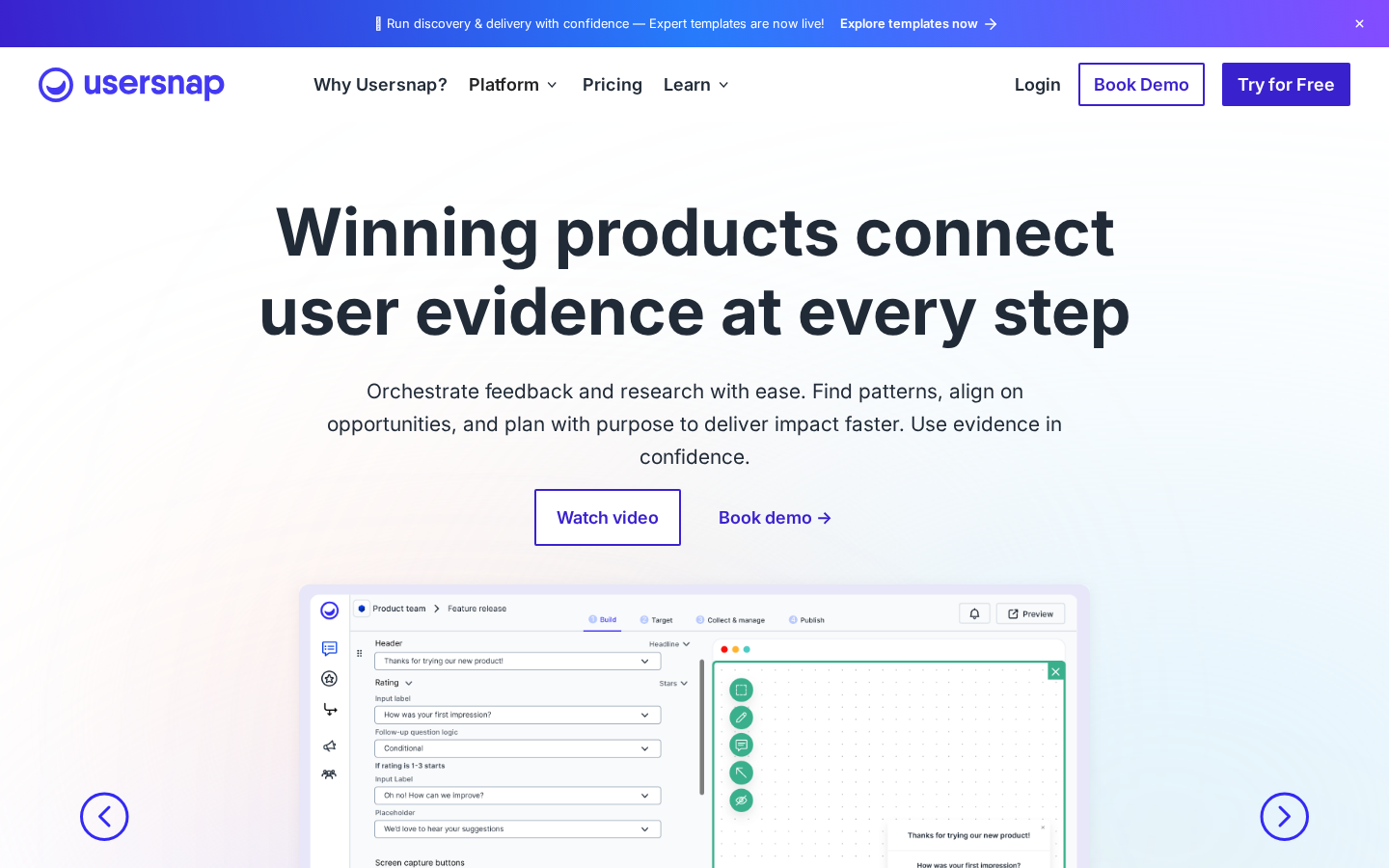
Usersnap targets large organizations who need structured bug reporting with extensive customization and integrations. The platform connects with over 30 project management and developer tools, offers highly customizable feedback widgets, and provides a centralized inbox aggregating feedback across all projects. For enterprise teams with complex workflows and specific requirements, this configurability creates genuine value.
The pricing reflects the enterprise positioning--starting at $99/month and reaching $329/month for premium features. Lower-tier plans restrict you to five projects, which immediately limits agencies handling multiple concurrent clients. The extensive toolset requires significant setup and configuration time, which makes sense for organizations who will use the platform long-term but creates overhead for agencies evaluating options. The complexity that serves enterprise needs becomes a barrier for smaller teams.
Verdict: Best for large organizations with complex bug reporting requirements and budget for enterprise tooling. Overkill for small agencies and freelancers.
See: Usersnap vs Commentblocks →
12. Qualaroo -- Best for Targeted Micro-Surveys
Pricing: Starting at $19.99/mo (free tier available)
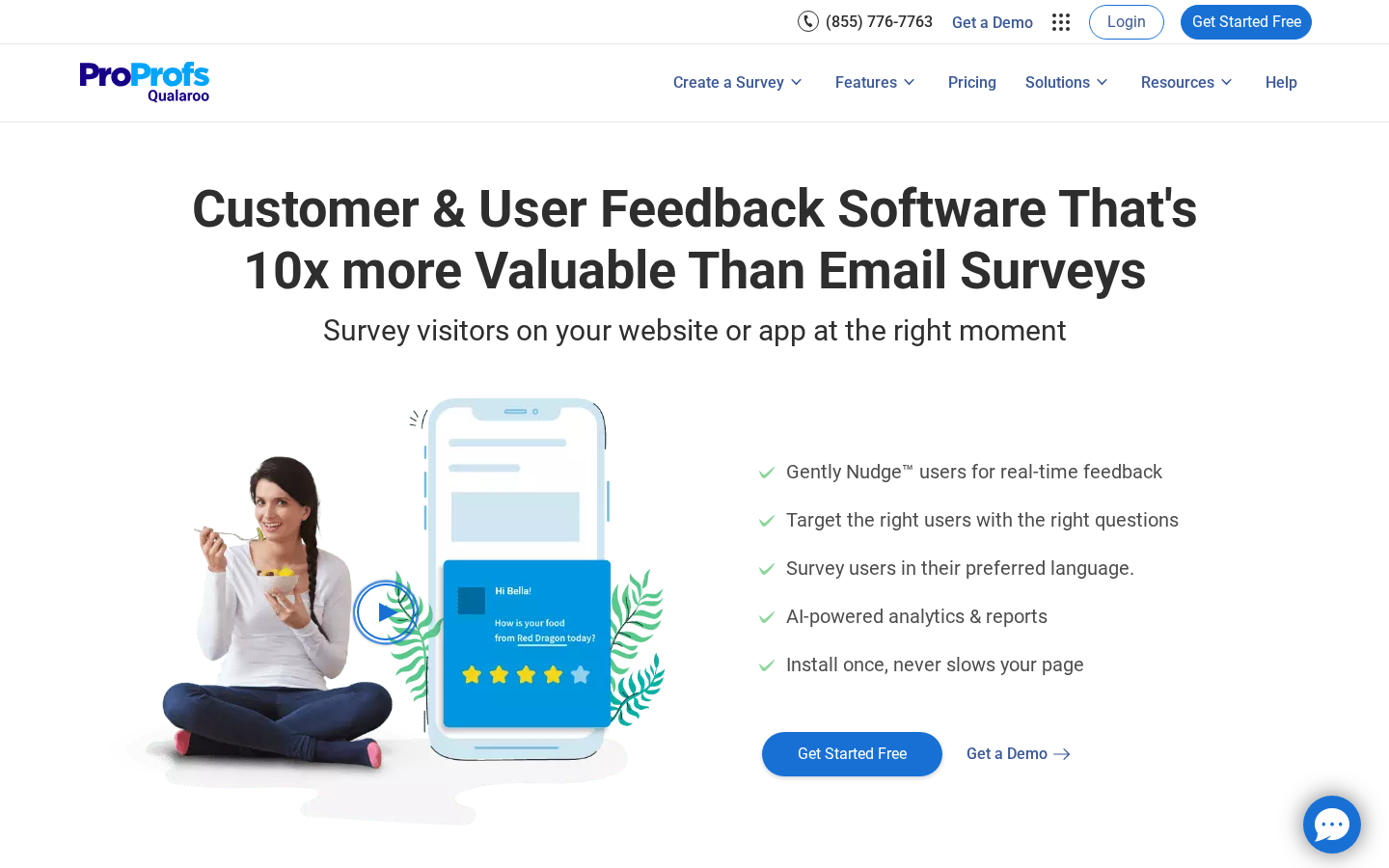
Qualaroo pioneered the "nudge" survey format--small, targeted surveys that appear contextually based on user behavior rather than interrupting with full-page popups. The approach generates higher response rates because surveys feel relevant to what users are currently doing. AI-powered sentiment analysis helps categorize responses at scale, and advanced targeting lets you survey specific visitor segments based on behavior, source, or attributes.
For conversion optimization research--understanding why visitors do not convert, what information they are missing, or how they perceive your offering--Qualaroo targeted approach provides actionable insights. The pricing is accessible, with a forever-free tier and paid plans starting at $19.99/month, making it one of the more affordable options in the visitor feedback category.
Like other visitor feedback tools, Qualaroo serves a completely different use case than client review tools. If you are researching live website visitors, it is worth evaluating. If you are collecting feedback from project stakeholders during development, look elsewhere.
How We Tested These Tools
Most comparison articles are thinly disguised advertisements. The tool publishes a "comparison" that naturally concludes their product is best, or an affiliate site ranks tools by commission rate rather than actual quality. This comparison is different because I have used most of these tools on real client projects with real consequences.
The testing focused on what actually matters for agency workflows: how quickly can you set up the tool and send a feedback link? What percentage of clients successfully leave feedback versus reverting to email? Does the tool work on mobile where many responsive issues surface? Is the pricing sustainable for agencies managing multiple concurrent projects? Do the integrations genuinely save time or just add configuration complexity? I have sent feedback links to dozens of clients across various technical sophistication levels, from marketing directors who barely understand browsers to developers who could build these tools themselves.
I will be transparent about the obvious conflict: I built Commentblocks because I was frustrated with existing options. But I genuinely recommend other tools when they fit specific use cases better. If you need Jira integration and your team lives in that ecosystem, Marker.io provides value Commentblocks does not. If you need live editing capabilities, Ruttl does something Commentblocks cannot. The goal is helping you find the right tool for your workflow, not pretending one tool fits everyone.
How to Choose: A Decision Framework
The tool landscape seems overwhelming, but the decision simplifies dramatically once you answer a few questions about your actual workflow and constraints.
If your primary problem is client adoption--you have tried feedback tools before but clients default to email because they could not figure out the software, did not want to install extensions, or refused to create accounts--choose tools that prioritize zero friction over feature depth. Commentblocks optimizes specifically for this scenario. Pastel and Ruttl also offer guest access, though with more feature complexity that can overwhelm simple reviewers.
If your development team lives in Jira and needs website annotations to create tickets with technical debugging context, Marker.io two-way Jira sync and console log capture provide genuine value that justifies the per-user pricing and account requirements. BugHerd offers similar developer-focused capabilities with its own project management approach.
If you need to edit content and CSS directly during the review phase rather than just collecting feedback, Ruttl live editing capabilities consolidate what would otherwise require separate tools. This adds complexity but saves time for teams who spend significant effort iterating on content and styling.
If you are collecting feedback from anonymous visitors on live websites rather than known stakeholders on staging sites, you are looking at a completely different category. Hotjar provides the most comprehensive combination of surveys, recordings, and heatmaps. Qualaroo offers targeted micro-surveys at accessible pricing. Userback and Usersnap target product teams with ongoing feedback needs.
If budget is the primary constraint, Commentblocks offers flat-rate pricing regardless of team size, while Ruttl and Qualaroo provide accessible entry points. Per-user pricing models from Marker.io, BugHerd, and enterprise tools scale expensively for larger teams.
Frequently Asked Questions
Which tool is cheapest?
Ruttl starts at $10/month per user with a free tier. Qualaroo offers a forever-free plan for visitor surveys. Commentblocks Freelancer plan at $14.99/month provides full features at flat-rate pricing. Per-user pricing from other tools can quickly exceed these costs as team size grows.
Which tools work on mobile?
Commentblocks, Ruttl, and Feedbucket provide native mobile experiences where clients can review responsive designs on their actual phones. Extension-based tools like Marker.io do not work on mobile browsers at all. Others offer limited mobile support through desktop emulation.
Which tools do not require client accounts?
Commentblocks requires no client accounts--reviewers access feedback links as guests immediately. BugHerd and Ruttl offer guest access modes. Marker.io, Pastel, MarkUp.io, and Superflow require accounts for collaboration, which creates adoption friction.
Which has the best Jira integration?
Marker.io offers best-in-class two-way Jira sync with technical debugging context. BugHerd integrates with Jira but without bidirectional sync. Feedbucket provides deep PM tool integrations including Jira.
The Bottom Line
After testing twelve tools across real client projects, one pattern emerges clearly: the most powerful tool fails completely if clients do not use it. Feature comparisons miss the point if the software creates friction that sends clients back to email. The agency that chooses a simpler tool their clients actually adopt will collect better feedback than the agency that invests in comprehensive platforms that gather dust.
For most agencies and freelancers, Commentblocks provides the best balance of simplicity, client adoption, and essential features. The zero-friction approach--no accounts, no extensions, no learning curve--means clients actually provide feedback instead of promising to "look at it this weekend" indefinitely.
For development teams with established Jira workflows and internal QA processes, Marker.io or BugHerd offer technical capabilities that justify their complexity and cost. For teams who need live editing alongside feedback, Ruttl consolidates those workflows. For visitor feedback on live sites, Hotjar remains the industry standard.
Choose based on your actual constraints and workflow, not feature lists. The best tool is the one your clients will actually use.

Blog: Tips & Insights
Tips, strategies, and updates on client management, web development, and product news from the Commentblocks team.



Frequently Asked Questions
.svg)

Ready to collect feedback the right way?

