


Top 8 Superflow Alternatives & Competitors

Superflow has earned its reputation with innovative features—AI-powered copy suggestions, live huddles with real-time cursors, and voice recording—that genuinely add value for internal product teams conducting synchronous design reviews. However, the $119/month Starter tier limits you to three projects, and unlimited projects require the $249/month Growth plan, which strains agency budgets quickly. The integration ecosystem connects only to Slack and Asana without bidirectional sync, forcing teams using ClickUp, Jira, Linear, or Monday.com to maintain a separate feedback dashboard. For agencies whose primary feedback comes from non-technical clients who just want to click on things and describe what's wrong, Superflow's sophisticated features often create friction rather than value—and that's where the alternatives below come in.
At a Glance: Feature Comparison
Pricing Comparison
1. Commentblocks: The Zero-Friction Alternative
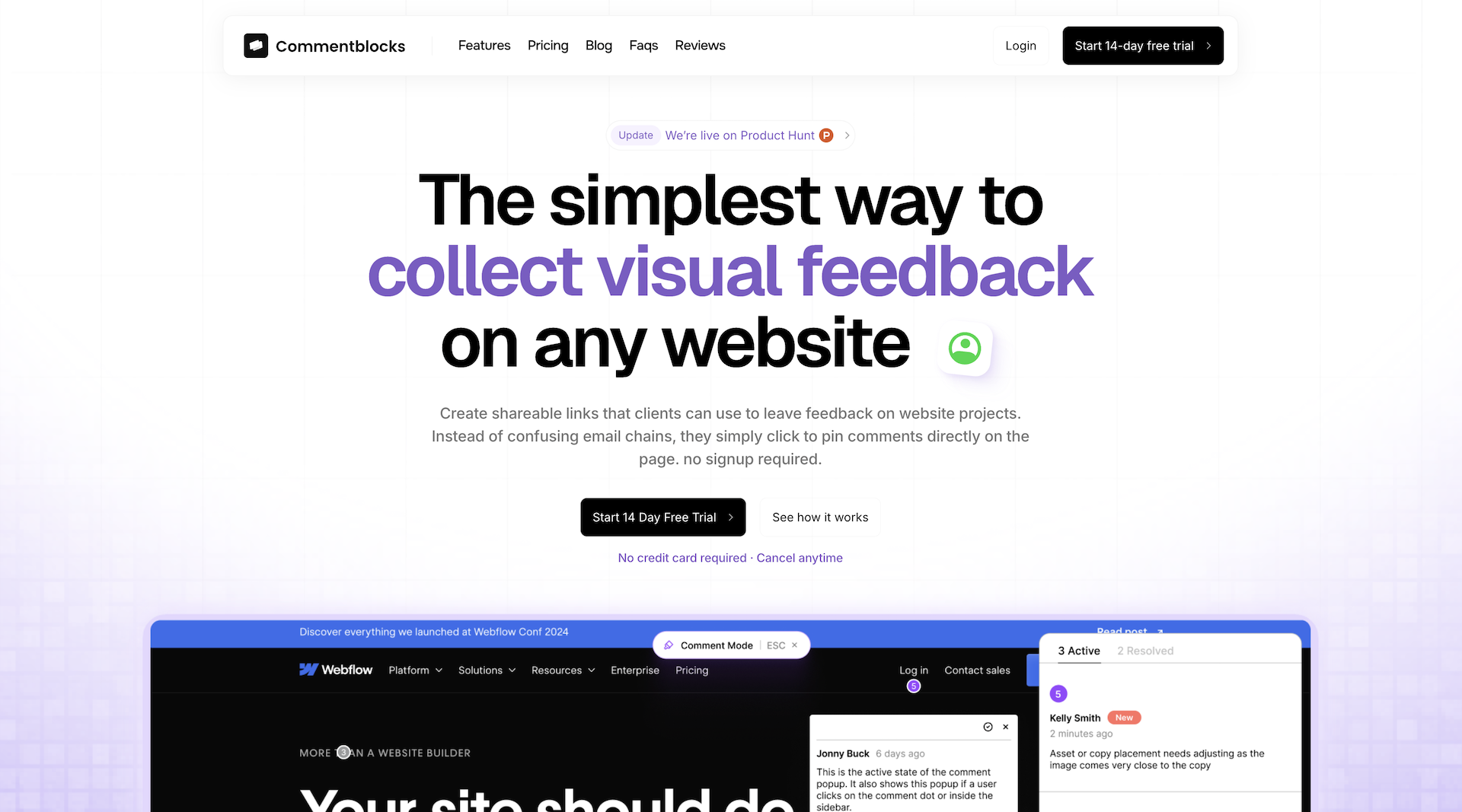
I place Commentblocks at the top of this list because it represents the clearest philosophical alternative to Superflow's feature-rich approach, asking a fundamentally different question about what feedback tools should optimize for. While Superflow optimizes for real-time collaboration features and AI-powered suggestions, Commentblocks optimizes for client adoption—there are no extensions to install, no scripts to embed, no accounts for clients to create, and no per-user pricing that punishes you for inviting stakeholders to review your work. The proxy-based architecture means you paste any URL into the dashboard—staging site, production site, localhost with tunneling, password-protected development environment—generate a unique feedback link, and your client is pinning comments on specific elements in under 60 seconds regardless of their technical ability or what device they happen to be using. This zero-installation model works because the proxy wraps your site in a commenting layer without touching your actual code, eliminating the deployment step that script-based tools require and the browser extension installation that frustrates non-technical clients.
The pricing model uses flat-rate agency tiers with unlimited team members and unlimited guests, eliminating the seat-counting anxiety that plagues growing agencies every time they consider inviting a client's entire team to review a project. Mobile support is native and full-featured because the proxy approach works in any browser on any device, which matters significantly when you realize how much executive feedback happens on phones during commutes and between meetings. The tool captures the technical metadata that developers need—browser, viewport, OS, console errors—while hiding all of that complexity from clients who just see their familiar website with a minimal commenting toolbar. If your primary frustration with Superflow is that your non-technical clients won't use it, struggle to use it, or revert to email the moment they encounter friction, Commentblocks is the simplified alternative built specifically for that pain point.
Commentblocks is the right choice if you're a digital agency, web design studio, or freelancer who primarily collects approval feedback from external clients and non-technical stakeholders rather than internal bug reports from developers. If your goal is to eliminate the "I put my feedback in a Word doc and attached it to an email" response and get sign-off faster from people who view feedback requests as a chore rather than an opportunity to engage with software, this is the tool built for that outcome. The tradeoff is that you won't get session replay, console logs, or the deep technical metadata that developer-focused tools provide—but if your feedback is "make the logo bigger" and "the headline should be more impactful," you probably don't need forensic debugging tools anyway.
2. Feedbucket: Deep Project Management Integration
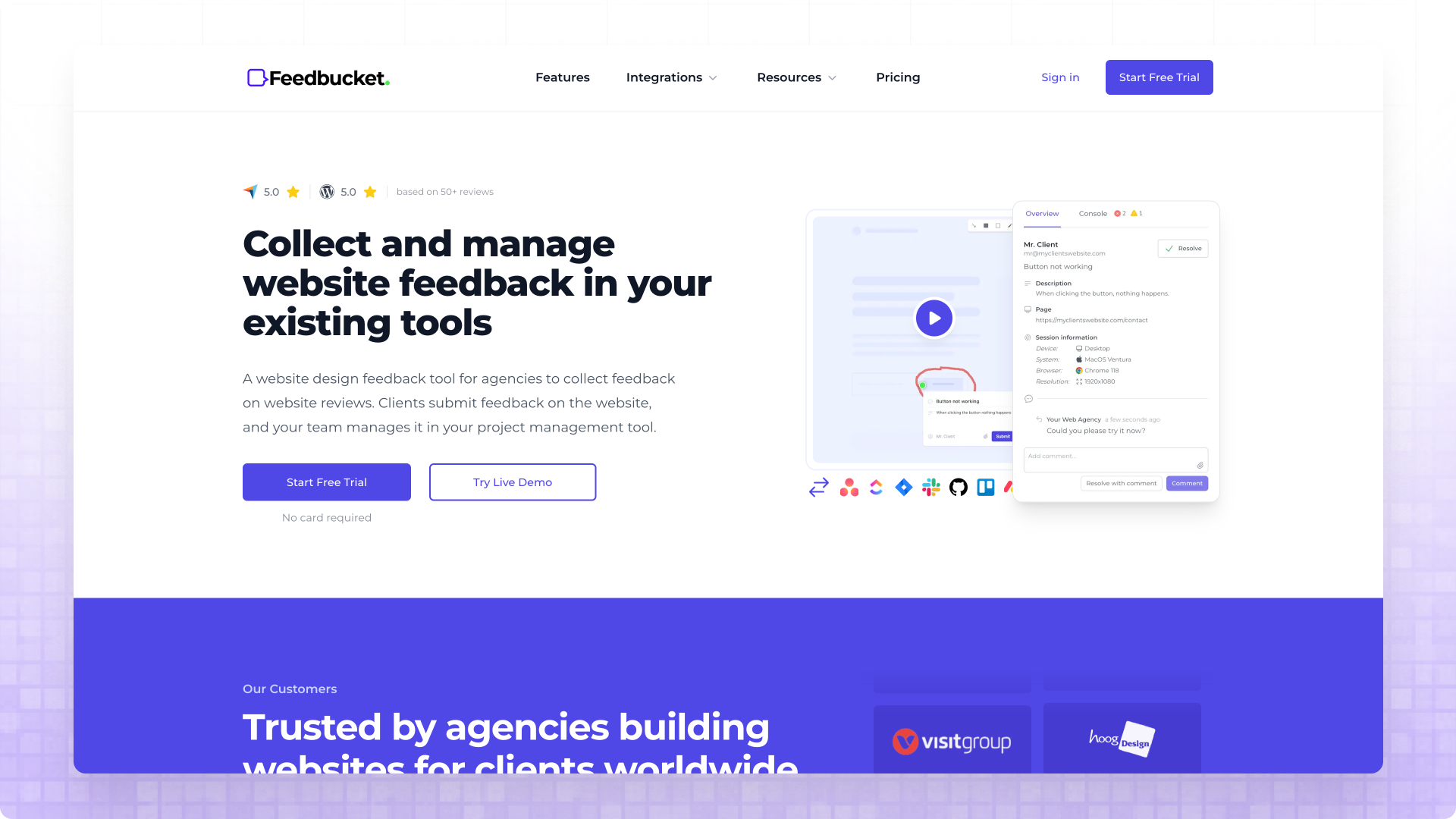
Feedbucket has established itself as the integration-first alternative in the visual feedback space, and I keep hearing agencies praise its thorough two-way sync capabilities with major project management tools like Jira, Asana, ClickUp, and Trello. The key differentiator here is genuine bidirectional synchronization—when you resolve an issue in your project management tool, that status change reflects back in Feedbucket automatically, creating a unified workflow rather than just a notification pipe that creates tasks but ignores updates. For teams who've standardized on a PM tool and consider it the source of truth for project work, this integration depth means developers never need to leave their familiar environment to manage client feedback, eliminating the context-switching overhead that standalone feedback tools impose.
The embedded guest portal approach allows clients to collaborate directly on the website itself, seeing existing feedback from others and adding their own without navigating to a separate platform or creating accounts. This contextual visibility helps prevent the duplicate feedback problem that plagues tools where clients can't see what others have already reported. Feedbucket automatically captures technical metadata including browser type, OS, page URL, device specifications, screen resolution, and console logs for JavaScript error detection, giving developers the context they need to reproduce issues efficiently. The pricing starts at $39/month for unlimited projects on the Pro plan, which represents significant savings compared to Superflow's $119 Starter tier that limits you to three projects—if you're managing more than three concurrent clients, Feedbucket's economics become compelling quickly.
The trade-off with Feedbucket is that it requires script installation on your staging environment, which adds a deployment step that proxy-based alternatives avoid. For agencies who control their staging environments and don't mind adding a script tag, this isn't a meaningful barrier, but for teams who work on platforms where code modifications are restricted or who need to capture feedback on sites they don't own, the installation requirement becomes limiting. If deep PM tool integration is your primary requirement and you're comfortable with script installation, Feedbucket delivers excellent value at a price point that saves you roughly $80/month compared to Superflow's unlimited-projects tier.
3. Pastel: The Original Proxy Pioneer
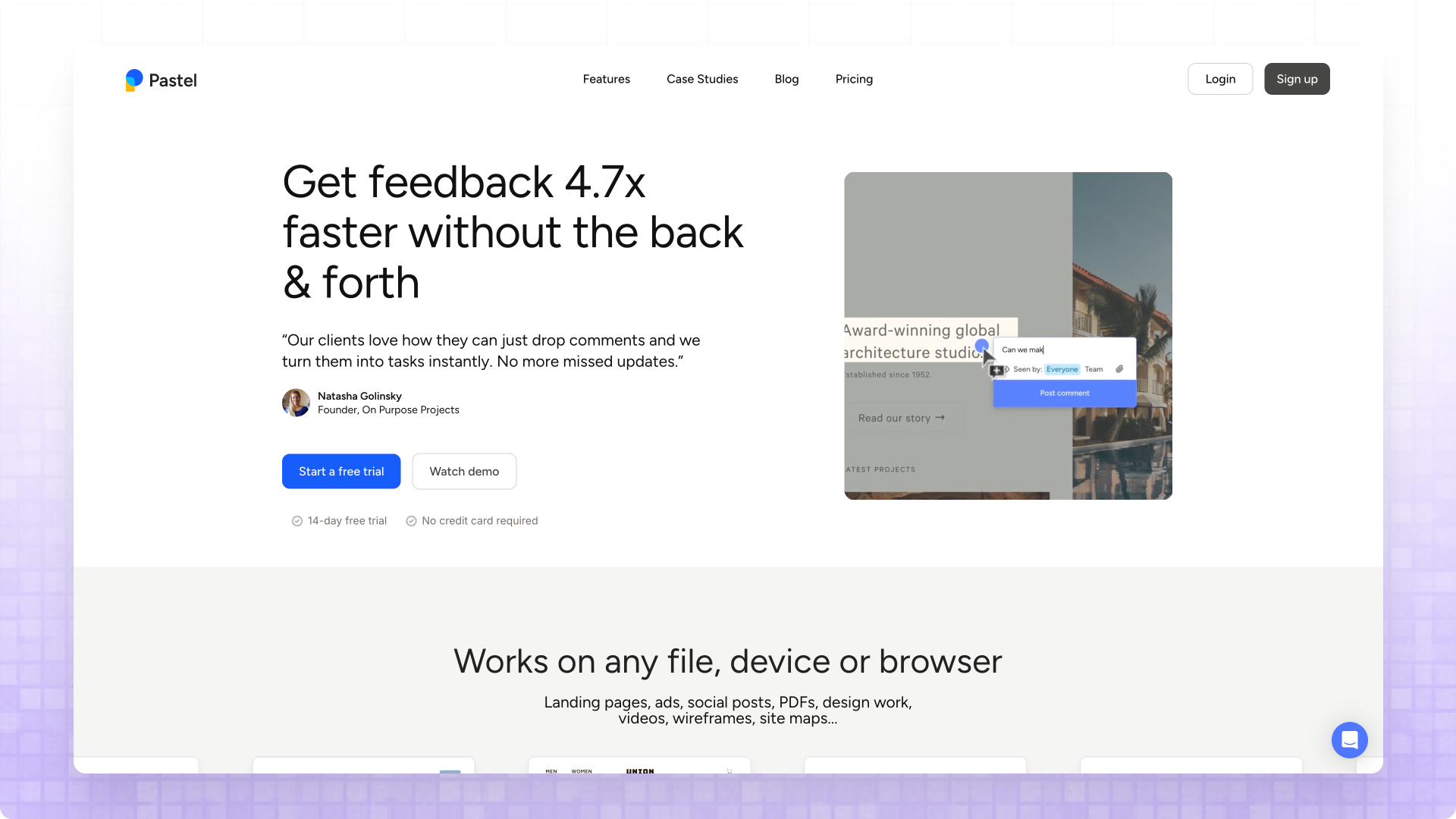
Pastel deserves credit for pioneering the proxy-based approach to visual feedback that avoids script installation entirely, and its technology has proven reliable for teams who need zero-touch feedback collection. Like Commentblocks, Pastel generates shareable links from any URL, allowing clients to provide feedback without any technical involvement on their staging sites—you paste the URL, Pastel creates a "canvas" that wraps your site, and clients access that canvas to leave comments directly on the page. This zero-installation model particularly suits agencies who work on platforms where code modifications are restricted, who need to capture feedback on competitor sites during research phases, or who simply want to avoid the deployment overhead of script-based tools.
Pastel also supports feedback on multiple formats beyond websites, including images and PDFs, which proves useful for agencies still using static deliverables during design phases before development begins. The interface allows direct text editing within the canvas, which some teams find valuable for content refinement workflows where clients want to suggest specific copy changes rather than just pointing at problems. Version tracking lets you maintain historical snapshots of how feedback evolved over time, which can be useful for agencies who want to document the review process or reference earlier iterations when scope creep discussions arise.
The friction points with Pastel center on its per-canvas pricing structure and commenting time limits. On lower-tier plans, you can only comment on canvases for up to 72 hours, which forces agencies to either consolidate feedback windows into short sprints or upgrade to the Studio plan at $99/month to remove that constraint. The integration situation is sparse compared to alternatives like Feedbucket or Marker.io—Pastel lacks the two-way PM tool connections that modern development workflows expect, which means your team manages feedback in Pastel and then manually transfers actionable items to their project management tool. If your feedback workflow can tolerate another standalone platform and you can work within the time constraints, Pastel's proxy approach works well, but growing agencies often hit these limitations faster than anticipated.
4. Marker.io: Developer-Centric Bug Tracking
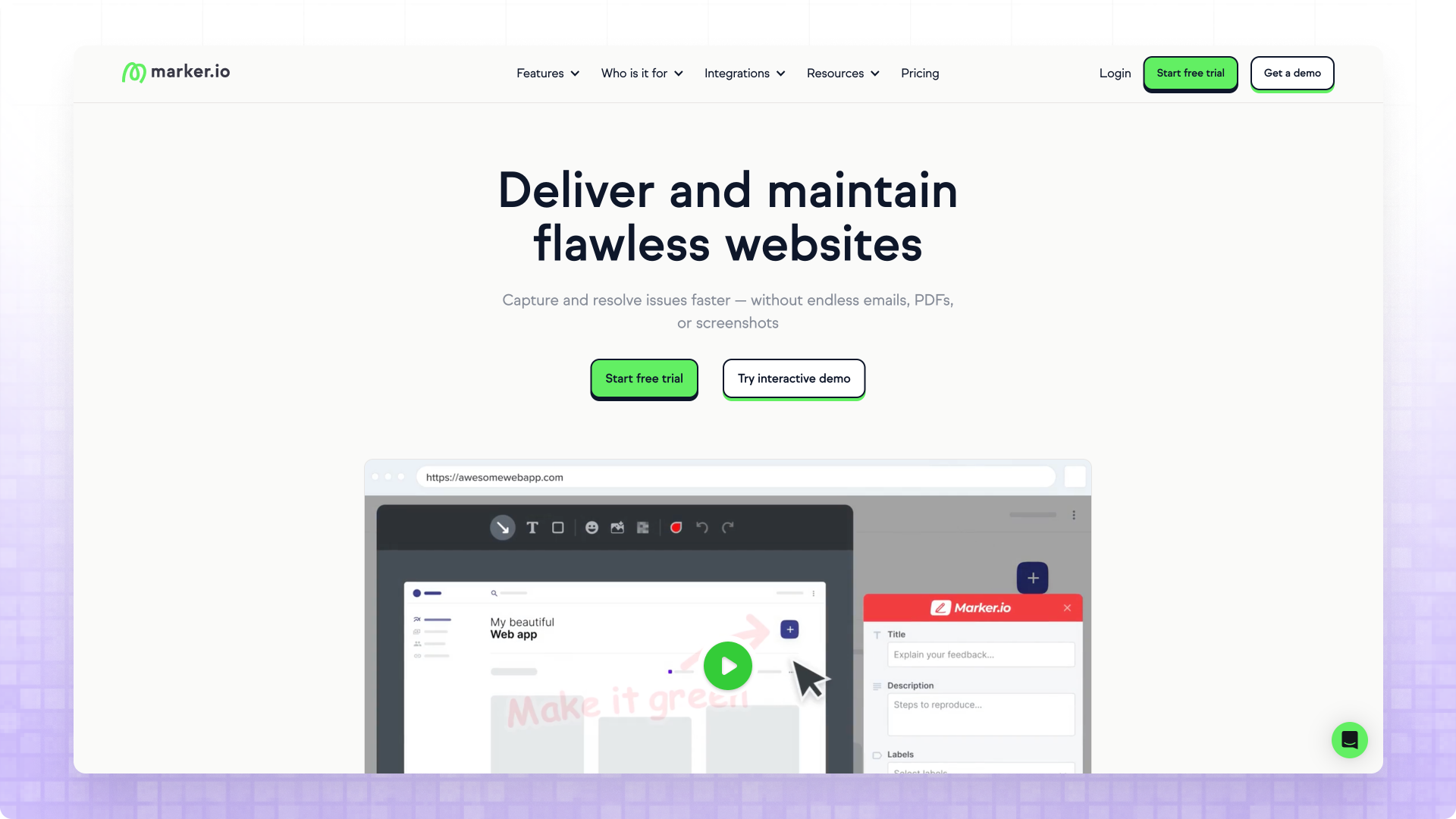
Marker.io positions itself as the developer-focused choice in the visual feedback category, and its feature set reflects that orientation with capabilities that go beyond simple annotation into genuine bug-tracking territory. The session replay functionality records user interactions leading up to feedback submission, giving developers context they couldn't get from a static screenshot—you see not just what went wrong but the sequence of clicks, scrolls, and interactions that produced the issue. Console log capture automatically attaches JavaScript errors and warnings to feedback items, which proves invaluable for debugging complex web applications where client-reported issues need technical reproduction data.
The two-way integrations with developer tools like Jira, GitHub, and Linear make Marker.io particularly appealing for agencies with strong engineering cultures who want feedback flowing into their existing issue-tracking workflows. Status updates sync bidirectionally, so when a developer resolves an issue in Jira, that resolution reflects in Marker.io automatically—no duplicate status management, no forgotten feedback items lingering in the platform. The ability to create different feedback widgets for internal team members versus external clients allows agencies to expose different capabilities depending on who's providing feedback, with developers seeing more technical options while clients get a simplified annotation experience.
The trade-offs with Marker.io center on pricing and client requirements. The per-seat pricing model becomes expensive as team size grows—$59/month for the Starter plan includes limited users, and larger agencies can find themselves paying significantly more than flat-rate alternatives. More importantly, the guest portal requires clients to create accounts to access and collaborate on feedback, which introduces the signup friction that simpler alternatives eliminate. If your feedback providers are internal developers and QA engineers who are comfortable with accounts and appreciate technical depth, Marker.io's capabilities justify the investment. If your primary feedback comes from non-technical external clients, the account requirement may reduce adoption rates compared to zero-signup alternatives.
5. Ruttl: Budget-Friendly Entry Point
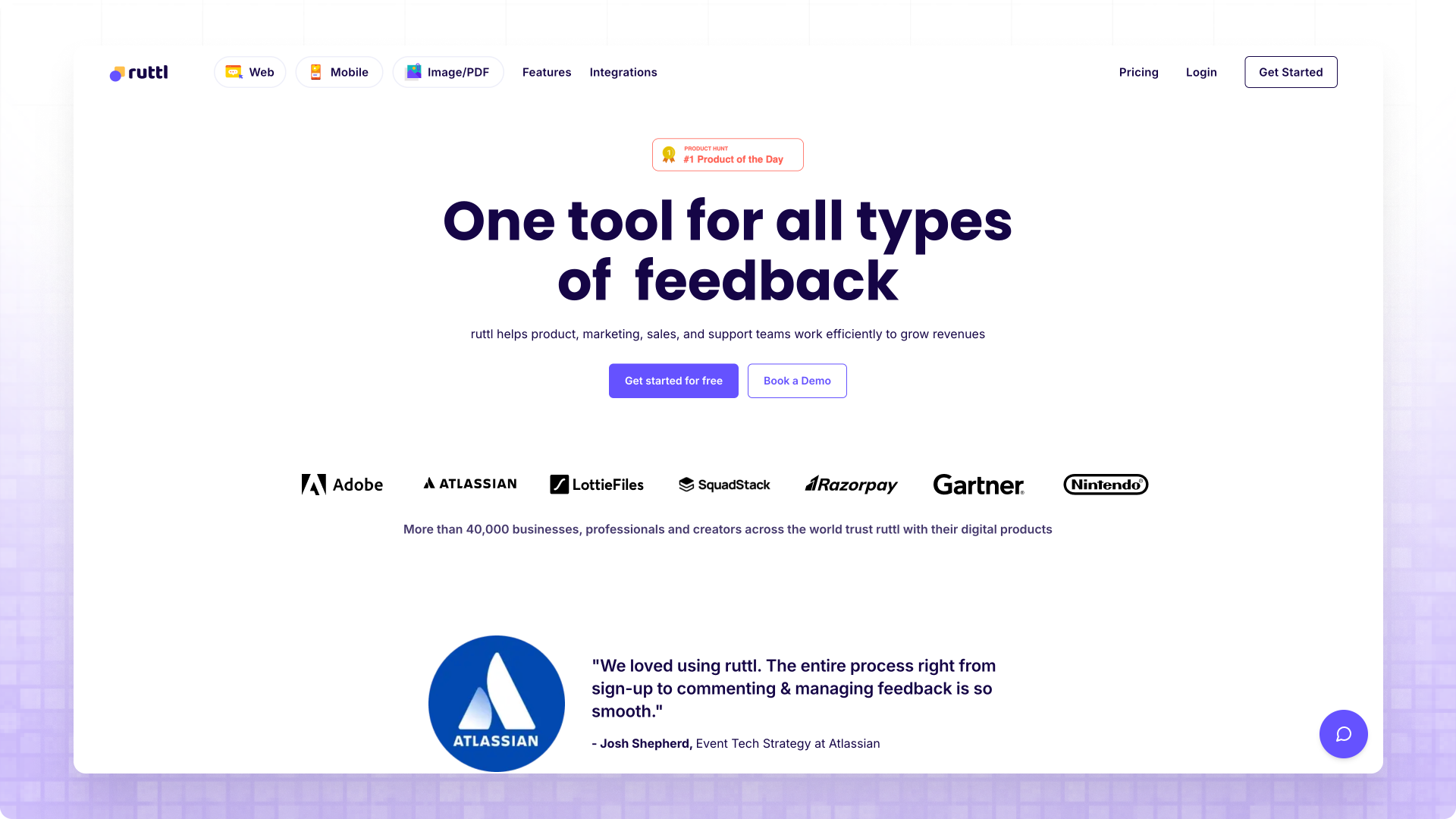
Ruttl has emerged as the most aggressively priced option in the visual feedback space, with per-user pricing starting at just $4/month on the Pro plan, making it immediately attractive for cost-conscious teams who found Superflow's pricing prohibitive. What sets Ruttl apart beyond pricing is the live CSS editing capability—you can directly modify website designs including text, images, and CSS properties as part of the feedback process, which goes beyond simple annotation into actual design iteration. This edit-in-place approach proves valuable for quick experiments where you want to show clients what a proposed change would actually look like rather than describing it abstractly.
Ruttl uses a hybrid approach combining proxy technology with an optional Chrome extension for situations where the proxy alone isn't sufficient. The base proxy works for most public websites without installation, but pages behind Basic Authentication or login screens require the Chrome extension, which adds friction for agencies whose staging environments use standard security practices. The platform supports feedback across multiple formats including websites, web apps, mobile apps, videos, images, and PDFs, making it versatile for agencies who deliver diverse asset types beyond just websites. Version tracking maintains historical snapshots of reviewed assets, and white-labeling with custom branding and domains is available for agencies who want to present a polished client experience.
The integration situation with Ruttl is limited—while it connects with project management tools, the integration only creates tasks containing a Ruttl link rather than syncing actual feedback data. This shallow integration means developers still need to click through to Ruttl to see feedback details, undermining the workflow consolidation that deeper integrations provide. The per-user pricing model can also become confusing for agencies trying to determine who actually needs paid accounts versus who can use guest access. For budget-constrained teams who can work within these limitations, Ruttl delivers substantial capability at a fraction of Superflow's cost, but growing agencies may outgrow its integration capabilities before long.
6. BugHerd: The Visual Bug Tracking Veteran
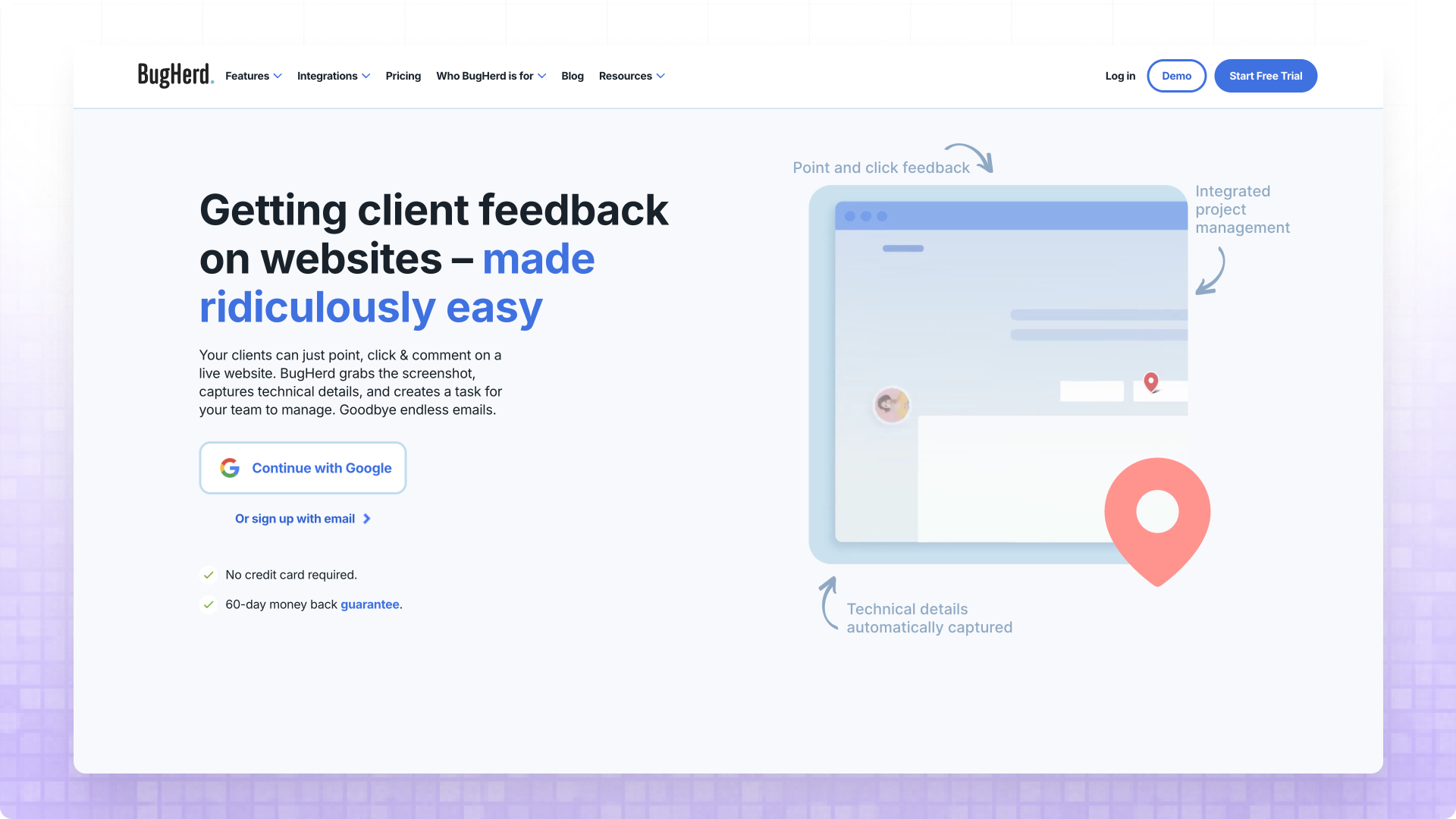
BugHerd has operated in the visual feedback space longer than most competitors on this list, and its longevity reflects a robust approach that's proven reliable for thousands of agencies and development teams. The sticky-note metaphor that BugHerd uses for feedback feels natural to clients who understand Post-it annotations in the physical world, and the visual pins showing where feedback exists on a page help teams spot areas of concern at a glance while preventing duplicate reports. Both screenshot and video feedback options are available, giving clients flexibility in how they communicate issues—static captures for simple problems, video recordings for complex interactions or animations that screenshots can't convey.
What distinguishes BugHerd from pure feedback tools is the built-in Kanban board that creates a self-contained project management experience for teams who want feedback and task tracking in a single platform. Feedback automatically becomes tasks with status tracking, team member assignment, and due date management, eliminating the need for a separate PM subscription if you don't already have one you're committed to. The ability to see previous feedback markers on the page helps clients understand what's already been reported, reducing the duplicate comment problem that wastes team time triaging redundant issues.
The trade-offs with BugHerd involve setup requirements and pricing. Full functionality requires either a JavaScript installation on your staging site or browser extension usage, and the extension path means clients need to install and learn additional software before they can provide feedback. The pricing structure reserves JavaScript installation and native integrations for the Premium plan at $129/month, which positions BugHerd at the premium end of the market alongside Superflow. Direct integrations are limited to Asana, Jira, Trello, and GitHub without two-way sync, meaning feedback status changes need manual synchronization. For teams who want integrated PM capabilities and can justify premium pricing, BugHerd's mature platform delivers reliability, but agencies seeking simpler setup or tighter budgets may find alternatives more suitable.
7. Usersnap: Enterprise-Grade Complexity
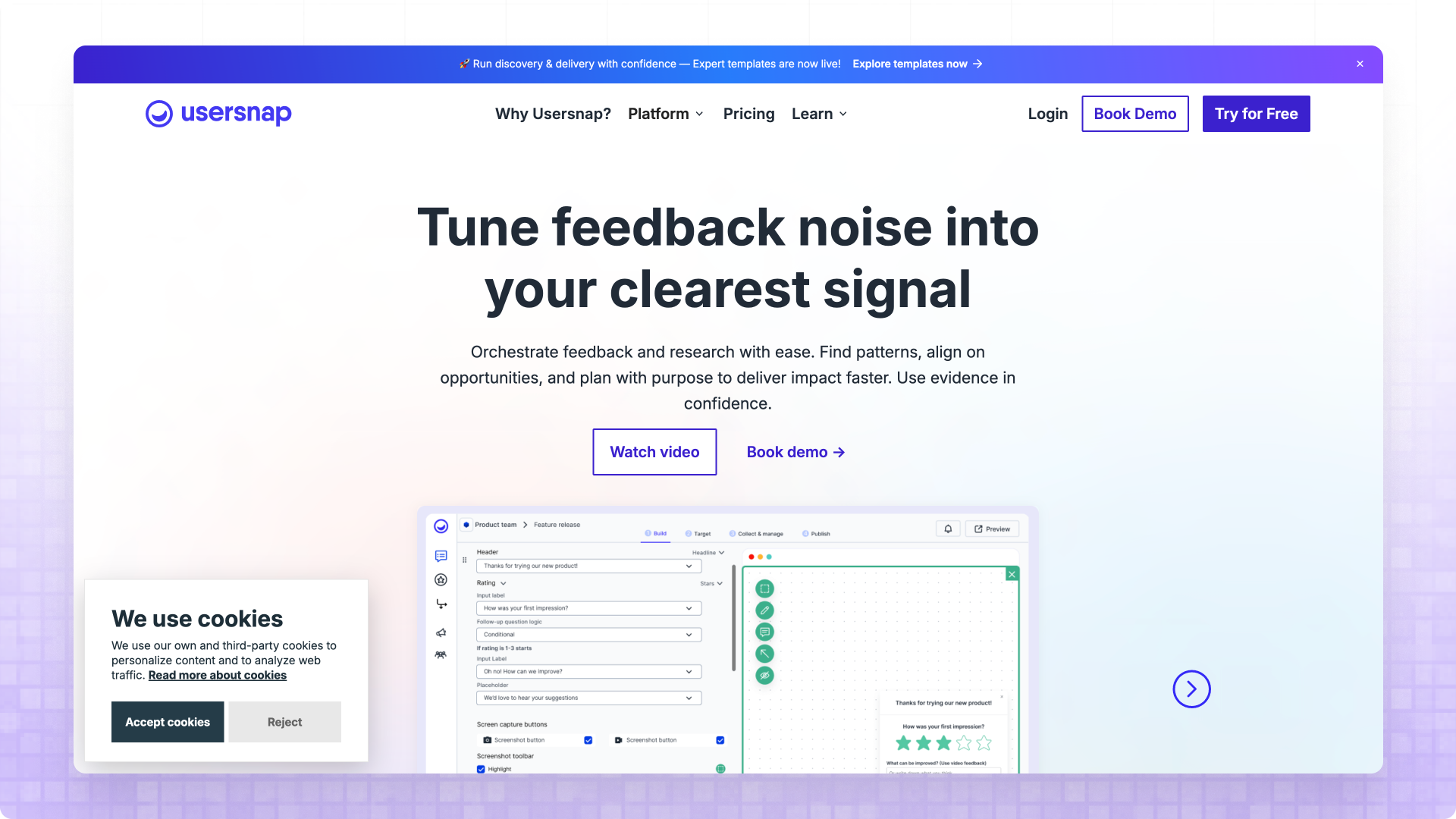
Usersnap represents the enterprise end of the visual feedback spectrum, offering an extensive feature set that extends well beyond simple website annotation into comprehensive user research and product feedback capabilities. The platform includes NPS surveys, micro surveys, user sentiment tracking, and detailed analytics alongside the core screenshot and video feedback features, creating an all-in-one solution for product teams who want to understand user behavior at scale. Integration capabilities are impressive, with connections to more than 30 project management and communication tools including Jira, Asana, ClickUp, Slack, and many others, providing flexibility for organizations with complex tool ecosystems.
The feedback widget customization options in Usersnap exceed what most competitors offer, allowing detailed control over appearance, required fields, and collection workflows. A centralized inbox aggregates feedback across all projects into a single view, which proves valuable for organizations managing many concurrent initiatives who need visibility without switching between project contexts constantly. Automatic technical data capture includes browser specifications, URLs, JavaScript errors, and other metadata that developers rely on for issue reproduction.
The complexity that makes Usersnap powerful also creates barriers for teams with simpler needs. The $99/month Startup tier limits you to just five projects, which most agencies will exceed quickly—realistic usage typically requires the Company plan at $189/month or higher. The extensive feature set creates a learning curve that may overwhelm teams who only need basic annotation capabilities, and non-technical clients may struggle with a widget that offers more options than they need or understand. For enterprise product teams with sophisticated requirements and budget to match, Usersnap delivers comprehensive capabilities. For agencies primarily collecting client approval feedback, the feature overhead and premium pricing may represent paying for complexity you won't use.
8. MarkUp.io: Simple but Expensive
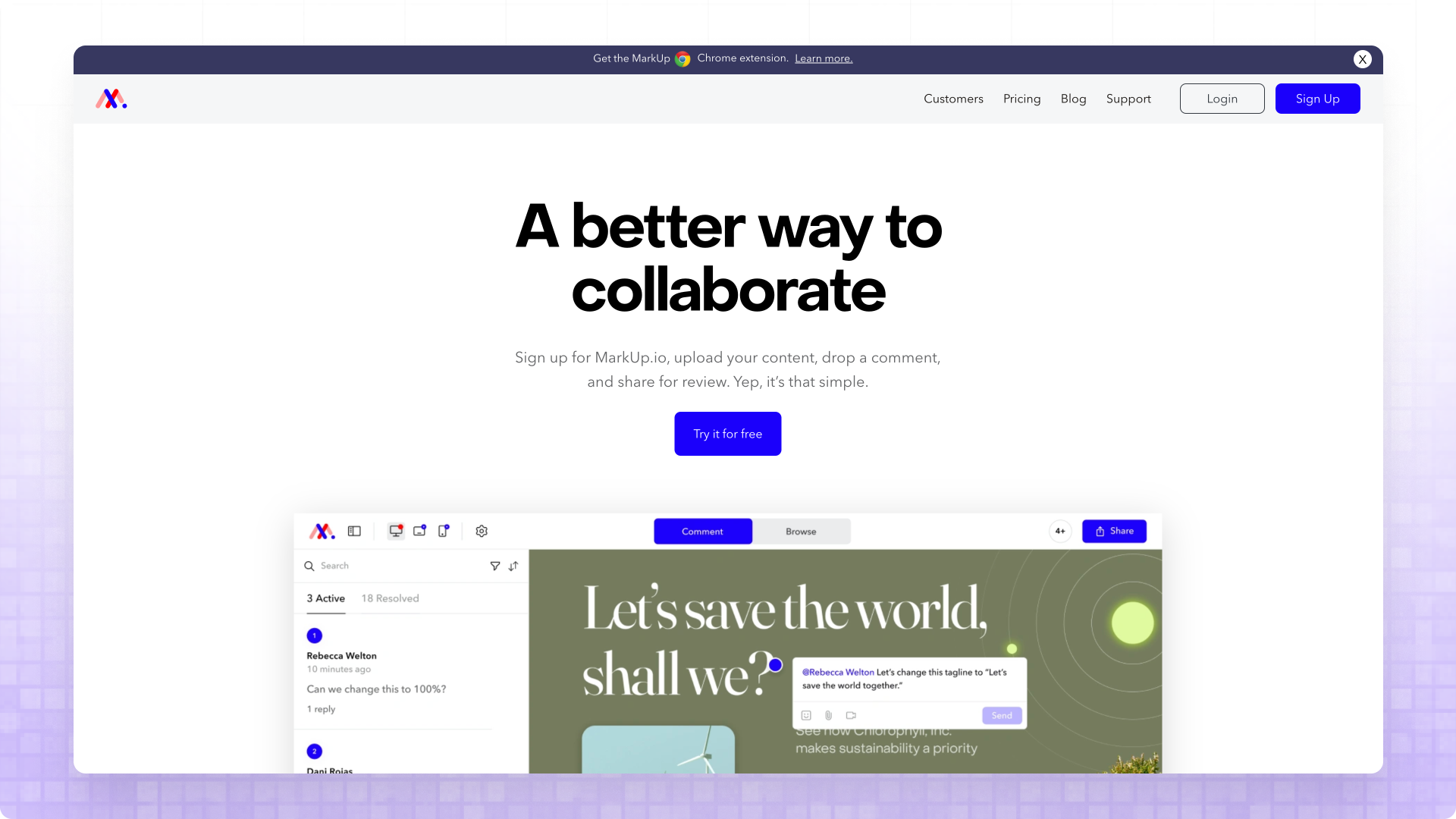
MarkUp.io offers a proxy-based approach similar to Commentblocks, allowing feedback on websites without any installation. The platform extends beyond websites to support feedback on images and PDFs, which proves useful for agencies using static deliverables during design phases. Following a recent price increase from $29 to $79/month, MarkUp.io has positioned itself at a premium price point, but the stable performance and no-installation workflow offer reliability that some Superflow users found lacking.
The platform supports feedback on multiple asset types beyond websites, including images, PDFs, and videos, with Loom integration providing a path to video feedback that the core platform doesn't offer natively. The interface prioritizes simplicity over feature depth, which reduces the learning curve for both teams and clients but limits power-user capabilities. Technical metadata capture is basic compared to developer-focused tools—you get browser type, screen size, and OS, but not the console logs or session replay that Marker.io offers.
The limitations with MarkUp.io center on integrations and mobile support. Current integration options are limited to Zapier and Slack, without the native PM tool connections that Feedbucket or Marker.io provide—teams using ClickUp, Jira, or Asana will manage feedback separately from their primary workflow tools. Mobile responsiveness relies on desktop emulation rather than true mobile testing, which means feedback captured on simulated mobile views may not reflect actual device behavior. For agencies whose needs are genuinely simple—basic annotation, minimal integration requirements, tight budget—MarkUp.io delivers the core functionality without charging for features you won't use. For teams with more sophisticated workflow requirements, the integration gaps may become limiting quickly.
Choosing the Right Alternative
After testing these alternatives extensively and watching agencies struggle with feedback tool adoption for years, I've come to believe that the "best" Superflow alternative isn't about finding the tool with the longest feature list—it's about finding the tool that your specific feedback providers will actually use consistently without training, reminders, or workarounds. The decision comes down to a single question: who is leaving the feedback? If your feedback providers are internal developers, QA engineers, and technical product managers who are comfortable installing browser extensions and appreciate console logs and session replay, Superflow and the developer-focused alternatives on this list like Marker.io and Usersnap are designed for you and will serve you well. If your feedback providers are external clients, marketing managers, business owners, and executives who view your feedback request as one item on a crowded to-do list and will revert to email the moment they encounter friction, you need a tool designed for that reality.
For agencies and freelancers working with non-technical clients—which describes the vast majority of web design and development studios—I recommend Commentblocks as the Superflow alternative that best balances simplicity, client adoption, and fair pricing. The zero-friction guest access means you stop having conversations about how to install extensions or create accounts, and the flat-rate pricing means you stop doing mental math about whether to invite the client's entire team to review the homepage before launch. Mobile support isn't a nice-to-have feature when you realize that a significant portion of executive feedback happens on phones during commutes and between meetings, and Commentblocks works identically in mobile browsers without requiring app installations. The tool intentionally lacks developer-focused features like session replay and console logs because those features create interface complexity that intimidates the non-technical stakeholders you're trying to get feedback from—if your clients are asking about headline copy rather than JavaScript errors, you don't need forensic debugging tools, you need fast, frictionless approval.
If you're tired of fighting with feedback tool adoption and you want to see what zero-friction client feedback actually looks like, Commentblocks offers a 14-day free trial with no credit card required. Paste any URL—staging site, production site, localhost—and send your first feedback link to a client in under 60 seconds to see how they respond when there's nothing to install and nothing to learn.

Blog: Tips & Insights
Tips, strategies, and updates on client management, web development, and product news from the Commentblocks team.




Frequently Asked Questions
.svg)

Ready to collect feedback the right way?

