


Top Markup.io Alternatives & Competitors | 2026 Edition

Why People Switch from MarkUp.io
The biggest reason agencies are switching from MarkUp.io in 2026 is the price increase—what was once $29/month is now $79/month, nearly tripling the cost without adding the features that would justify that jump. MarkUp.io still offers a proxy-based solution that works on websites, images, and PDFs without script installation, but at $79/month you're paying premium prices for a tool with Zapier/Slack-only integrations and no native connections to project management tools like Jira, Asana, or ClickUp. Basic Auth staging environments remain problematic because MarkUp.io's proxy struggles to generate screenshots through authentication layers—exactly where most agencies need feedback captured. The mobile support still relies on desktop emulation rather than true responsive testing, so feedback captured on simulated mobile views may not reflect actual device behavior. For $79/month, agencies expect deeper integrations, native mobile support, and fewer technical limitations—and when those expectations aren't met, the search for alternatives begins.
At a Glance: Feature Comparison
1. Commentblocks: The Zero-Friction Alternative
I place Commentblocks at the top of this list because it delivers everything MarkUp.io promises—proxy-based feedback without installation—at a fraction of the cost and with the features MarkUp.io still lacks. Starting at just $14.99/month with free guest seats and no signup required for clients to comment on shareable links, Commentblocks costs less than a quarter of MarkUp.io's $79/month while offering native mobile browser support that works identically on phones and tablets without desktop emulation. You paste any URL into the dashboard, generate a unique feedback link, and your clients are pinning comments in under 60 seconds—no accounts to create, no extensions to install, no friction whatsoever.
Where MarkUp.io connects only to Zapier and Slack, Commentblocks integrates with project management tools to route feedback directly into your existing workflow as actionable tasks. The technical metadata capture—browser, viewport, OS, console errors—gives developers the context they need to reproduce issues without requiring clients to understand or see that complexity. The flat-rate pricing with unlimited free guest seats means you never pay extra when clients invite their entire team to review a project, eliminating the seat-counting anxiety that makes scaling feedback expensive on other platforms.
2. Pastel: The Original Proxy Pioneer
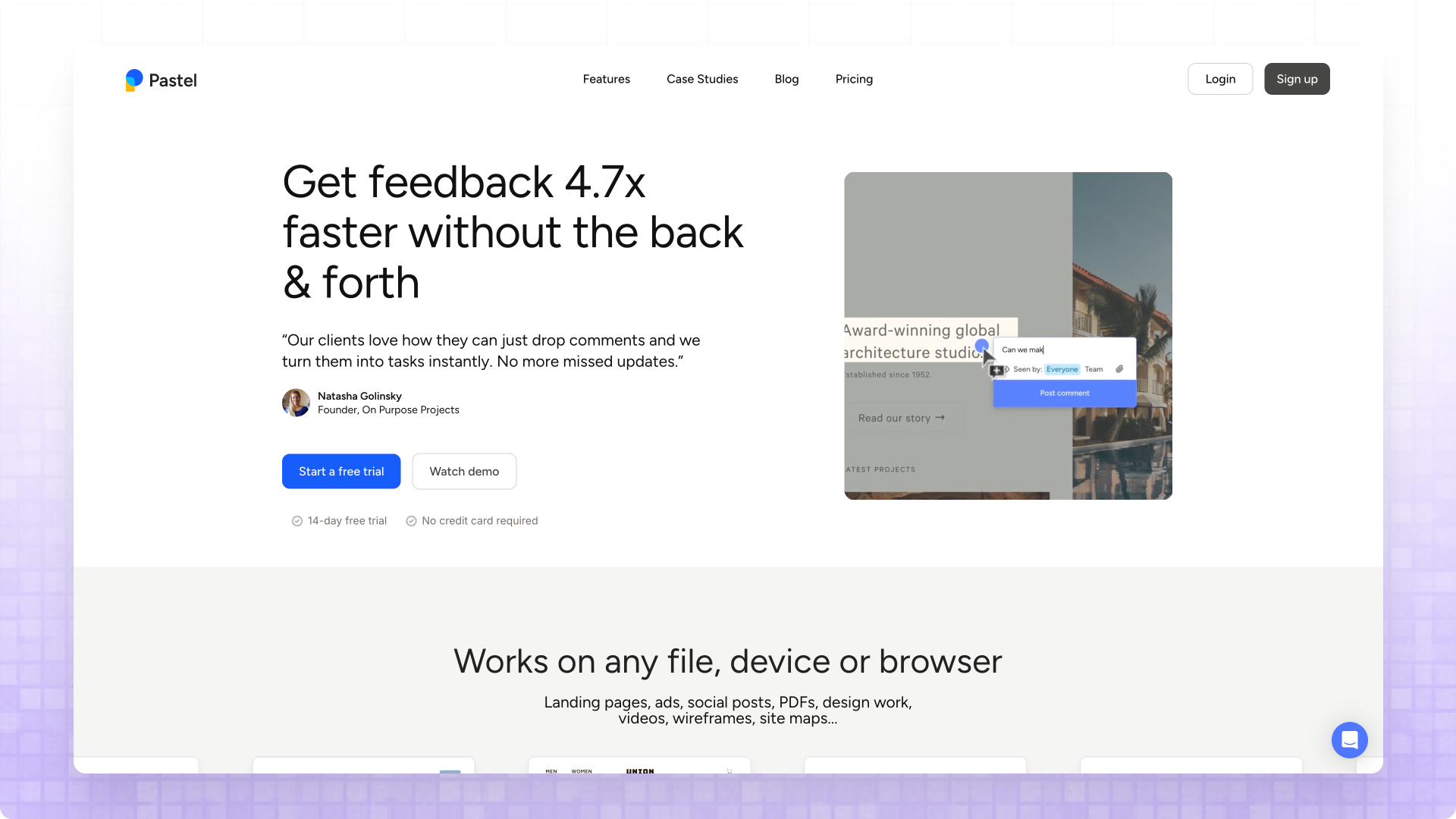
Pastel deserves credit for pioneering the proxy-based approach that both MarkUp.io and Commentblocks now use, and its technology remains reliable for teams who need zero-touch feedback collection on websites they don't control. The workflow mirrors MarkUp.io closely—paste a URL, create a "canvas" that wraps your site, share the link with clients who can annotate without accounts or installations. Pastel also supports feedback on images and PDFs, matching MarkUp.io's multi-format capabilities, and adds direct text editing within the canvas for content refinement workflows where clients want to suggest specific copy changes.
The friction points with Pastel center on its per-canvas pricing structure and the 72-hour commenting window on lower-tier plans. If your feedback process extends beyond three days—which most agency projects do—you'll need the Studio plan at $99/month to remove that artificial constraint—still more expensive than Commentblocks at $14.99/month but cheaper than MarkUp.io's $79. The integration situation is similarly sparse, with Pastel lacking the two-way PM tool connections that modern development workflows expect, meaning you're managing feedback in Pastel and manually transferring actionable items elsewhere.
3. Feedbucket: Deep Project Management Integration
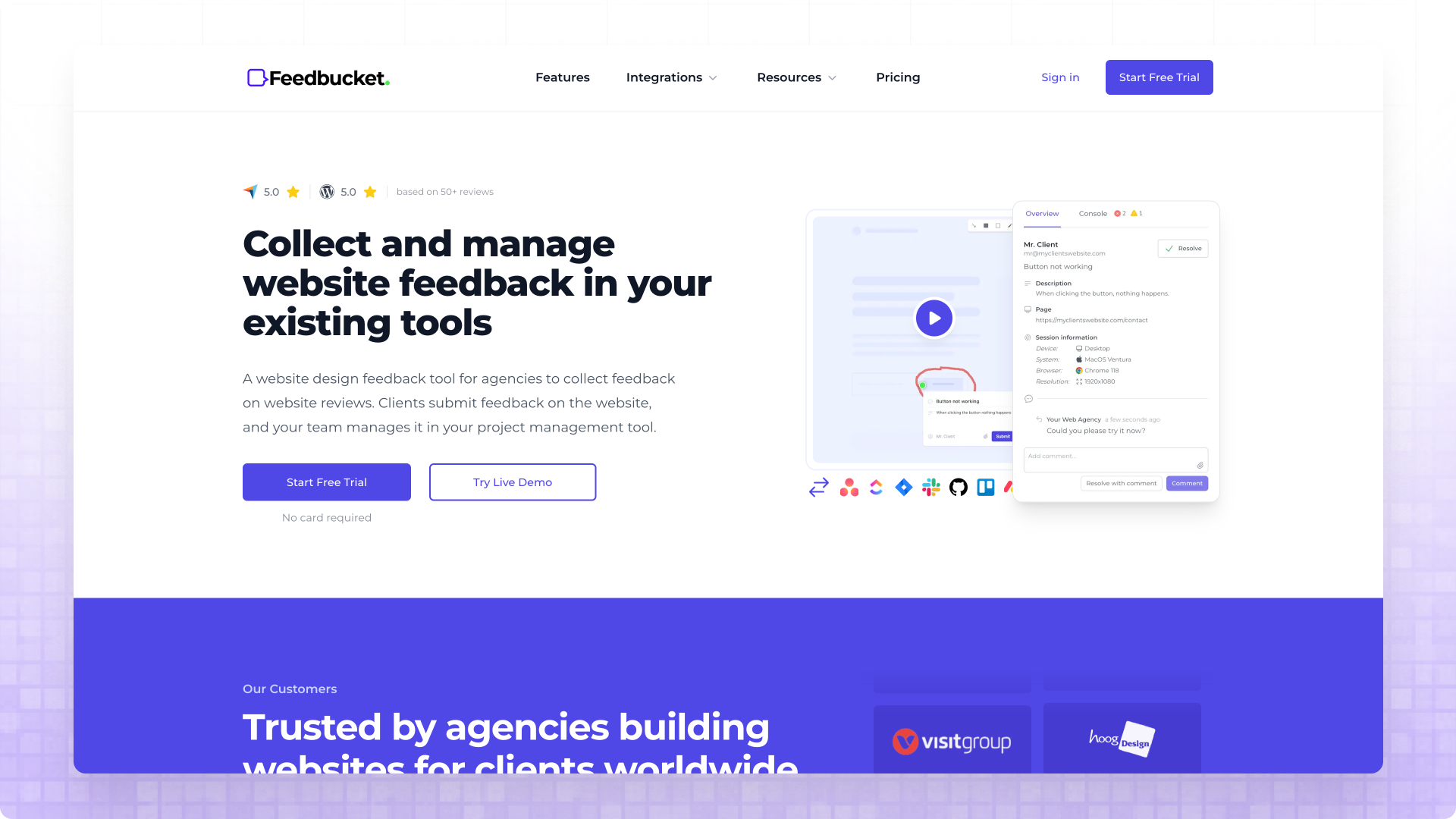
Feedbucket distinguishes itself through exceptionally thorough two-way synchronization with major project management tools like Jira, Asana, ClickUp, and Trello—the integration depth that MarkUp.io's Zapier/Slack-only approach can't match. When you resolve an issue in your project management tool, that status change reflects back in Feedbucket automatically, creating a unified workflow rather than just a notification pipe. For teams who've standardized on a PM tool and consider it the source of truth for project work, this integration depth means developers never need to leave their familiar environment to manage client feedback.
The embedded guest portal approach allows clients to collaborate directly on the website itself, seeing existing feedback from others and adding their own without navigating to a separate platform. Feedbucket automatically captures technical metadata including browser type, OS, page URL, device specifications, and console logs for JavaScript error detection. The trade-off is that Feedbucket requires script installation on your staging environment, which adds a deployment step that proxy-based alternatives like MarkUp.io avoid—if you work on platforms where code modifications are restricted, the installation requirement becomes limiting.
4. Ruttl: The Budget Champion
Ruttl has emerged as the most aggressively priced option in the visual feedback space, with per-user pricing starting at just $4/month on the Pro plan—roughly seven times cheaper than MarkUp.io for a single user, though the math changes as team size grows. What sets Ruttl apart beyond pricing is the live CSS editing capability that lets you directly modify website designs including text, images, and CSS properties as part of the feedback process, going beyond annotation into actual design iteration. This edit-in-place approach proves valuable for quick experiments where you want to show clients what a proposed change would actually look like rather than describing it abstractly.
Ruttl uses a hybrid approach combining proxy technology with an optional Chrome extension for situations where the proxy alone isn't sufficient—pages behind Basic Authentication or login screens require the extension, which adds friction but at least provides a workaround that MarkUp.io doesn't offer. The platform supports feedback across multiple formats including websites, web apps, mobile apps, videos, images, and PDFs, matching MarkUp.io's multi-format versatility. The integration situation is limited—connections to PM tools only create tasks with a Ruttl link rather than syncing actual feedback data—but for budget-constrained teams who can work within these limitations, Ruttl delivers substantial capability.
5. Marker.io: Developer-Centric Bug Tracking
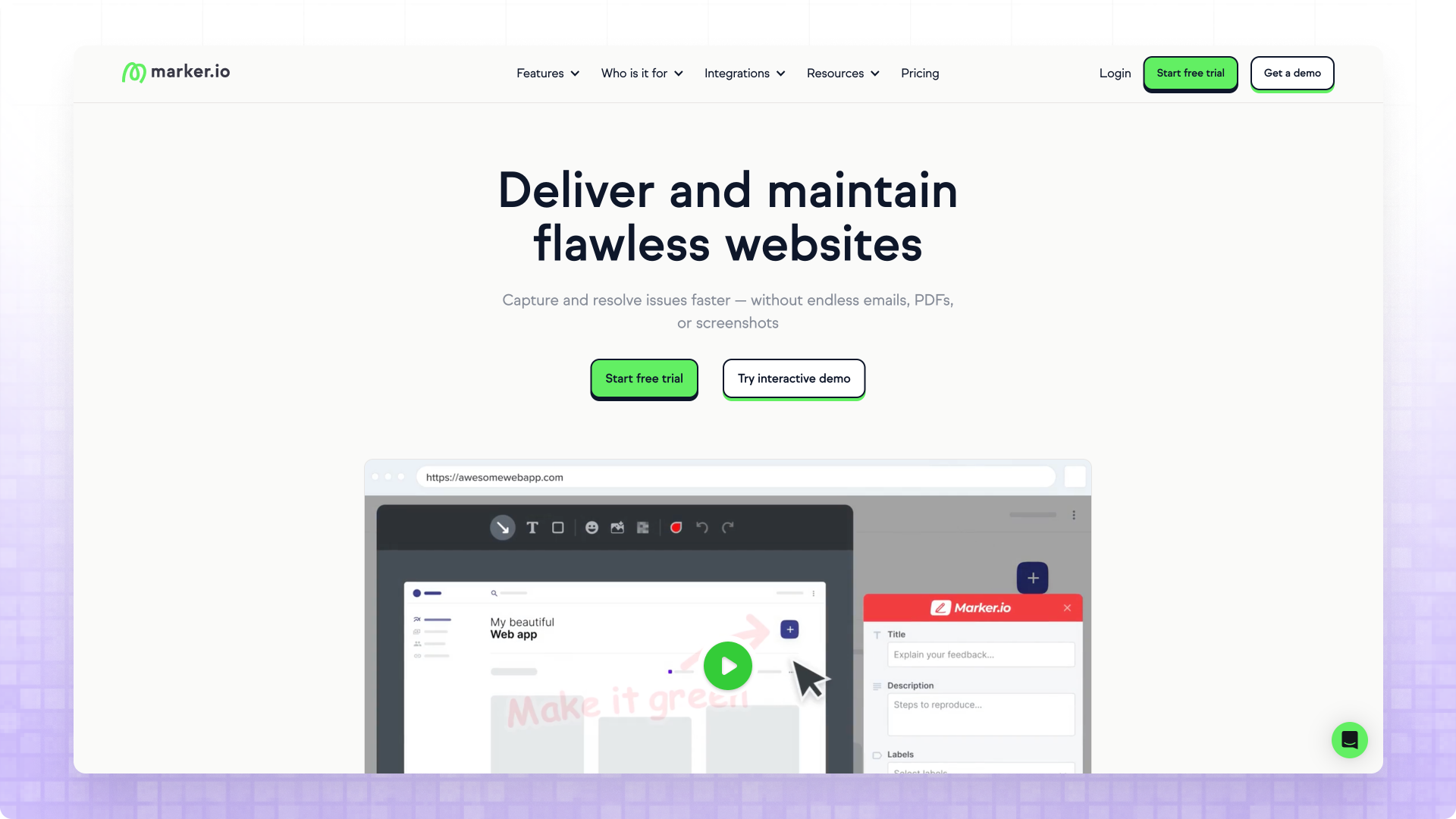
Marker.io positions itself as the developer-focused choice in the visual feedback category, offering capabilities that go beyond simple annotation into genuine bug-tracking territory—session replay that records user interactions leading up to feedback, console log capture that automatically attaches JavaScript errors, and robust two-way integrations with tools like Jira, GitHub, and Linear. This technical depth represents a fundamentally different philosophy than MarkUp.io's simplicity-first approach, and teams with complex web applications where JavaScript errors and state management bugs are common will find genuine value in the forensic-level detail.
The two-way integrations with developer tools make Marker.io appealing for agencies with strong engineering cultures who want feedback flowing into existing issue-tracking workflows. Status updates sync bidirectionally, so developers manage everything in Jira without checking a separate feedback dashboard. The trade-offs center on pricing and client requirements: the per-seat model at $59/month entry becomes expensive as teams grow, and the guest portal requires clients to create accounts—friction that simpler alternatives eliminate.
6. BugHerd: The Visual Bug Tracking Veteran
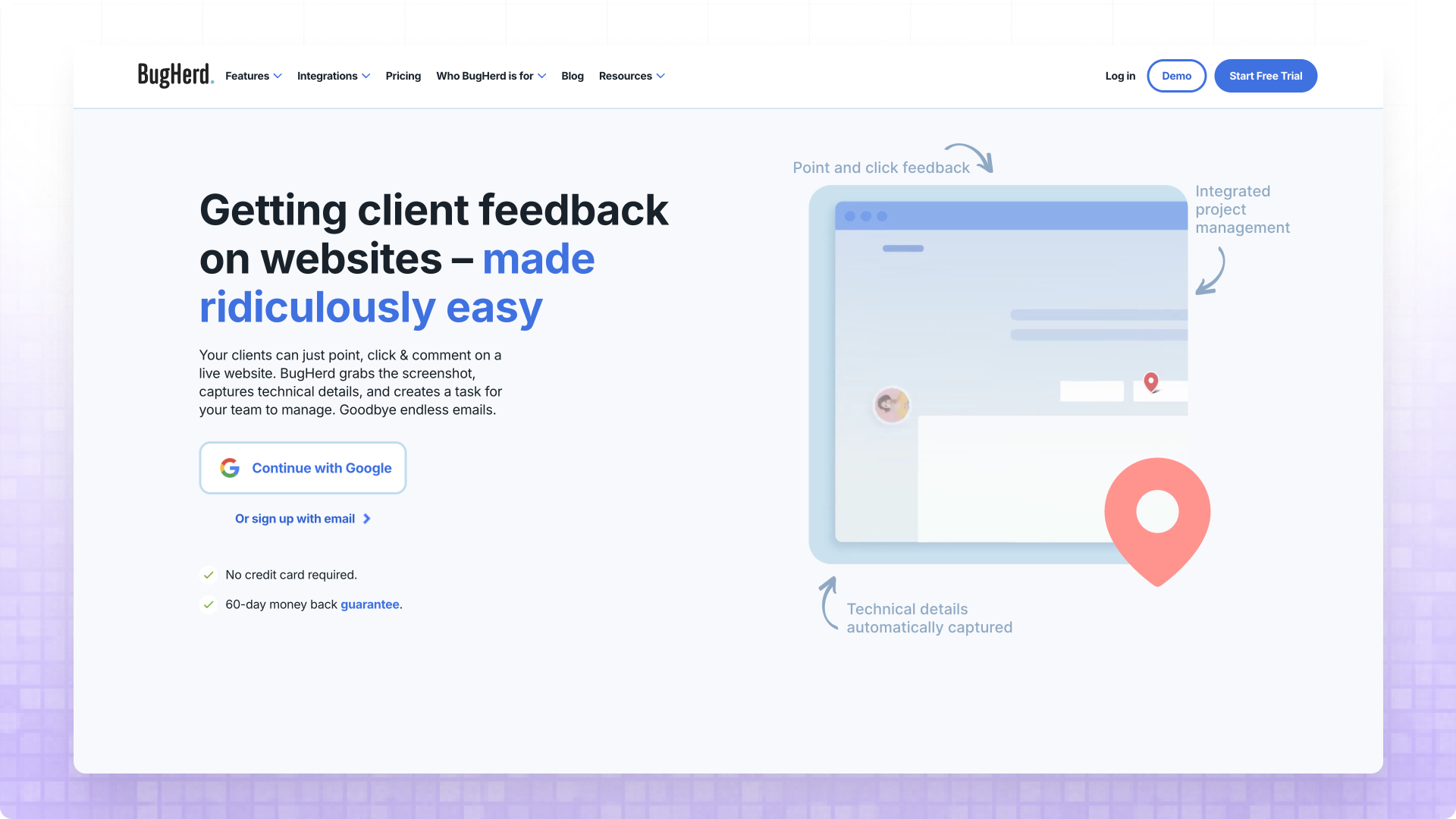
BugHerd has operated in the visual feedback space longer than most competitors, and its longevity reflects a robust approach that's proven reliable for thousands of agencies and development teams. The sticky-note metaphor feels natural to clients who understand Post-it annotations in the physical world, and visual pins showing where feedback exists on a page help teams spot areas of concern while preventing duplicate reports. Both screenshot and video feedback options give clients flexibility in how they communicate issues, and the built-in Kanban board creates a self-contained project management experience for teams who want feedback and task tracking in a single platform.
What distinguishes BugHerd from pure feedback tools is this integrated project management—feedback automatically becomes tasks with status tracking, assignment capabilities, and due date management, eliminating the need for a separate PM subscription if you don't already have one. The trade-offs involve setup requirements and pricing: full functionality requires either JavaScript installation on your staging site (Premium plan at $129/month) or browser extension usage, and the extension path means clients need to install additional software. Direct integrations are limited to Asana, Jira, Trello, and GitHub without two-way sync.
7. Userback: Feature-Rich Feedback Platform
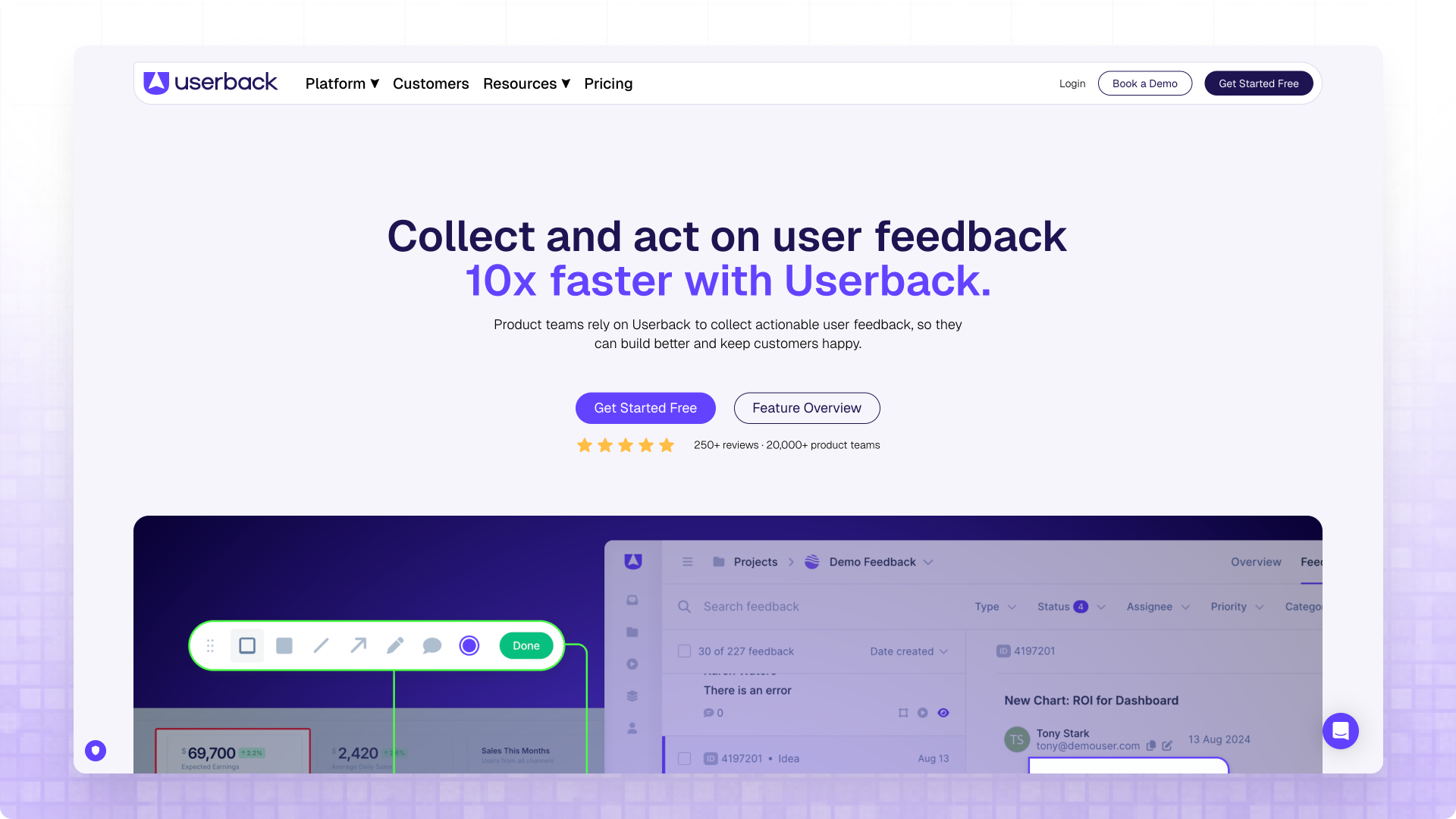
Userback represents the feature-rich end of the visual feedback spectrum, offering an extensive toolkit that extends beyond annotation into session replay, micro surveys, NPS tracking, and comprehensive user research capabilities. The on-page guest portal allows clients to view and work on feedback directly on the webpage without needing to register or log into another platform, which maintains some of the low-friction appeal that makes MarkUp.io attractive. Two-way syncing with project management tools means feedback flows into your existing workflow with bidirectional status updates.
The comprehensive feature set is both Userback's strength and its potential drawback depending on your needs. If your primary use case is simple client approval feedback on designs, you're paying for session replay, surveys, and analytics you won't use—the $79/month Startup tier already costs nearly three times MarkUp.io's price. Project limits also constrain growing agencies: only five projects on the entry plan and fifteen on the mid-tier, which most agencies will exceed quickly. The platform seems designed to keep you working within Userback rather than treating it as a feedback pipeline to external tools.
8. Usersnap: Enterprise-Grade Complexity
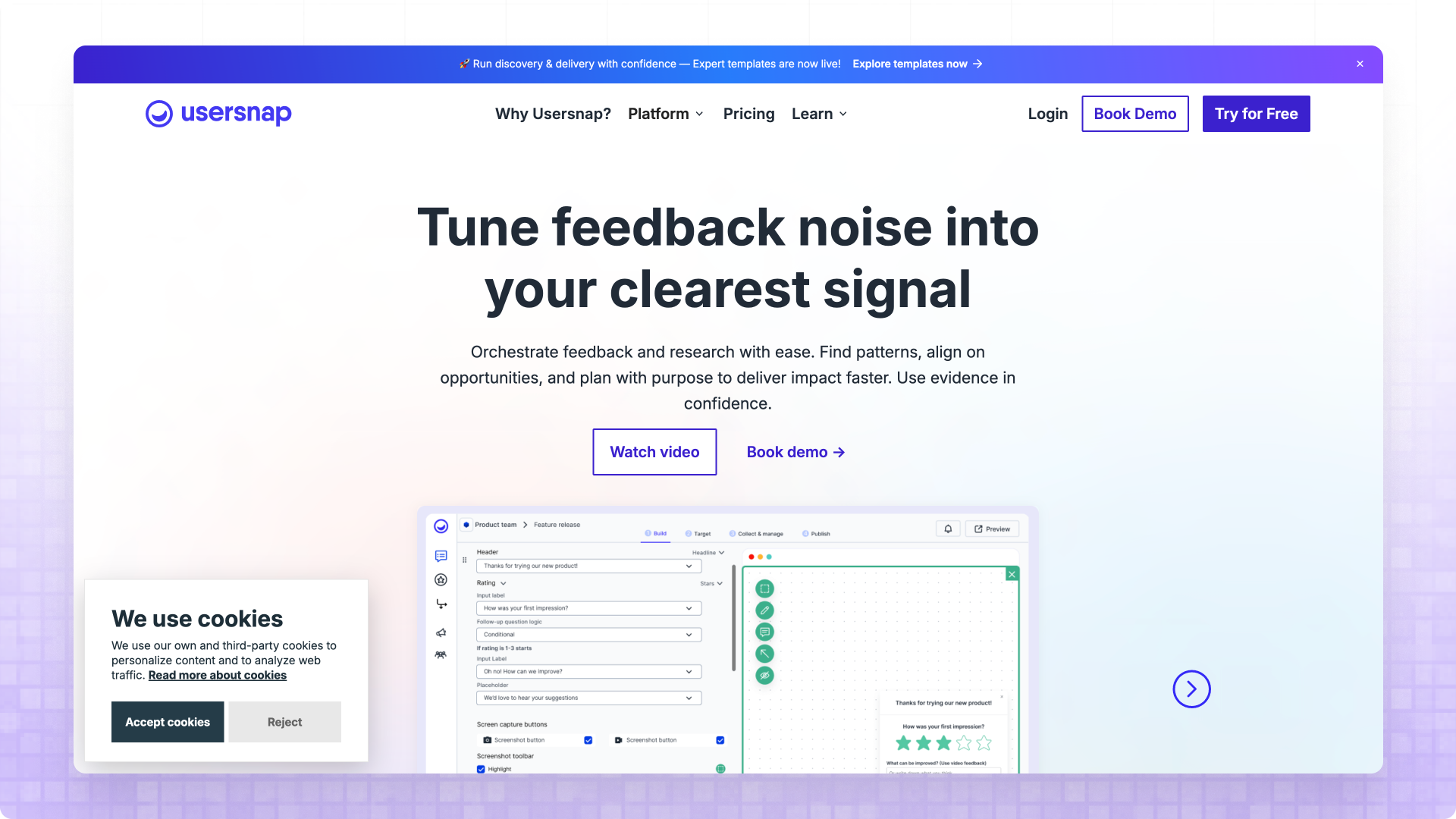
Usersnap represents the enterprise end of the visual feedback spectrum, offering the most extensive integration ecosystem on this list with connections to more than 30 project management and communication tools including Jira, Asana, ClickUp, Slack, and many others. The platform includes NPS surveys, micro surveys, user sentiment tracking, and detailed analytics alongside core screenshot and video feedback features, creating an all-in-one solution for product teams who want to understand user behavior at scale. The feedback widget customization options exceed what most competitors offer, allowing detailed control over appearance, required fields, and collection workflows.
The complexity that makes Usersnap powerful also creates barriers for teams with simpler needs. The $99/month Startup tier limits you to just five projects—most agencies will exceed this quickly—and realistic usage typically requires the Company plan at $189/month or higher. The extensive feature set creates a learning curve that may overwhelm teams who only need basic annotation capabilities, and non-technical clients may struggle with a widget that offers more options than they need. For enterprise product teams with sophisticated requirements and budget to match, Usersnap delivers comprehensive capabilities—but for agencies primarily collecting client approval feedback, this represents paying for complexity you won't use.
Choosing the Right Alternative
The choice between MarkUp.io alternatives has become clearer since MarkUp.io raised their pricing to $79/month—at that price point, the limited Zapier/Slack integrations, Basic Auth struggles, and desktop-only mobile emulation are harder to justify. The alternatives don't just match MarkUp.io's capabilities; most exceed them while costing less.
For agencies and freelancers working with non-technical clients who need the simplest possible experience, I recommend Commentblocks as the clear winner. Starting at $14.99/month with free guest seats and no signup required for clients, Commentblocks costs less than a quarter of MarkUp.io while delivering the native mobile support and PM integrations that MarkUp.io lacks. If deep two-way PM integration matters most, Feedbucket delivers that at $39/month—still half of MarkUp.io's price—with the trade-off of requiring script installation. If budget is the primary constraint, Ruttl's $4/user/month pricing is unmatched.
If you're ready to see what zero-friction feedback with free guest seats looks like, Commentblocks offers a 14-day free trial with no credit card required. Paste any URL—staging site, production site, localhost—and send your first feedback link to a client in under 60 seconds.


Blog: Tips & Insights
Tips, strategies, and updates on client management, web development, and product news from the Commentblocks team.



Frequently Asked Questions
.svg)

Ready to collect feedback the right way?

