


Best Client Communication Tools for Agencies (2026 Guide)

Most agencies don't have a communication problem -- they have a fragmentation problem. Conversations are split across email threads, Slack channels, project management comments, and text messages, creating an environment where information exists everywhere and is findable nowhere. The right communication tools consolidate these scattered conversations into something manageable.
This guide covers the best client communication tools for agencies in 2026, organized by the specific problem each one solves -- from real-time messaging and structured project management to shared inboxes, documentation, and async video. Every tool includes pricing, standout features, and honest limitations so you can build a communication stack that actually works, instead of collecting overlapping subscriptions.
Quick Comparison: The Best Client Communication Tools
Here's a snapshot of every tool in this guide before we dive into the details:
- Slack -- Best for real-time team and client messaging
- Microsoft Teams -- Best for agencies with enterprise clients
- Asana -- Best for structured project communication
- Monday.com -- Best for visual project status updates
- ClickUp -- Best all-in-one project and communication hub
- Basecamp -- Best for simple, no-frills client collaboration
- Front -- Best for managing shared client inboxes
- Notion -- Best for shared documentation and project wikis
- Loom -- Best for async video updates and walkthroughs
- HubSpot -- Best for CRM-integrated client communication
- Zoom -- Best for video meetings and live presentations
How We Evaluated These Tools
We assessed each tool based on four criteria that matter most for agency-client communication: ease of client onboarding (can clients use it without training?), integration with existing agency workflows, pricing transparency, and how well it reduces back-and-forth rather than adding to it. Tools that require clients to create accounts, install software, or learn complex interfaces scored lower because adoption is the real bottleneck in agency communication -- not features.
1. Slack
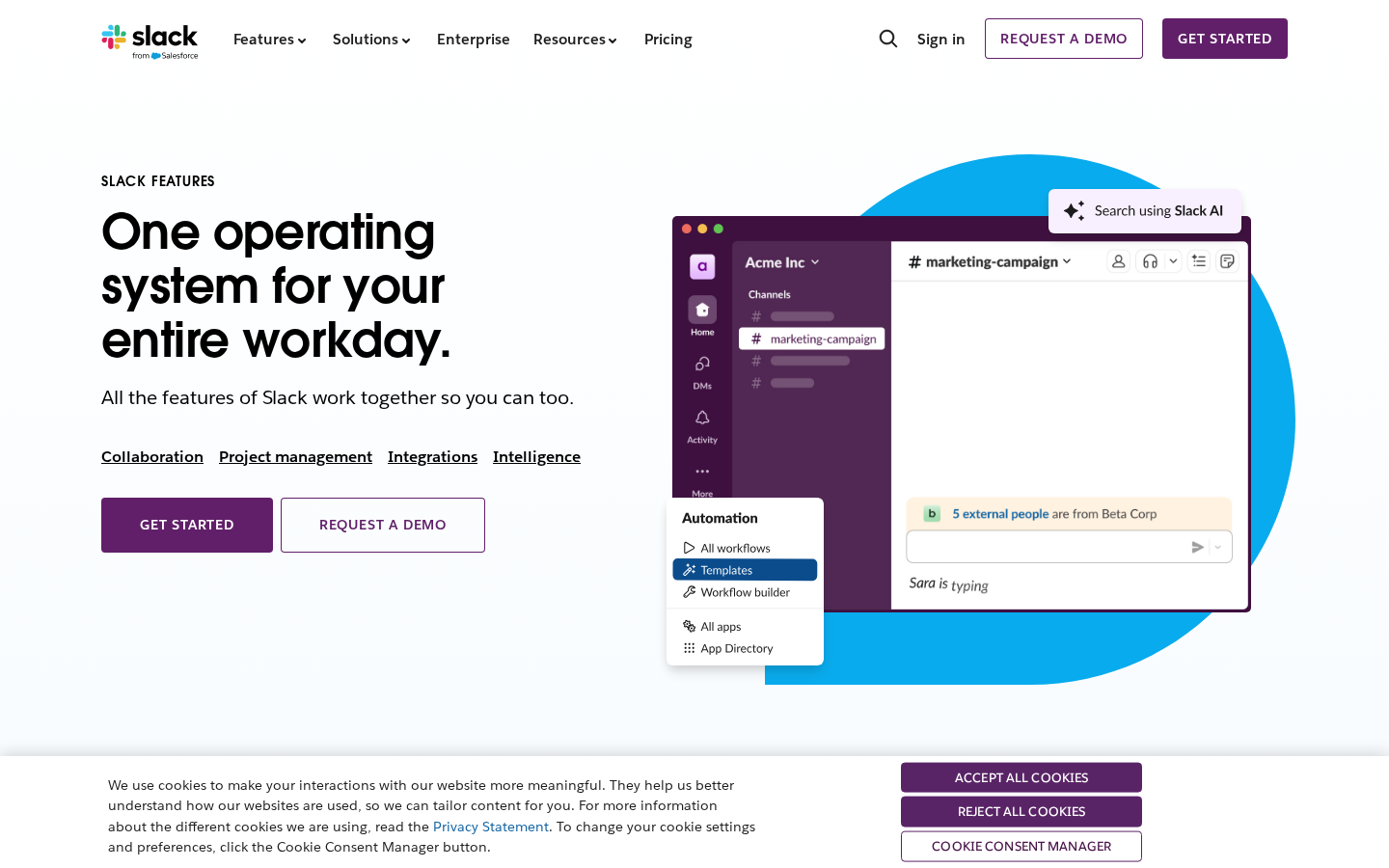
Best for: Real-time team and client messaging
Slack is the default messaging platform for most agencies, and for good reason. Organized channels let you separate internal discussions from client-facing conversations, group threads by project, and control who sees what. The search function makes it possible to find that one decision from three months ago without scrolling through hundreds of emails.
For client communication specifically, Slack Connect lets you create shared channels between your workspace and a client's workspace. This keeps conversations inside the tool your team already uses daily rather than forcing you to check a separate platform. The limitation is that Slack Connect only works well when clients also use Slack -- and many don't.
Key features
- Organized channels by project, client, or topic
- Slack Connect for cross-organization messaging
- Huddles for quick voice or video calls without scheduling
- Deep integrations with Asana, Monday.com, Google Drive, and 2,400+ other tools
- Searchable message history across all channels
Pricing
Free plan available with limited history. Pro starts at $8.75/user/month. Business+ at $15/user/month. Enterprise Grid uses custom pricing.
Limitations
Real-time messaging creates always-on expectations. Clients who have Slack access tend to expect instant responses, even for non-urgent questions. Without clear boundaries, this erodes work-life balance quickly. The free plan's limited message history can also be a problem when you need to reference older conversations.
2. Microsoft Teams
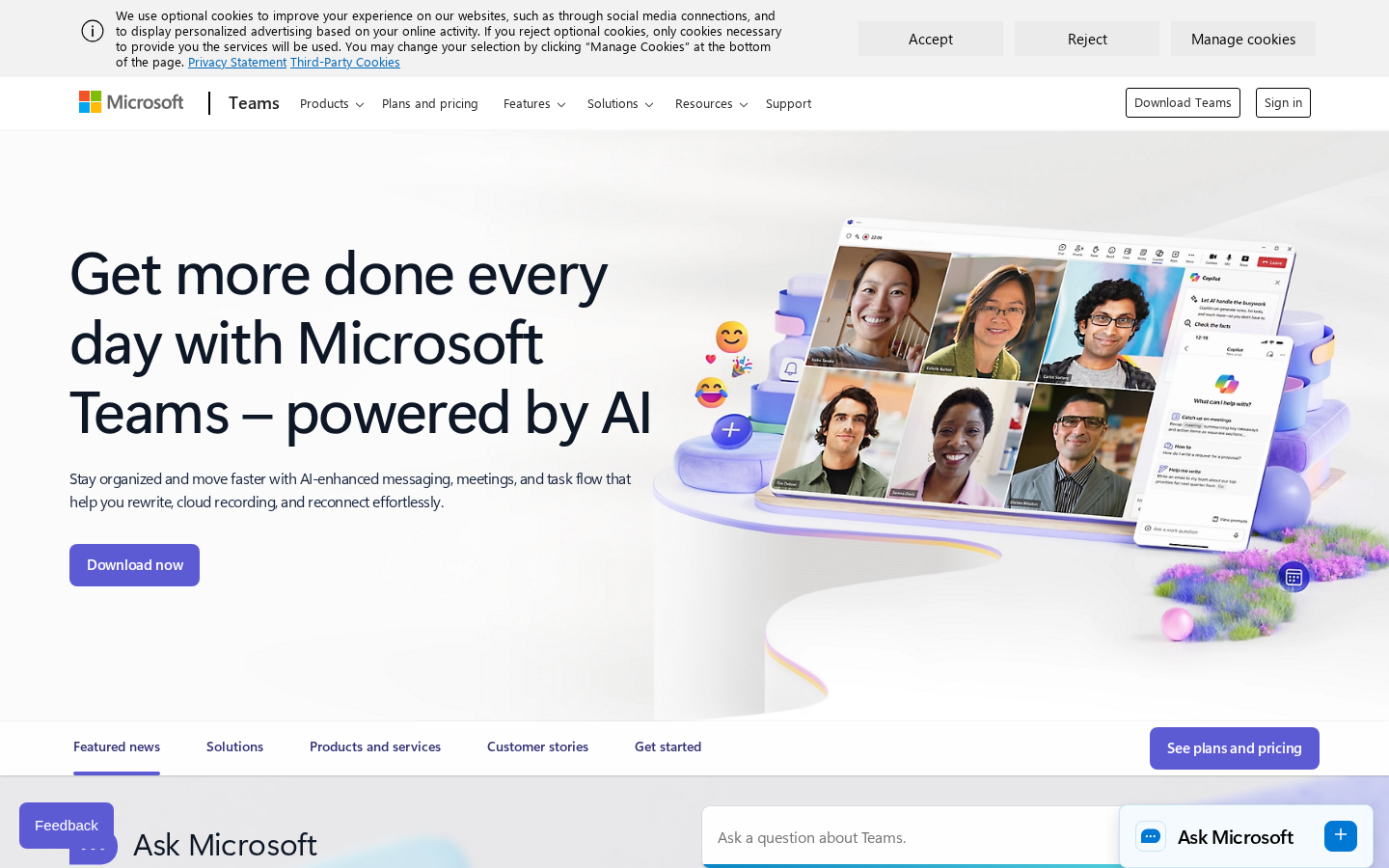
Best for: Agencies working with enterprise clients
Microsoft Teams makes sense when your clients live inside the Microsoft 365 ecosystem. Suggesting Slack to a client whose IT department manages everything through Microsoft creates friction that outweighs any feature advantage. Teams combines messaging, video calls, file sharing, and document collaboration in one hub -- and for enterprise clients, it's already installed and approved by their security team.
The experience is less polished than Slack's, but it's perfectly adequate for professional communication. Meeting clients where they already are usually matters more than theoretical platform superiority.
Key features
- Persistent chat, video meetings, and file sharing in one platform
- Guest access for external collaborators without Microsoft licenses
- Real-time co-editing of Word, Excel, and PowerPoint files
- AI-powered meeting summaries and action item tracking via Copilot
- Breakout rooms and webinar capabilities for larger presentations
Pricing
Free version available. Microsoft Teams Essentials at $4/user/month. Included in Microsoft 365 Business plans starting at $6/user/month.
Limitations
The interface can feel cluttered, especially for non-technical clients navigating channels, chats, and teams for the first time. File organization defaults can be confusing -- files shared in chat end up in different SharePoint locations than files shared in channels. Setup and administration is more complex than Slack.
3. Asana
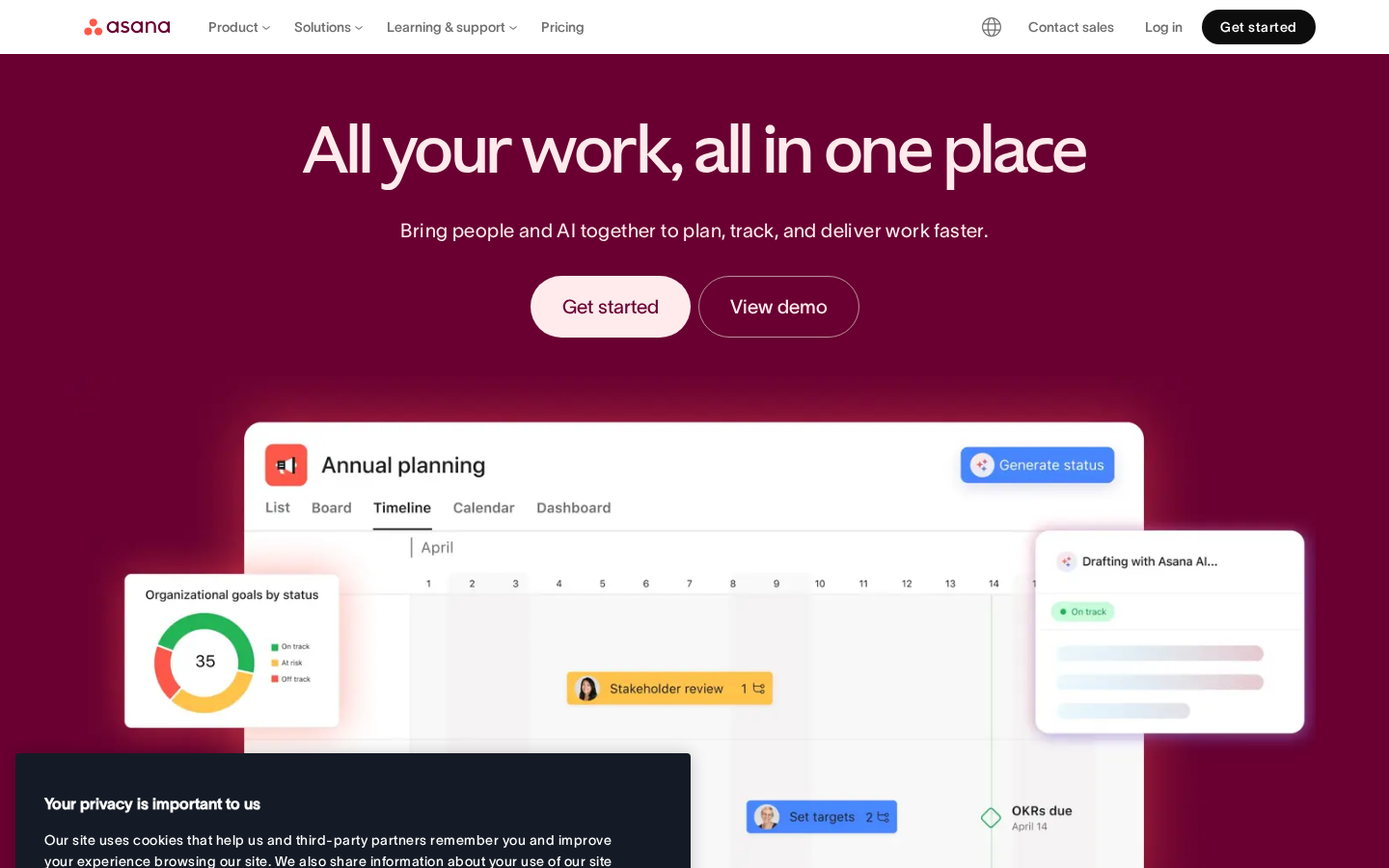
Best for: Structured project communication with clear task ownership
Asana organizes communication around work rather than around conversations. Every comment, update, and file attachment is tied to a specific task or project, which means context is never lost. When a client asks "what's happening with the homepage redesign?" the answer lives inside the project -- not buried in a Slack thread from two weeks ago.
For agencies managing multiple clients simultaneously, Asana's portfolio view provides a bird's-eye view of all active projects. Client-facing dashboards can be configured to show progress without exposing internal task breakdowns or team discussions.
Key features
- Task comments keep discussions tied to specific deliverables
- Multiple project views: list, board, timeline, and calendar
- Guest access for client stakeholders with controlled permissions
- Custom fields for tracking project status, priority, and approval stages
- Automated workflows for status updates and task handoffs
Pricing
Free plan for up to 10 users. Starter at $13.49/user/month. Advanced at $30.49/user/month. Enterprise uses custom pricing.
Limitations
Asana's power-user features can overwhelm clients who just want high-level visibility. The learning curve is steeper than simpler tools like Basecamp. Guest users also have limited functionality on the free plan, which can create an awkward experience for clients.
4. Monday.com
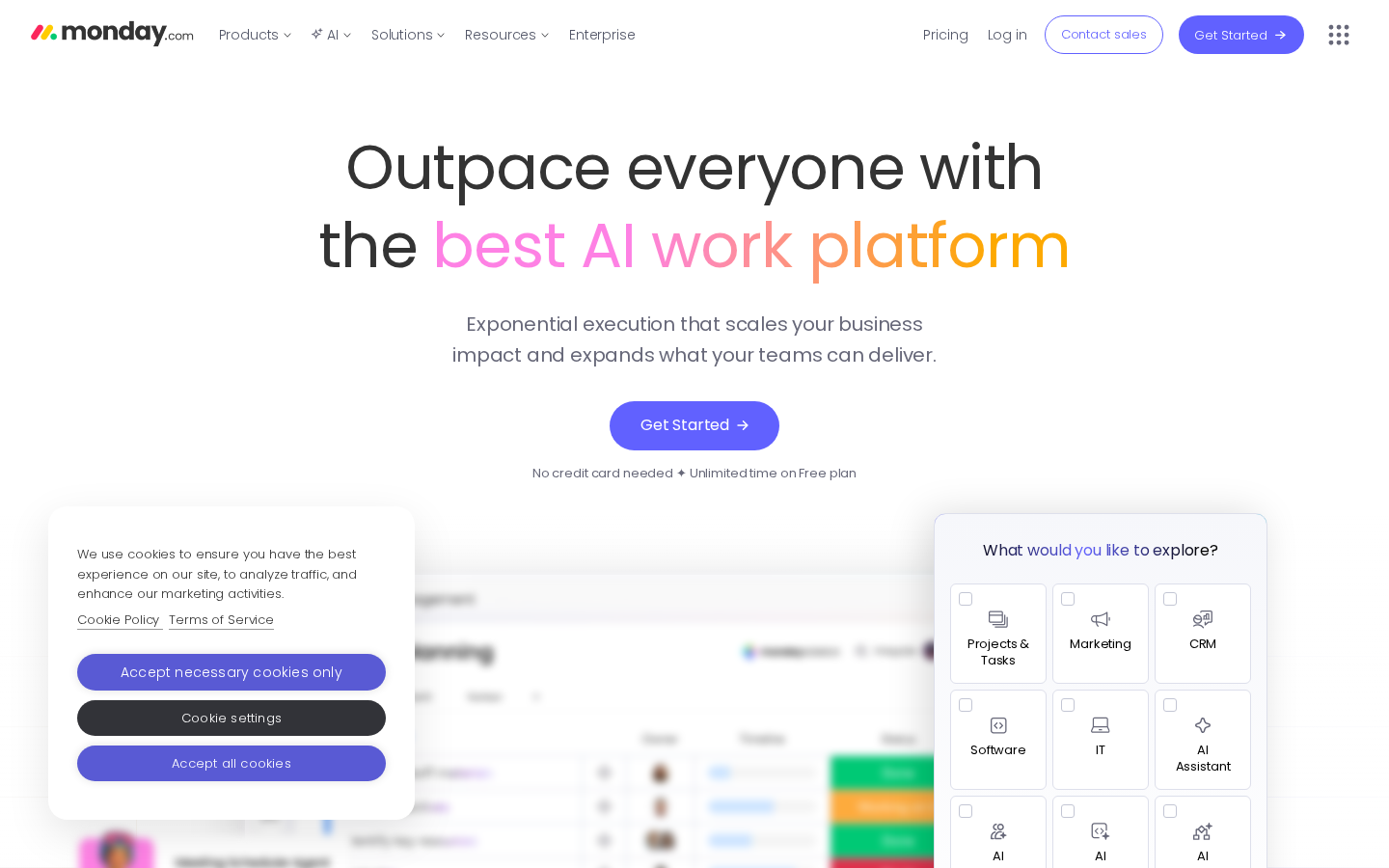
Best for: Visual project status updates clients can understand at a glance
Monday.com's color-coded boards make project status immediately visible without requiring clients to interpret Gantt charts or task dependencies. Agencies like it because the visual interface translates well to client presentations -- drag a few widgets into a dashboard and clients can see exactly where their project stands.
The platform is flexible enough to serve as both internal project management and client-facing communication hub. You can create separate views that show clients a simplified version of the project while your team works with the full complexity underneath.
Key features
- Color-coded status columns visible at a glance
- Customizable dashboards for client-facing project views
- Built-in time tracking and workload management
- Automations to notify clients when milestones are hit
- Guest access with view-only or editing permissions
Pricing
Free plan for up to 2 users. Basic at $12/seat/month. Standard at $14/seat/month. Pro at $27/seat/month. Enterprise uses custom pricing. Minimum 3 seats on paid plans.
Limitations
Pricing adds up fast because Monday.com charges per seat with a 3-seat minimum. The platform can feel bloated for agencies that want straightforward task management without the visual bells and whistles. Automations are also limited on lower-tier plans.
5. ClickUp
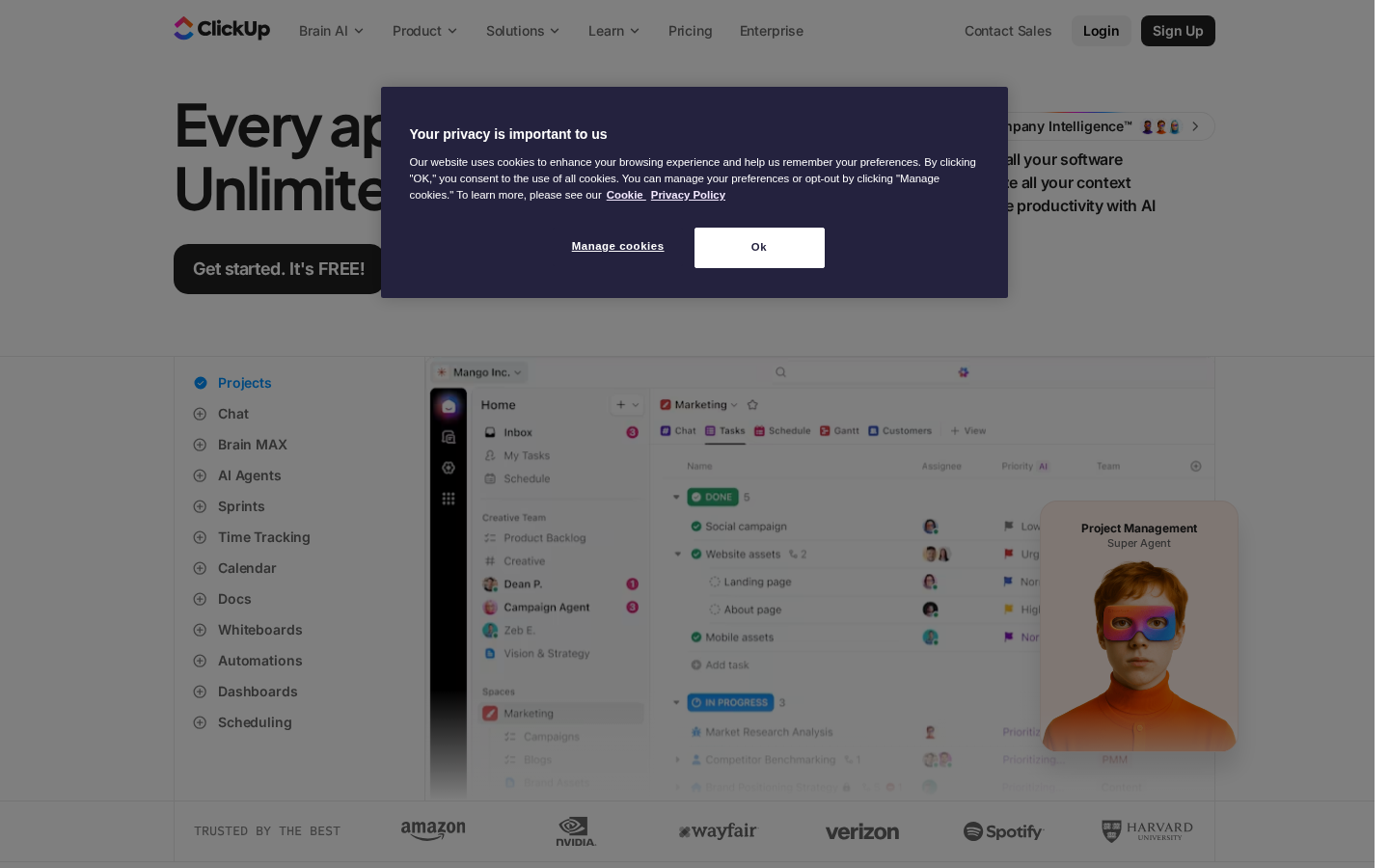
Best for: Agencies that want project management and communication in one place
ClickUp tries to replace multiple tools by combining project management, documentation, chat, and goal tracking in a single platform. For agencies tired of switching between Slack, Asana, and Google Docs, the appeal is obvious -- everything lives in one place.
The chat feature is directly embedded within projects, so conversations stay connected to the work they reference. Docs live inside ClickUp too, which means project briefs, SOWs, and meeting notes don't end up in a separate tool that nobody checks.
Key features
- Built-in chat, docs, and whiteboards alongside task management
- 15+ project views including list, board, Gantt, and mind map
- Custom dashboards with real-time reporting
- Native time tracking across tasks
- Guest access for external clients and contractors
Pricing
Free plan available. Unlimited at $10/user/month. Business at $19/user/month. Enterprise uses custom pricing.
Limitations
The sheer number of features creates a steep learning curve -- both for your team and for clients. Performance can lag with large projects. Some agencies find that ClickUp does many things adequately but nothing exceptionally, leading them back to specialized tools for specific functions.
6. Basecamp
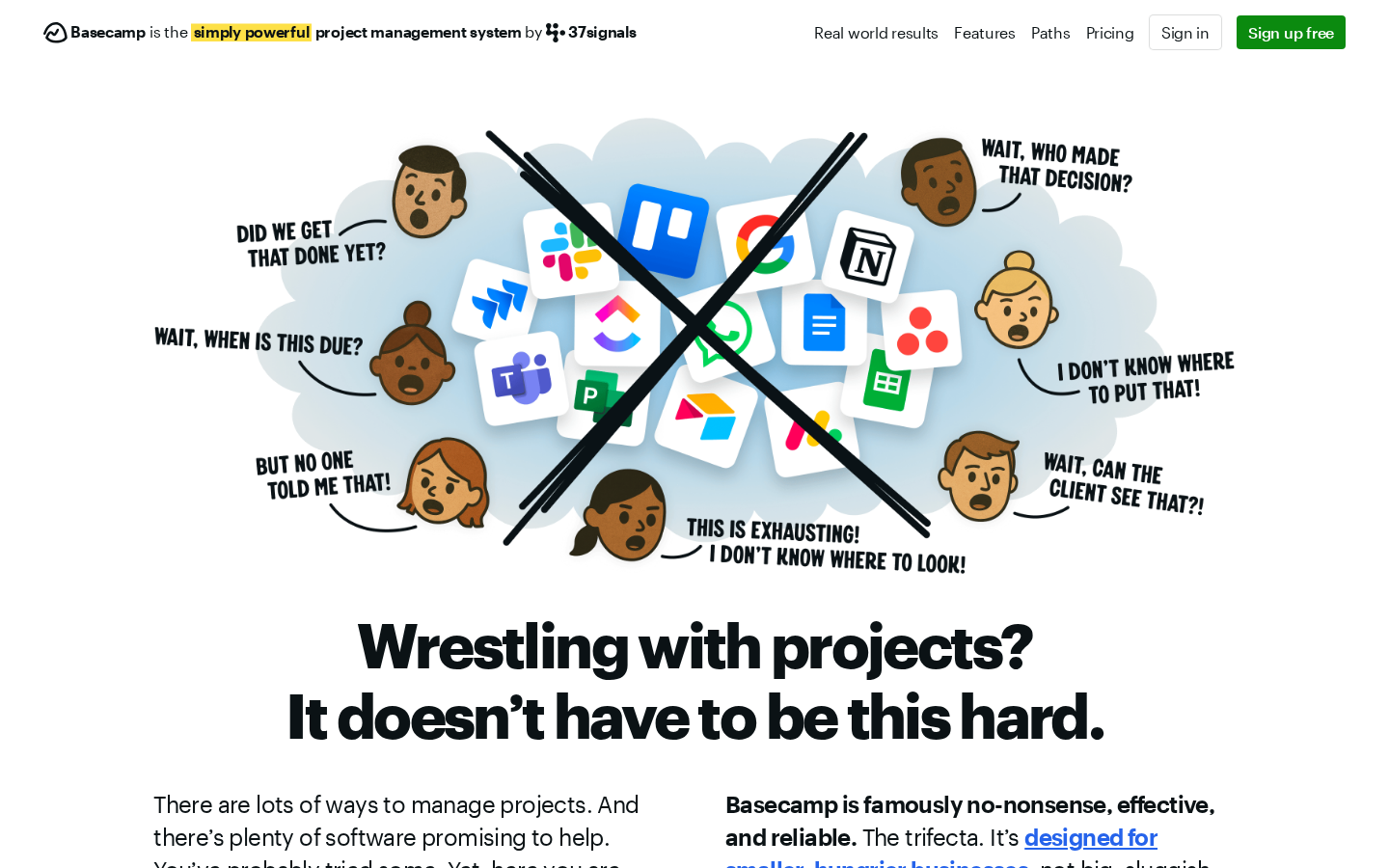
Best for: Simple, no-frills client collaboration
Basecamp takes the opposite approach to ClickUp. Instead of trying to do everything, it intentionally limits features to keep things simple. Each project gets a message board, to-do lists, a schedule, file storage, and group chat -- and that's it. No Gantt charts, no complex dependencies, no elaborate automations.
This simplicity is Basecamp's greatest strength for client communication. There's no hidden complexity for clients to stumble into, no permission maze to configure, and no training required. Clients understand how to use it within minutes, which means they actually use it.
Key features
- Message boards for async discussions organized by topic
- Automatic check-ins that replace recurring status meetings
- Hill Charts for visual progress tracking without Gantt complexity
- Client access built in -- no separate guest pricing
- Flat pricing regardless of team size
Pricing
$15/user/month on the Standard plan. Pro Unlimited at $299/month flat for unlimited users. Free plan available for personal use.
Limitations
Agencies with complex project requirements -- resource allocation, dependencies, detailed time tracking -- will need additional tools alongside Basecamp. The flat structure doesn't scale well for agencies managing dozens of simultaneous projects. Reporting and analytics are minimal compared to Monday.com or Asana.
7. Front
Best for: Managing shared client inboxes without losing personal touch
Front bridges the gap between personal email and help desk software. It gives your team a shared inbox for client communication while preserving the feel of individual email -- clients see a message from their account manager, not a ticket number. For agencies where relationships matter and clients expect personal attention, this balance is hard to find elsewhere.
The real value is visibility. When a client emails your agency, everyone on the team can see the conversation history, internal comments, and who's handling what -- without forwarding chains or CC lists. Assignment, tagging, and SLA tracking keep client requests from falling through the cracks during busy periods.
Key features
- Shared inboxes with individual email addresses for personal feel
- Internal comments and @mentions on email threads without clients seeing them
- Assignment rules and SLA tracking to prevent dropped requests
- Integrations with CRMs, project management tools, and over 100 other apps
- Analytics on response times, team workload, and client satisfaction
Pricing
Starter at $19/seat/month. Growth at $59/seat/month. Scale at $99/seat/month. Premier at $229/seat/month.
Limitations
Pricing is steep compared to standard email clients, especially for small teams. The Starter plan lacks many workflow automation features, pushing most agencies toward the Growth tier at minimum. Front also works best when email is your primary client communication channel -- if most of your client interaction happens in Slack or project management tools, you may not get enough value to justify the cost.
8. Notion
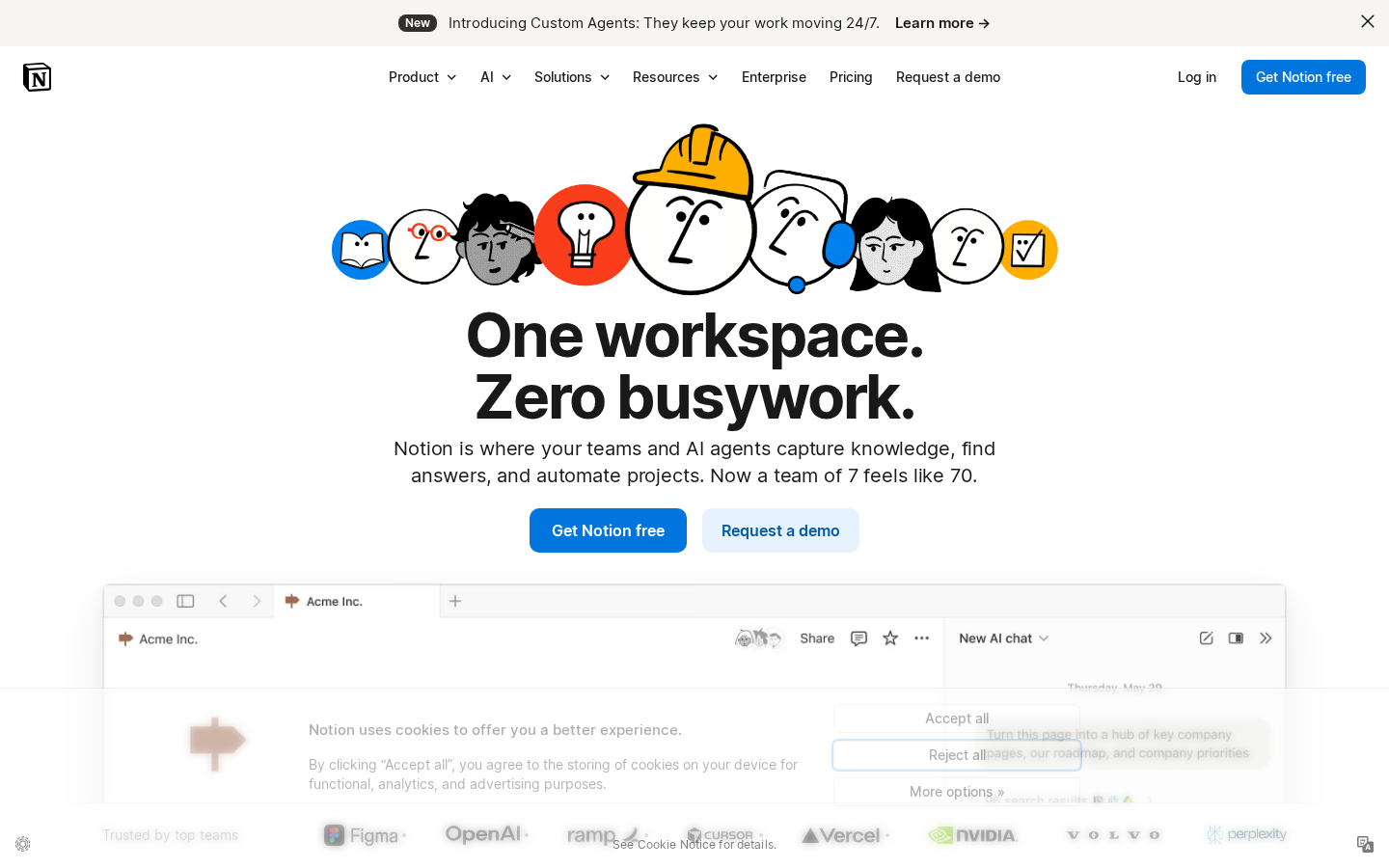
Best for: Shared documentation, project wikis, and knowledge bases
Every client project generates reference material that needs to live somewhere accessible: brand guidelines, project briefs, strategy documents, meeting notes, and asset specifications. When this information exists only in email attachments, finding it later means searching through threads trying to remember who sent what when.
Notion combines document creation with database organization, so you can build project wikis that organize all reference material in one place. Share specific pages with clients while keeping internal documentation private. The block-based editor makes it easy to create structured, professional-looking documents without fighting formatting tools.
Key features
- Flexible page and database structure for organizing any type of content
- Granular sharing permissions -- share specific pages while keeping others private
- Templates for project briefs, meeting notes, SOWs, and client onboarding
- Real-time collaboration with comments and mentions
- API and integrations for connecting to other tools in your stack
Pricing
Free plan for individuals. Plus at $12/user/month. Business at $18/user/month. Enterprise uses custom pricing.
Limitations
Notion's flexibility is both its strength and weakness. Without deliberate structure, workspaces become disorganized quickly. Clients unfamiliar with Notion may find the interface overwhelming compared to a simple shared Google Drive folder. Page load times can also lag with heavily embedded content.
9. Loom
Best for: Async video updates and walkthroughs
Some things are easier to show than to write. Loom lets you record quick screen-and-camera videos to walk clients through designs, explain project updates, or demonstrate functionality -- without scheduling a meeting. The recipient watches on their own time, at their own pace, and can leave timestamped comments on specific moments in the video.
For agencies, Loom replaces a significant number of status update meetings. Instead of coordinating calendars for a 30-minute call to walk through progress, record a 5-minute Loom and send the link. Clients get the same information with more visual context, and your team gets that half hour back.
Key features
- Screen, camera, and audio recording with one click
- Timestamped comments and emoji reactions from viewers
- Automatic transcription and AI-generated summaries
- Custom branding and password protection for client videos
- Analytics showing who watched, when, and how much
Pricing
Free plan with up to 25 videos and 5-minute limit. Business at $15/user/month with unlimited recordings. Enterprise uses custom pricing.
Limitations
Video isn't always the right format. Quick questions, approvals, and status checks are often faster as text. Loom also requires clients to watch rather than skim, which can feel time-consuming for busy stakeholders. Storage is limited on lower-tier plans, and older videos need to be managed or archived.
10. HubSpot
Best for: CRM-integrated client communication and relationship management
HubSpot centralizes client communication history inside a CRM, so every email, meeting, call, and note is tied to a specific contact and company record. For agencies managing ongoing retainers with multiple stakeholders per client, this centralized history prevents the "who talked to whom about what" confusion that plagues growing teams.
The shared inbox feature lets multiple team members manage client emails without stepping on each other, with conversation routing and assignment to keep things organized. Combined with the meeting scheduler, automated sequences, and client portal, HubSpot provides a more structured communication layer than chat-based tools.
Key features
- Shared inbox for team email management with assignment and routing
- Complete communication timeline per contact and company
- Meeting scheduler that syncs with Google Calendar and Outlook
- Client portal for ticketing and project visibility
- Email tracking, templates, and automated sequences
Pricing
Free CRM with basic tools. Starter at $20/month per seat. Professional at $100/month per seat. Enterprise at $150/month per seat.
Limitations
HubSpot's pricing escalates quickly as you add features and users. The free tier is useful but limited -- many valuable communication features require paid plans. The platform is also more complex than agencies typically need if they're only looking for communication tools without the full CRM suite.
11. Zoom
Best for: Video meetings, presentations, and live collaboration
Zoom remains the default for client-facing video meetings because of one thing: reliability. Clients know how to use it, it works consistently across devices, and the barrier to joining a meeting is as low as clicking a link. For kickoff calls, presentations, and review sessions where real-time conversation matters, nothing has replaced it.
The addition of AI meeting summaries and action item tracking means you can focus on the conversation instead of taking notes. Recordings with searchable transcripts make it easy to reference specific moments from past meetings.
Key features
- High-quality video and audio with up to 1,000 participants
- AI-powered meeting summaries, action items, and smart recording highlights
- Breakout rooms for focused small-group discussions
- Whiteboard for real-time visual collaboration
- Calendar integrations and scheduling tools
Pricing
Free plan for meetings up to 40 minutes. Pro at $13.33/user/month. Business at $21.99/user/month. Enterprise uses custom pricing.
Limitations
Zoom solves synchronous communication well but doesn't help with async communication, file sharing, or project organization. It's a supplement to your communication stack, not a replacement for it. The 40-minute limit on free plans can cut meetings short at inconvenient moments. "Zoom fatigue" is also a real factor -- over-relying on video calls drains teams and clients alike.
How to Choose the Right Client Communication Tools
The biggest mistake agencies make is adopting tools based on features rather than problems. Start by identifying where communication breaks down most often. Is vague feedback stretching revision cycles? Is project status invisible to clients? Are conversations scattered across too many channels? Each problem points to a specific category of tool.
For most agencies, a practical communication stack includes four components: a messaging tool for real-time coordination (Slack or Teams), a project management platform for organized task communication (Asana, Monday.com, or Basecamp), a visual feedback tool for creative review (tools like Commentblocks, Marker.io, or BugHerd handle this well), and a documentation hub for shared reference materials (Notion or Google Docs). That's four tools -- not eight overlapping subscriptions.
Client adoption matters more than feature lists. The most powerful tool in the world is useless if clients won't use it. Prioritize tools with low friction for external users: no mandatory account creation, intuitive interfaces, and minimal learning curves. Introduce platforms gradually during onboarding rather than dumping login credentials and hoping for the best.
Making Your Stack Work Together
The tools matter less than how they work as a system. Agencies with five well-integrated tools routinely outperform agencies with fifteen disconnected platforms, because coherence beats capability when it comes to daily operations. The question isn't whether Slack is better than Teams or Asana is better than Monday -- it's whether your tools talk to each other and whether everyone knows which tool is used for which purpose.
Integration strategies range from simple (using built-in connections like Slack notifications from Asana) to sophisticated (custom workflows in Zapier or Make that automatically route information between platforms). Start simple. If you can get notifications from your project management tool into your chat platform, you've eliminated most of the "did you see my update?" conversations. If you can connect your feedback tool to your project tracking, feedback becomes tasks automatically rather than requiring manual transfer. Each integration point removes friction, but over-automating before you've established basic workflows creates brittle systems that break mysteriously.
Onboarding clients to your communication stack is its own challenge. Dumping login credentials for four platforms and a fifteen-page "how we work" document sets clients up for confusion. Better to introduce tools gradually, starting with whatever requires the least client effort. If clients need to give feedback, start with a tool that doesn't require them to create an account. If they need project visibility, set up their project management access right after the kickoff call when context is fresh. Each tool introduction should come with a clear one-liner on what it's for and what you expect from them -- not a training session, but enough orientation that they don't feel lost.
Common Mistakes When Choosing Communication Tools
Adopting too many tools at once creates new fragmentation while solving the old fragmentation you were trying to escape. Start with the tool that addresses your most painful communication problem and build from there.
Choosing tools based on internal needs without considering the client experience leads to low adoption. A project management system optimized for your team's complex workflows may overwhelm clients who just want to know if their project is on track.
Treating all communication the same way is another common mistake. Quick questions belong in chat. Status updates belong in project management. Visual feedback belongs in a dedicated tool. Trying to force every communication type through one platform guarantees that platform will do none of them well.
Frequently Asked Questions
What is the best client communication tool for small agencies?
For small agencies under 10 people, Basecamp covers most project communication needs without complexity. Pair it with a visual feedback tool for creative review and Loom for async updates, and you have a complete stack for under $50/month. The key is simplicity -- smaller teams benefit more from tools that are easy to adopt than from feature-rich platforms with steep learning curves.
Do clients need to create accounts for these tools?
It depends on the tool. Loom and Basecamp keep guest access lightweight. Slack Connect, Asana, and Monday.com require some form of guest account. Front preserves the email experience, so clients don't need to learn anything new. The less friction for clients, the higher the adoption rate -- so prioritize tools that minimize account requirements for external stakeholders.
How many communication tools should an agency use?
Three to four tools covering different communication categories (messaging, project management, visual feedback, documentation) is the sweet spot. More than that creates fragmentation. Fewer may leave gaps. The key is that each tool serves a distinct purpose with no significant overlap.
Can project management tools replace dedicated communication tools?
Partially. Tools like Asana and Monday.com include messaging and commenting features, but they don't replace real-time chat for quick coordination or visual feedback tools for creative review. Project management tools are best at organizing task-level communication -- not all communication types.
What's the difference between client communication tools and customer communication tools?
Client communication tools are designed for ongoing, relationship-based work -- typically agencies, consultancies, and professional services managing a smaller number of high-value clients. Customer communication tools like Zendesk and Freshdesk are built for high-volume support across thousands of customers. The tools in this guide are optimized for agency-client relationships.
Start Building a Better Communication Stack
The right communication tools won't fix a broken process, but they'll remove the friction that makes good processes fail. Start with the problem causing the most pain -- whether that's scattered feedback, invisible project status, or chaotic messaging -- and solve that first. Each problem solved creates capacity to address the next one.
Evaluate your current situation honestly: where do clients get frustrated? Where does your team waste time translating between what clients said and what they meant? Those friction points tell you where to focus. Start there, implement deliberately, and expand only when the foundation is solid.


Blog: Tips & Insights
Tips, strategies, and updates on client management, web development, and product news from the Commentblocks team.



Frequently Asked Questions
.svg)

Ready to collect feedback the right way?

