


The simplest way to collect visual feedback on any website
Stop chasing clients for feedback in WhatsApp and email. Send one professional link that lets them pin comments directly on the site.
No credit card required · Cancel anytime


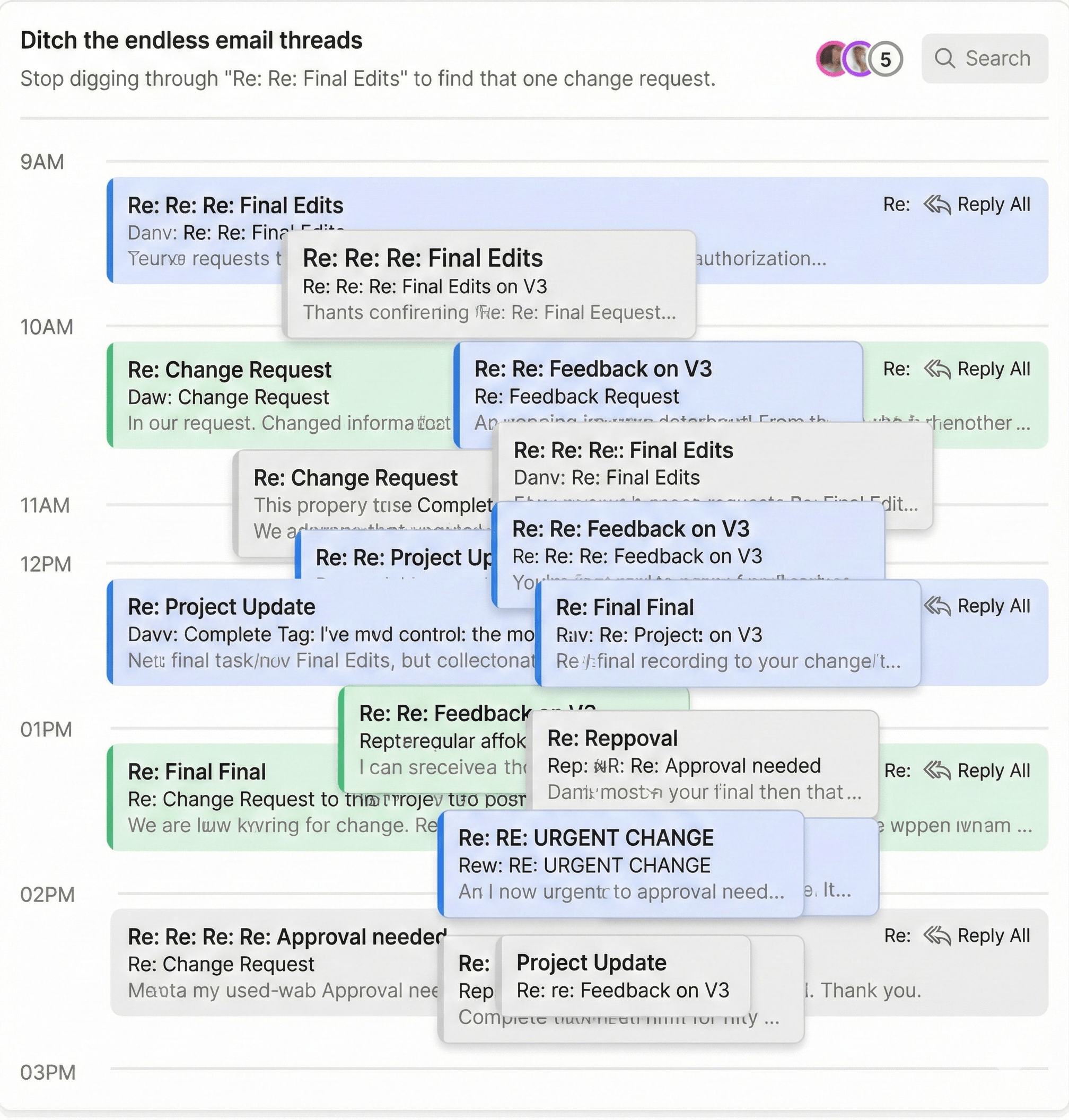
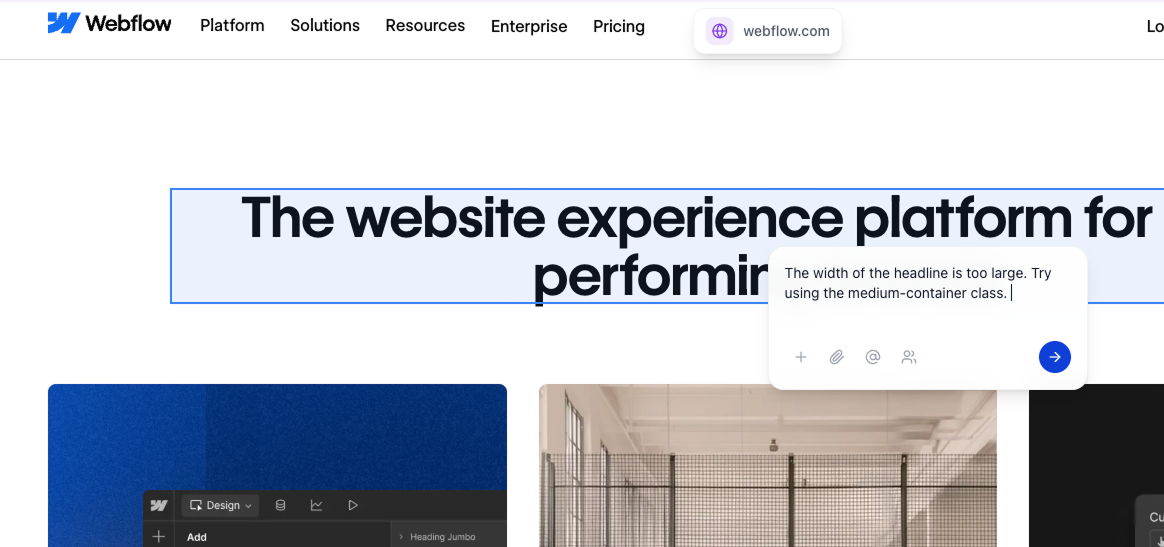
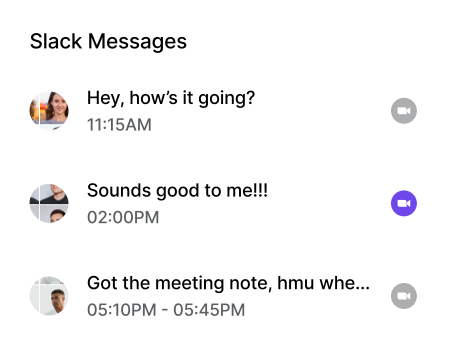
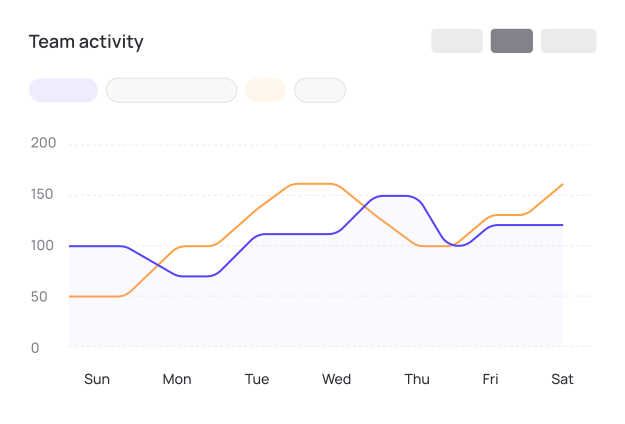


Pin comments on any website. No code, no extensions, no signups.
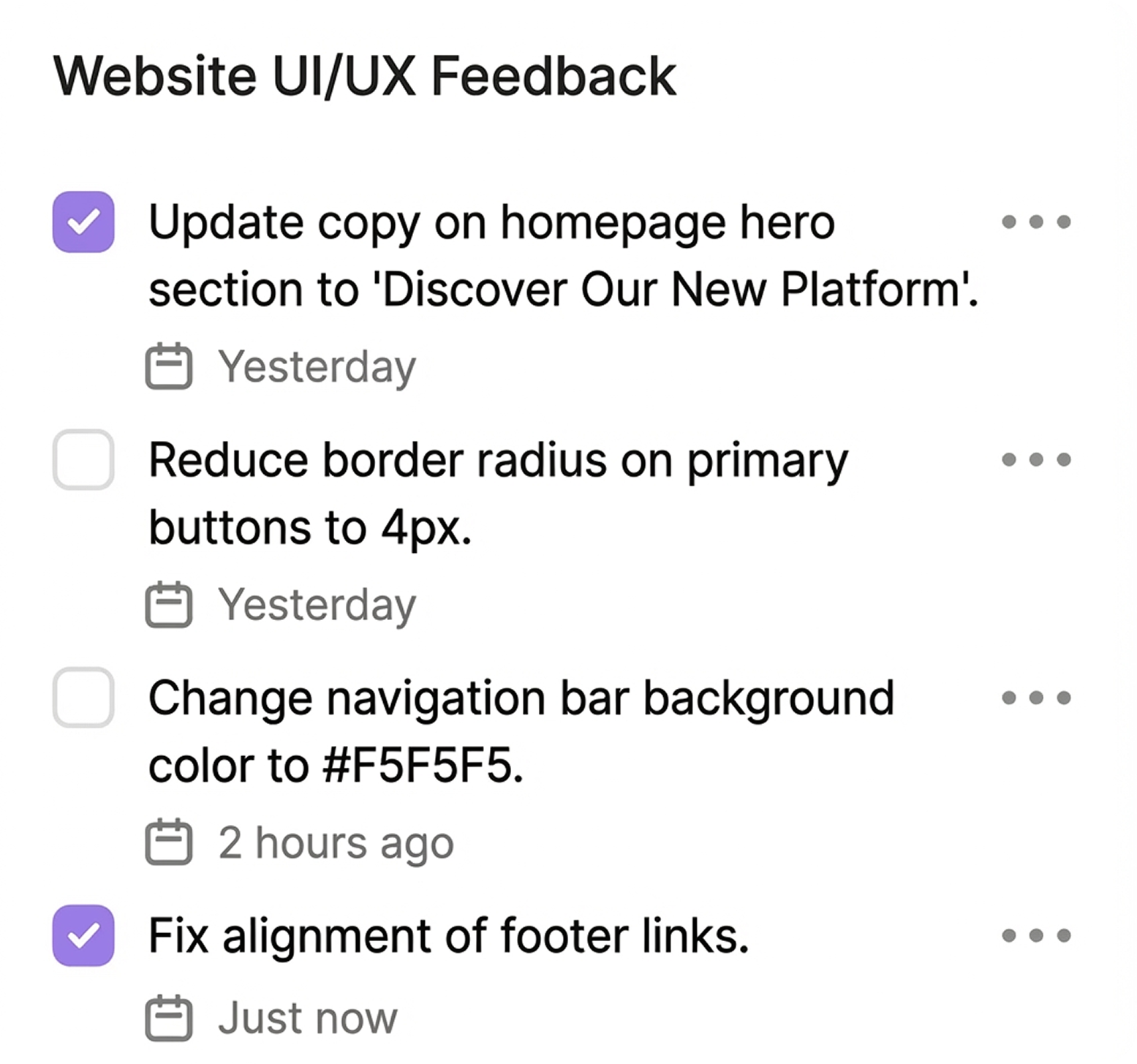
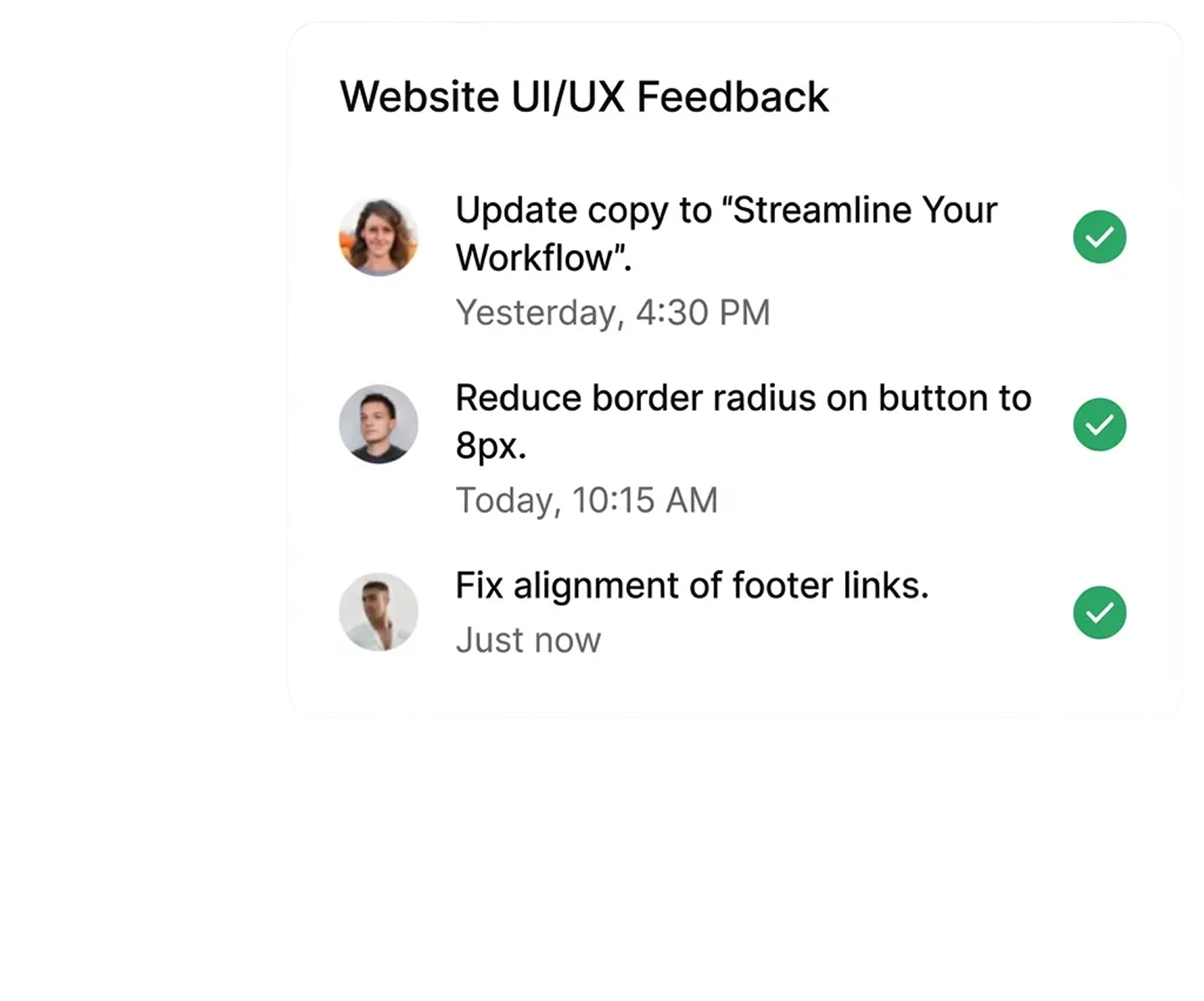
You send your client a single link. They click it, see the live website, and point at exactly what they mean. Their comment is pinned right there. No signup. No confusion. No translation required.

.svg)

.svg)
.svg)
"Commentblocks cut our feedback rounds in half. Clients actually understand how to give feedback now."
.svg)
Sahim M., Project Manager at Agency
.svg)
.svg)
.svg)

The freelancer's secret to professional client feedback
Every subscription feels like overhead when you're solo. But Commentblocks pays for itself the first time you skip three rounds of clarification emails and get straight to the actual work.

Instant setup
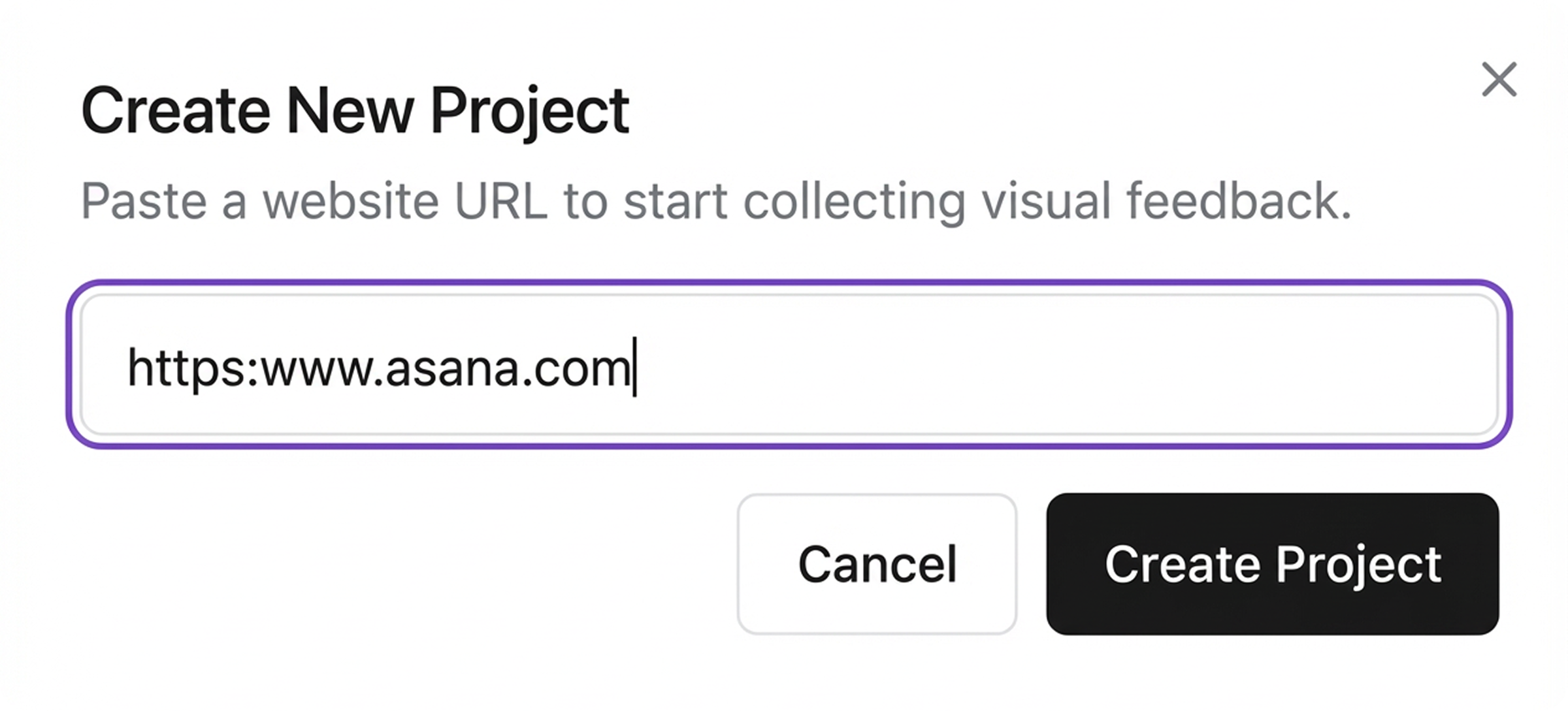
Paste a URL and you're ready. No code, no installation, no complexity.
.svg)
Visual comments
Your clients point at what they mean. No more "the thing on the left.

No signup needed
Clients click the link and start commenting. Zero friction.
Password protection
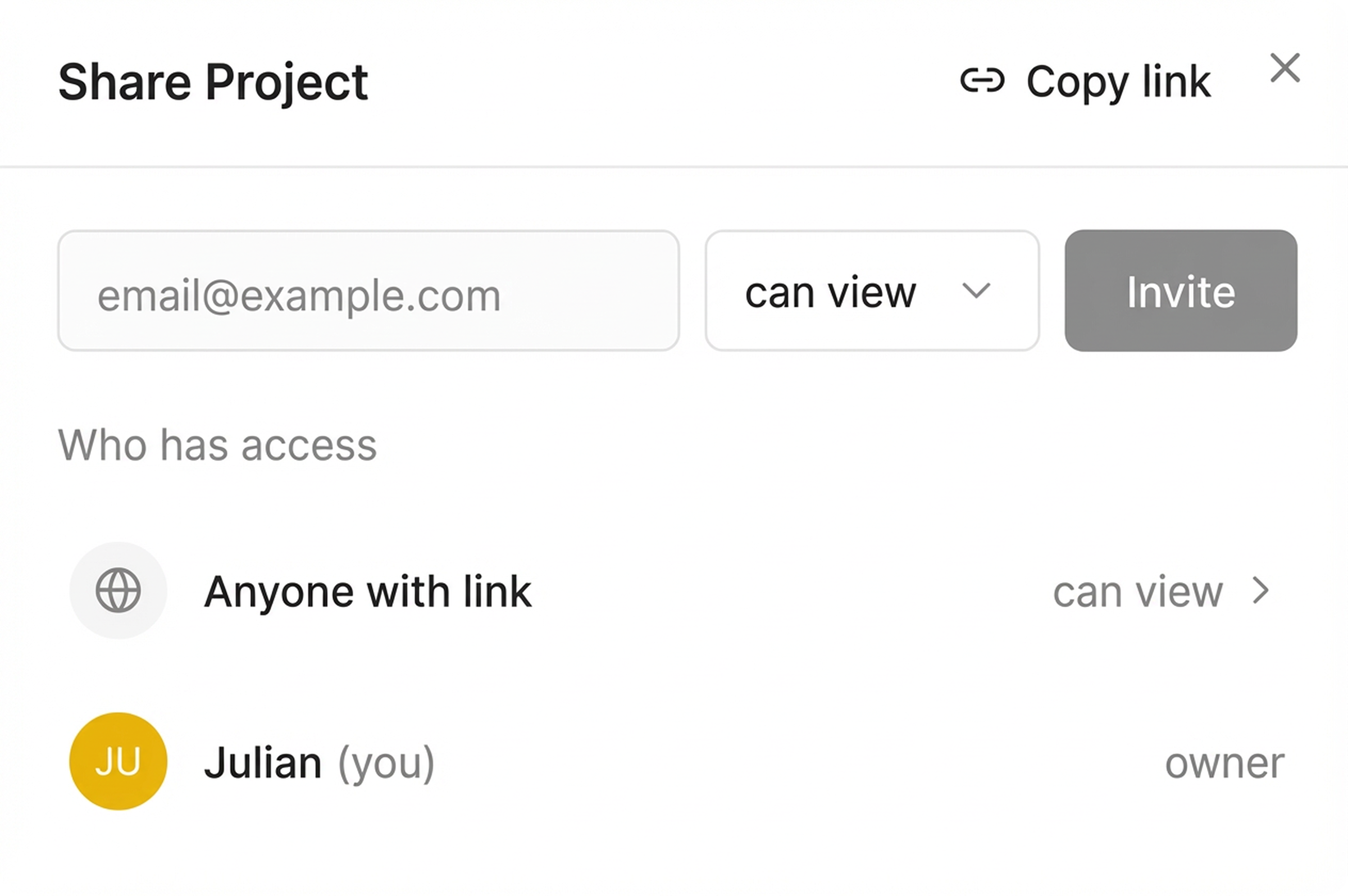
Keep feedback private. Set a password for sensitive client work.
“No more 'what did you mean by that?' emails. Game changer for client projects.”
Martin Westervelt, CEO



Simple pricing for productive teams
Stop paying per-user fees for clients. Start collecting visual feedback on unlimited projects for a flat monthly rate.
Freelancer
$14/month
Perfect for solo freelancers and independent designers managing one active website project.
What’s included
 1 active project
- 1 team member
- Up to 5 guests (Clients)
- 30-day comment history
- Add-on: Unlimited comment history (optional)
Agency
$39 /month
Built for digital agencies and web studios managing unlimited client feedback projects.
What’s included
 Unlimited projects
- 5 team members
- Up to 10 guests
- 90-day comment history
- Add-on: Unlimited comment history (optional)
Enterprise
$79.99 /month
Designed for large teams and enterprises requiring unlimited comment history & controls
What’s included
- Unlimited projects
- Unlimited team members
- Unlimited guests
- Unlimited comment history
- Enterprise Customer Support


Send the link to your client however you normally communicate. They click it and see the live site with a simple commenting layer. No signup barriers to slow things down.
"I honestly don't have to guess what 'move that bit up' means anymore. It's just there on the screen. Saves me a headache every morning."

Elena Rodriguez, UX Designer (Madrid, Spain)
"Clients won't use tools that require a login. I've tried. This works because it's just a link I send them on WhatsApp or Slack."

Liam O'Connor, Freelance Developer (Dublin, Ireland)
We used to finish projects late because of the feedback lag. Now we usually wrap up QA a few days early."

Yuki Tanaka, Agency Founder (Tokyo, Japan)
We used to finish projects late because of the feedback lag. Now we usually wrap up QA a few days early."
Yuki Tanaka, Agency Founder (Tokyo, Japan)
"I honestly don't have to guess what 'move that bit up' means anymore. It's just there on the screen. Saves me a headache every morning."
Elena Rodriguez, UX Designer (Madrid, Spain)
"Clients won't use tools that require a login. I've tried. This works because it's just a link I send them on WhatsApp or Slack."
Liam O'Connor, Freelance Developer (Dublin, Ireland)
We used to finish projects late because of the feedback lag. Now we usually wrap up QA a few days early."
Yuki Tanaka, Agency Founder (Tokyo, Japan)
We used to finish projects late because of the feedback lag. Now we usually wrap up QA a few days early."
Yuki Tanaka, Agency Founder (Tokyo, Japan)
"Clients seem to prefer this over our old PDF markups. It feels a lot more professional to comment on the actual live site."

Sophie Dubois, Creative Director (Paris, France)
"Good for async reviews. We don't need a meeting for every single design iteration anymore."

Lars Jensen, Product Manager (Copenhagen, Denmark)
"The auto-captured browser info saves me a back-and-forth email every single time. I know immediately if it's a Safari issue or just them."

Marcus Weber, Tech Lead (Berlin, Germany)
"The auto-captured browser info saves me a back-and-forth email every single time. I know immediately if it's a Safari issue or just them."
Marcus Weber, Tech Lead (Berlin, Germany)
"Clients seem to prefer this over our old PDF markups. It feels a lot more professional to comment on the actual live site."
Sophie Dubois, Creative Director (Paris, France)
"Good for async reviews. We don't need a meeting for every single design iteration anymore."
Lars Jensen, Product Manager (Copenhagen, Denmark)
"The auto-captured browser info saves me a back-and-forth email every single time. I know immediately if it's a Safari issue or just them."
Marcus Weber, Tech Lead (Berlin, Germany)
"The auto-captured browser info saves me a back-and-forth email every single time. I know immediately if it's a Safari issue or just them."
Marcus Weber, Tech Lead (Berlin, Germany)
Essential for keeping 15 projects organized. I'd be lost without the 'resolve' button to keep track of what's actually done."

Isabella Rossi, Operations Director (São Paulo, Brazil)
"It stops feedback from getting lost in Slack threads. My team knows exactly what's left to fix before launch."

Amara Okafor, Digital Project Manager (Lagos, Nigeria)
"Debugging mobile views used to be a pain. Pinning comments on the specific viewport helps us catch responsive issues way faster."

Ravi Patel, Frontend Developer (Mumbai, India)
"Debugging mobile views used to be a pain. Pinning comments on the specific viewport helps us catch responsive issues way faster."
Ravi Patel, Frontend Developer (Mumbai, India)
Essential for keeping 15 projects organized. I'd be lost without the 'resolve' button to keep track of what's actually done."
Isabella Rossi, Operations Director (São Paulo, Brazil)
"It stops feedback from getting lost in Slack threads. My team knows exactly what's left to fix before launch."
Amara Okafor, Digital Project Manager (Lagos, Nigeria)
"Debugging mobile views used to be a pain. Pinning comments on the specific viewport helps us catch responsive issues way faster."
Ravi Patel, Frontend Developer (Mumbai, India)
"Debugging mobile views used to be a pain. Pinning comments on the specific viewport helps us catch responsive issues way faster."
Ravi Patel, Frontend Developer (Mumbai, India)

Hello 👋 I’m Jake from support.
Let me know if you have any questions.

Frequently Asked Questions
.svg)

Try It Yourself
