


Best Feedback Tool for
Webflow Websites

Collect visual client feedback on your Webflow sites. No custom code. No client accounts. Just a link they click and comments they pin.
No credit card required · Cancel anytime

Zero code installation
No script tags in your Webflow project. No embed blocks. Your project stays exactly as you designed it—we never touch it.
Secure Webflow Client Share Link
Generate one link to let clients pin feedback instantly. No accounts or extensions required; just click, point, and comment.
Context captured automatically
Every comment includes browser, device, and viewport. "Something feels off" becomes a reproducible issue.

Visual feedback on any Webflow URL
Commentblocks overlays a feedback layer on your live Webflow site. Clients click a link, see the actual site, and pin comments directly on elements. You get organized feedback with browser and device data attached automatically.
No Code Injection. No custom CSS. No scripts to remove before launch. Just a shareable link that works on any Squarespace URL, custom domains, or password-protected sites.

.svg)
Features that make Commentblocks the best client feedback tool
Everything agencies need to collect visual website feedback, streamlined into one simple link. No client signup, no code installation, just clear actionable comments.

Instant setup
Paste a URL and you're ready. No code, no installation, no complexity.
.svg)
Visual comments
Your clients point at what they mean. No more "the thing on the left.


No signup needed
Clients click the link and start commenting. Zero friction.

Password protection
Keep feedback private. Set a password for sensitive client work.

Commentblocks vs. the status quo
Everything agencies need to collect visual website feedback, streamlined into one simple link. No client signup, no code installation, just clear actionable comments.
“No more 'what did you mean by that?' emails. Game changer for client projects.”
Martin Westervelt, CEO


Simple pricing for productive teams
Stop paying per-user fees for clients. Start collecting visual feedback on unlimited projects for a flat monthly rate.
Freelancer
$14/month
Perfect for solo freelancers and independent designers managing one active website project.
What’s included
 1 active project
- 1 team member
- Up to 5 guests (Clients)
- 30-day comment history
- Add-on: Unlimited comment history (optional)
Agency
$39 /month
Built for digital agencies and web studios managing unlimited client feedback projects.
What’s included
 Unlimited projects
- 5 team members
- Up to 10 guests
- 90-day comment history
- Add-on: Unlimited comment history (optional)
Enterprise
$79.99 /month
Designed for large teams and enterprises requiring unlimited comment history & controls
What’s included
- Unlimited projects
- Unlimited team members
- Unlimited guests
- Unlimited comment history
- Enterprise Customer Support

Pin. Comment. Resolve.
.svg)
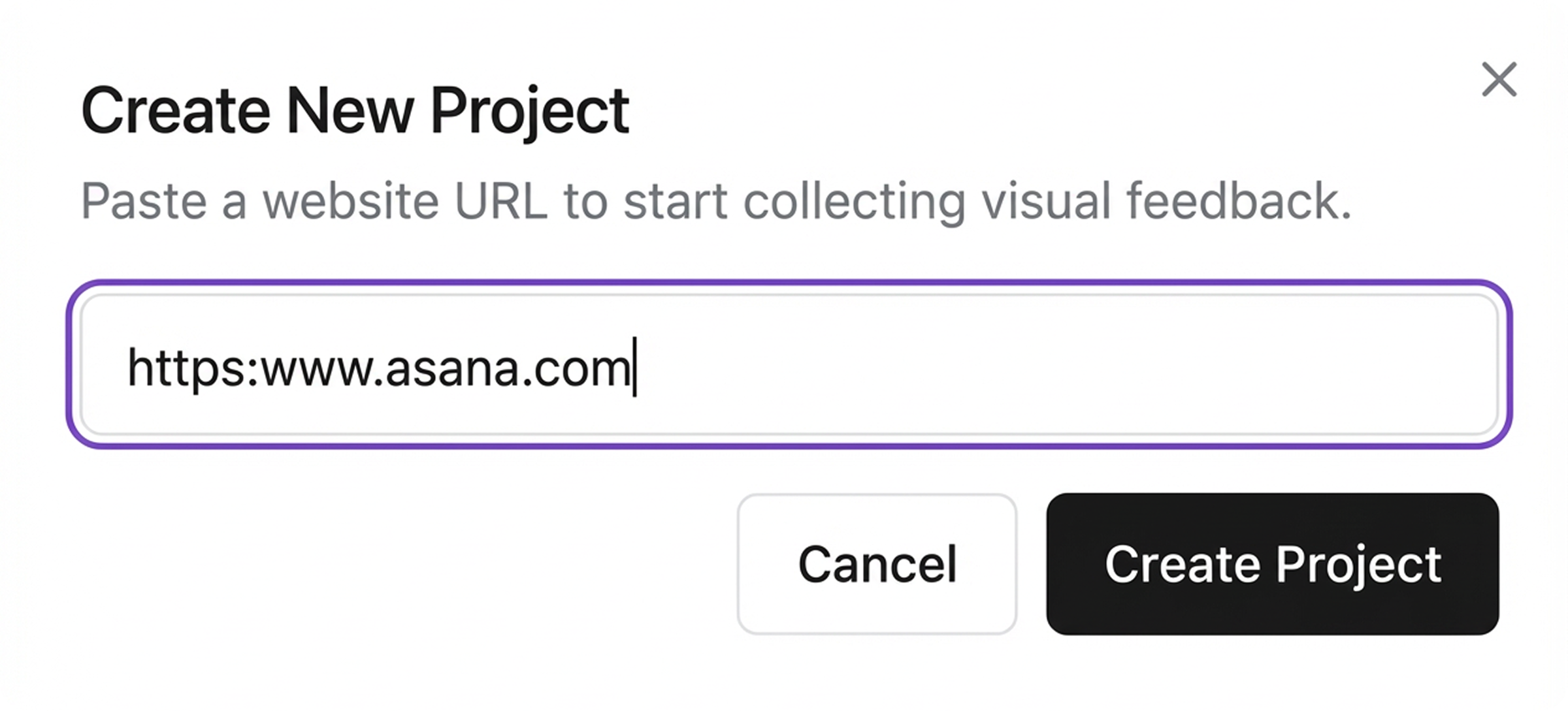
Step 1: Add any Webflow URL
.svg)
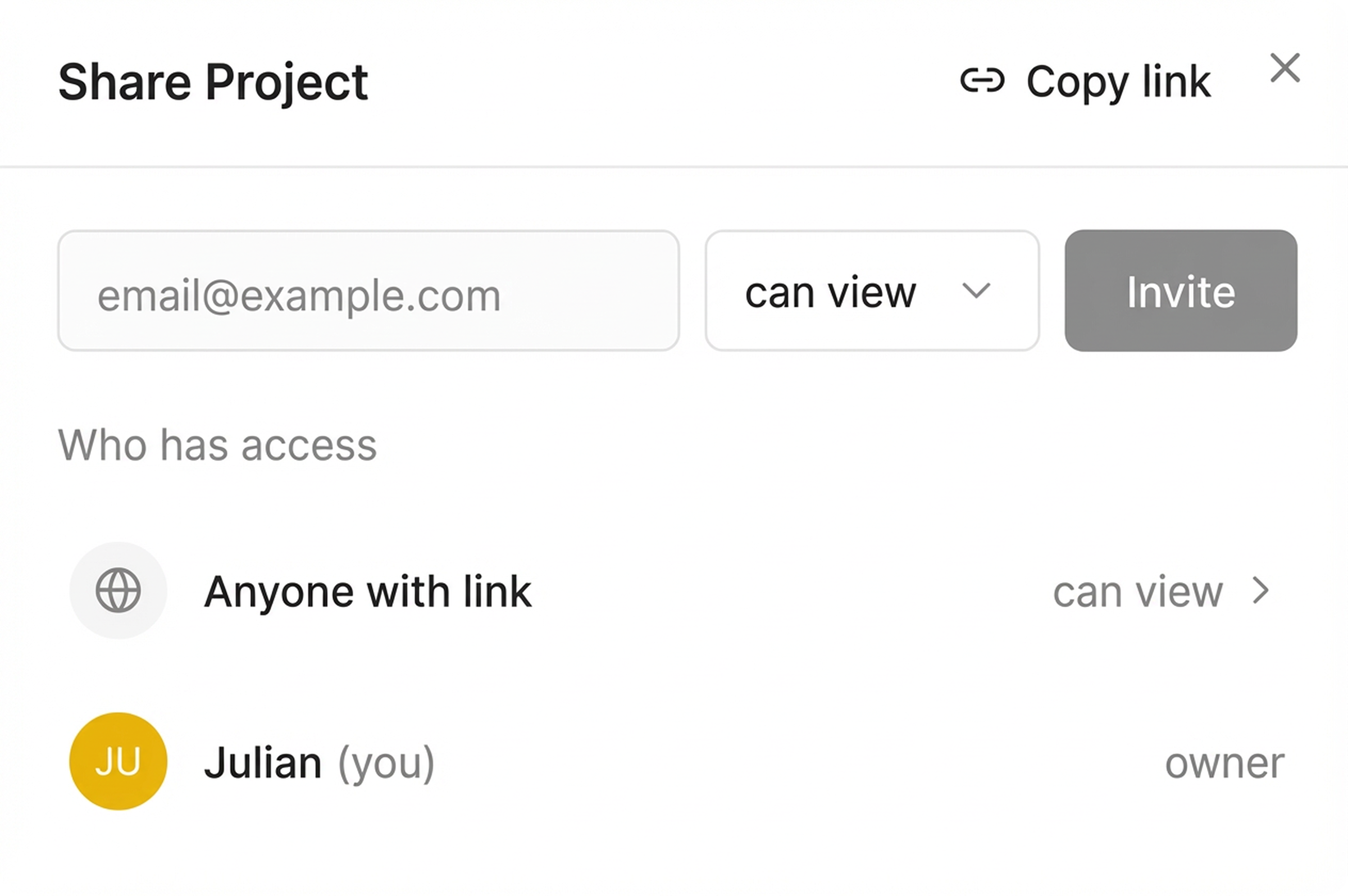
Step 2: Share with your client
.svg)
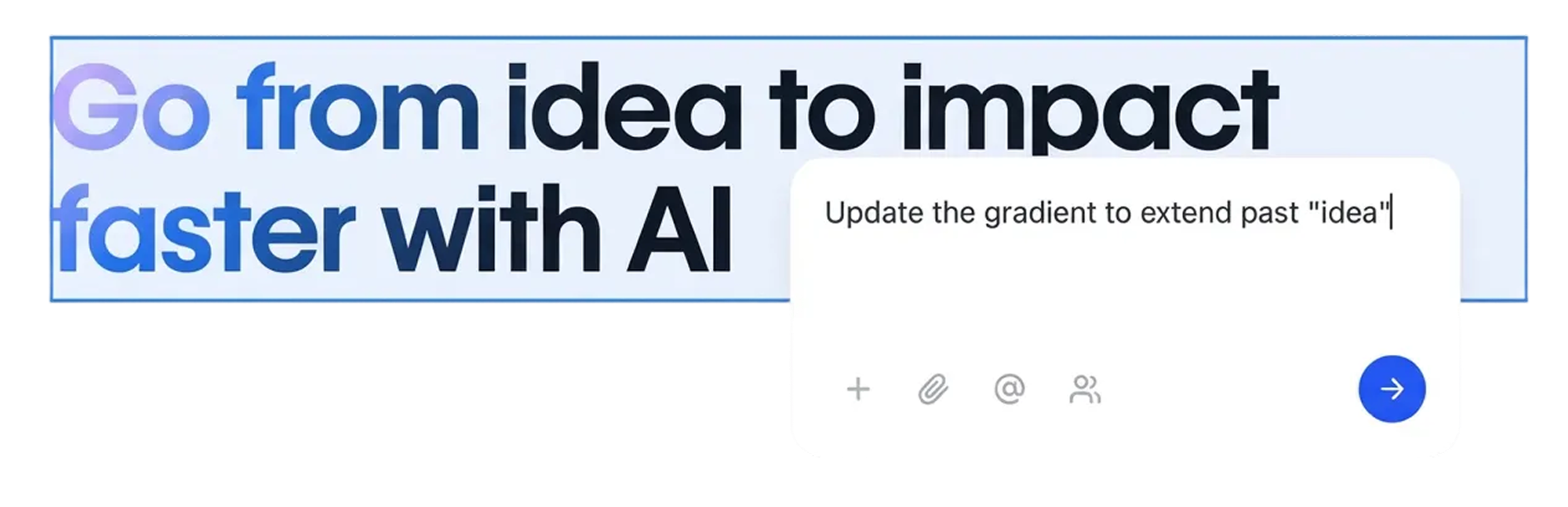
Step 3: Collect visual feedback
Blog: Tips & Insights
Tips, strategies, and updates on client management, web development, and product news from the Commentblocks team.




Frequently Asked Questions
.svg)

Feedback that matches how you build
